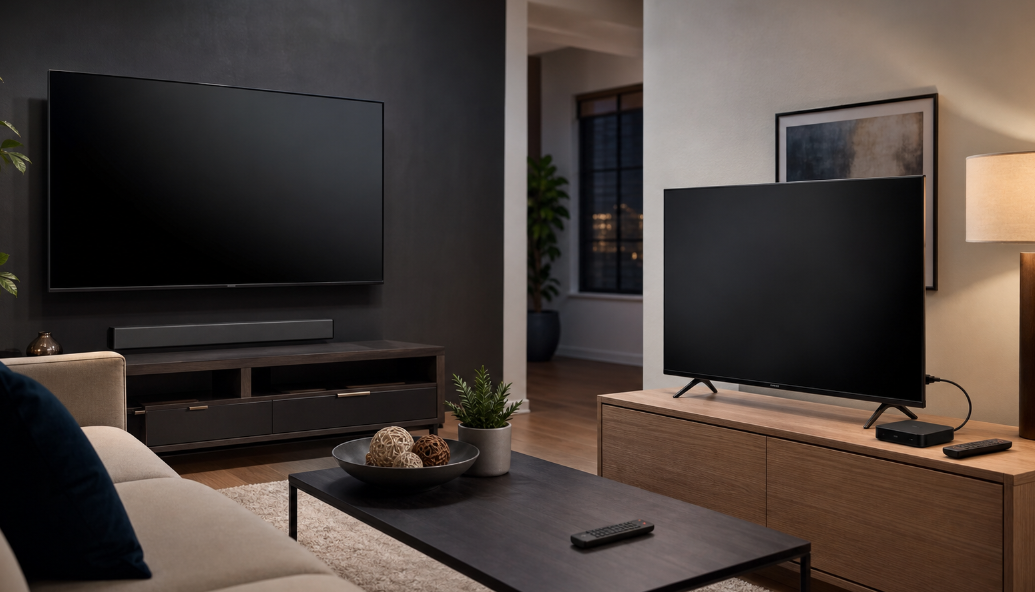
For most U.S. households, this is not really a choice between two ways to receive television. It is a choice between using the software already built into your screen and adding a separate streaming device that you can replace later. That distinction matters when you use authorized IPTV or streaming services: the screen, operating system, player app, internet connection, and content rights all affect the experience.
In the Smart TV vs Android TV Box decision, a recent Smart TV with the apps you need may be the simpler option. An Android TV Box can make more sense when you want a more flexible app environment, a stronger remote experience, extra ports, or an inexpensive way to extend the life of a good display. The better fit depends on the television you already own, the apps that are available on that specific platform, and how much setup you are willing to manage.
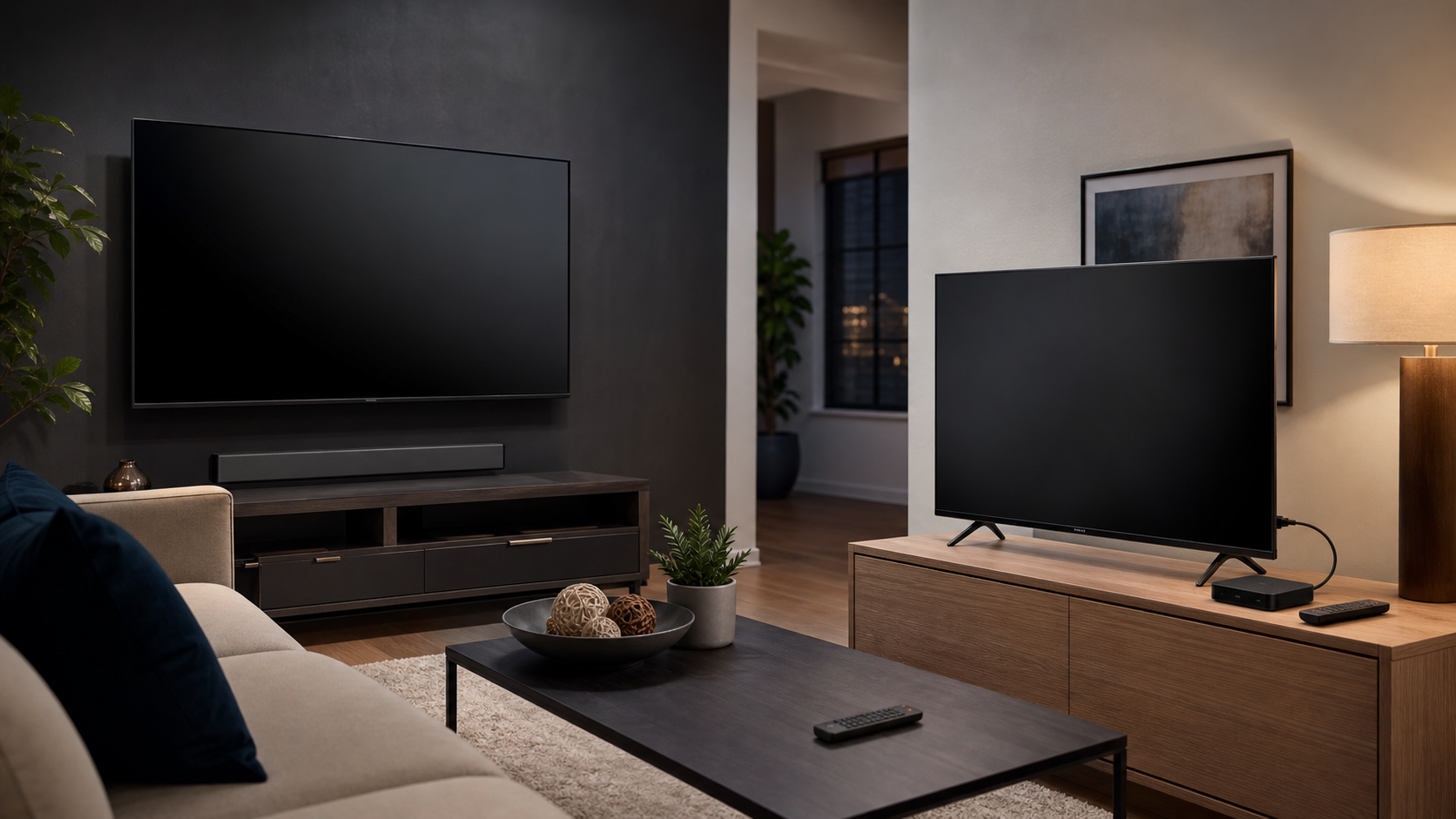
Quick answer: which device is better for IPTV?
Choose the Smart TV if it is fairly new, its app store carries the authorized player or streaming apps you intend to use, and you value having one less box, cable, remote, and power outlet. It is the cleanest arrangement for a main room where simplicity matters more than customization.
Choose an Android TV Box if your current television still has a good panel but its built-in system is slow, its app selection is limited, or you want to change the streaming hardware without replacing the display. A certified Google TV or Android TV device also gives you a familiar way to install and manage available apps through Google Play. Google notes that app availability and some features can vary by country, language, device, and provider.
Neither option supplies channels by itself. A TV or box is hardware, while an IPTV player is the app that reads authorized account details or a playlist you are permitted to use. The content service is separate. In the U.S., use sources with the rights to provide the material and follow the provider’s terms; the U.S. Copyright Office explains that unauthorized use of copyrighted works can create infringement risk.
Smart TV vs Android TV Box: the practical comparison
| Decision factor | Smart TV with built-in apps | External Android TV Box |
|---|---|---|
| Initial setup | Usually the fewest steps: connect the TV, sign in, and install any available apps. | Requires an HDMI input, power, network setup, and switching the TV to the correct input. |
| Everyday simplicity | One device and often one remote. It is a strong choice for guests or less technical users. | One additional device and remote, although HDMI-CEC may allow the TV remote to handle basic controls. |
| App ecosystem | Depends on the TV maker and its app store. The app you need may be absent or discontinued on an older model. | Depends on the box’s certification, Android/Google TV version, region, and Play Store availability. Do not assume every Android app is TV-ready. |
| Performance and storage | Fixed when you buy the TV. Older built-in systems can feel slower as apps change. | Varies widely by model; a better box can be a targeted upgrade without changing the screen. |
| Ports and accessories | Ports belong to the television; expansion is limited by its hardware. | Many boxes add their own Bluetooth, USB, Ethernet, or storage options, but exact ports differ by model. |
| Long-term replacement | Replacing a sluggish platform can mean adding a streamer anyway or replacing the TV. | Replace the box while keeping the display, sound system, and wall mount. |
| Best match | A current TV with the right official apps and a household that wants minimal clutter. | A good existing TV, a user comfortable managing device settings, or a household that wants a distinct streaming upgrade path. |
What “Smart TV” and “Android TV Box” actually mean
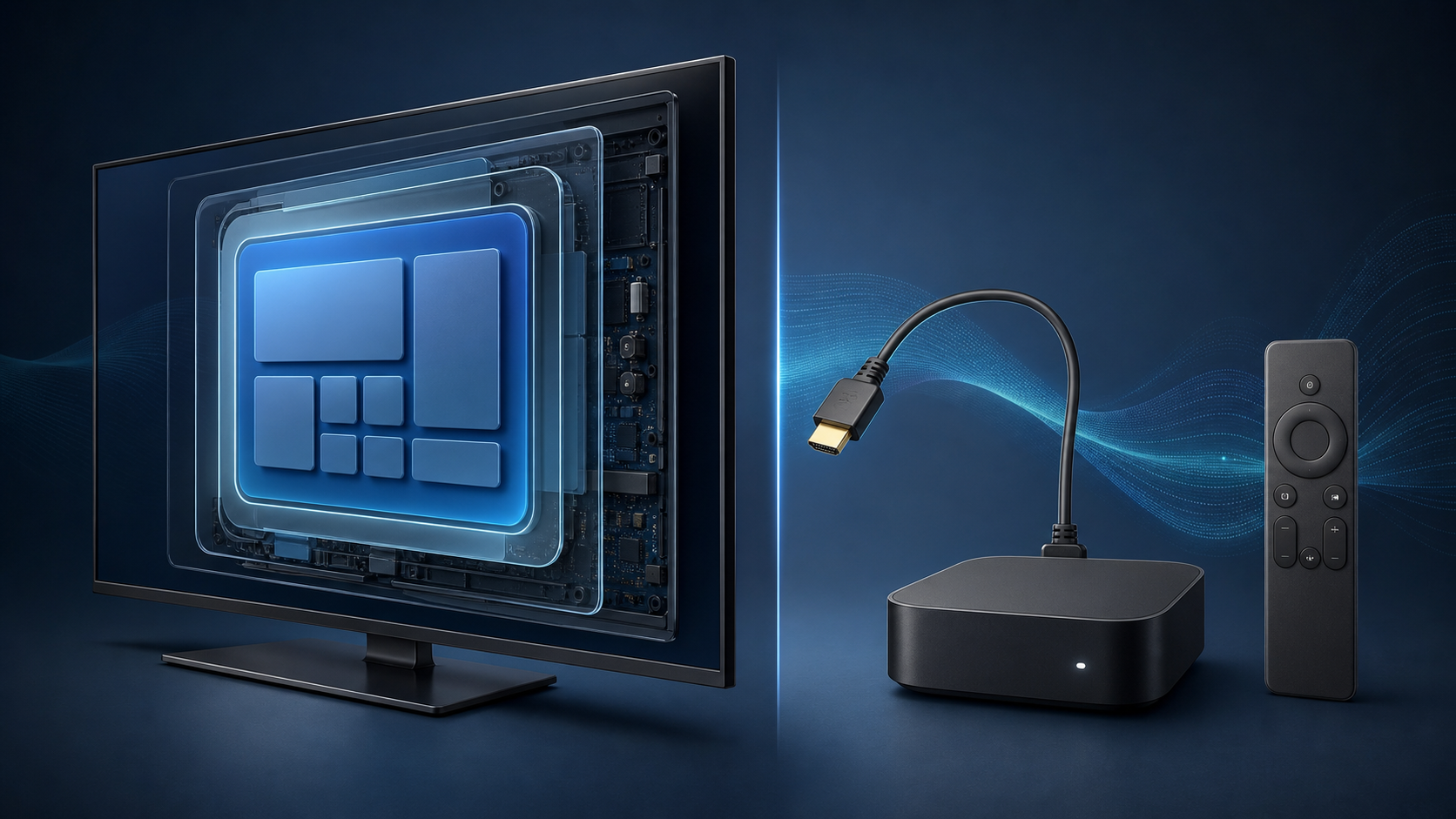
A Smart TV is a television with an internet-connected operating system already inside it. That system may be Google TV, Android TV, Roku TV, Fire TV, webOS, Tizen, or another manufacturer platform. The label “Smart TV” does not tell you which apps it supports, how long it will receive updates, or whether a particular IPTV player is available.
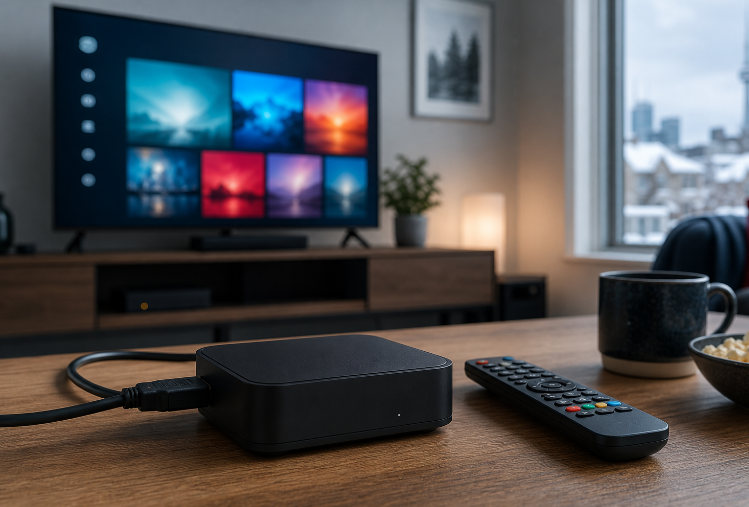
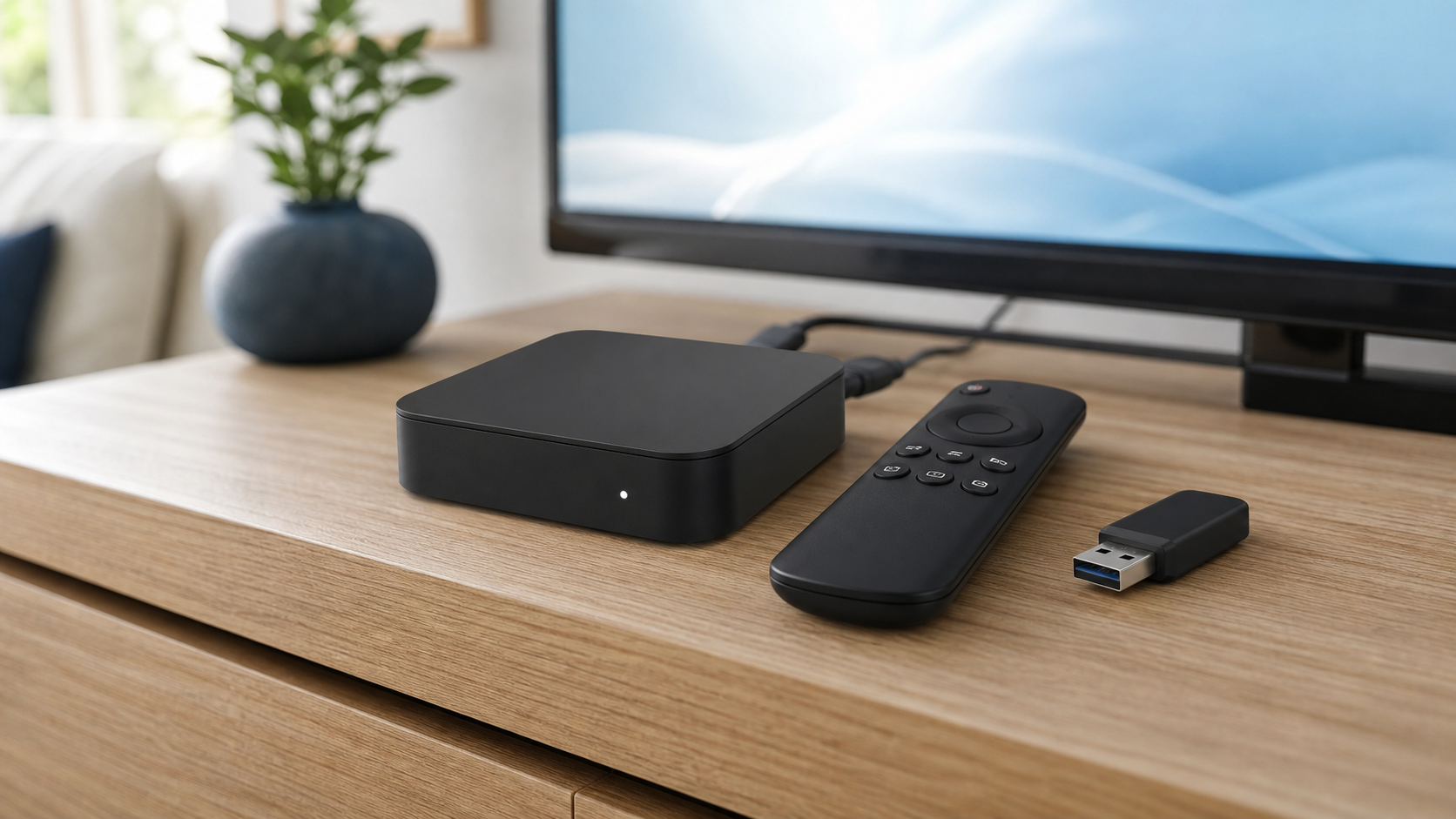
An Android TV Box is a separate media device that connects to a TV—normally through HDMI—and runs a TV-focused Android interface. Current products may use Android TV or Google TV. Those names are related but not identical: Google describes Google TV as an interface for discovery and apps, while Android TV is the underlying TV platform on many devices. In either case, prefer a device that is supported by its manufacturer and uses its official app store. Generic boxes can vary considerably in update quality, security support, remote design, video certification, and app compatibility.
This is why a newer external box can improve the software side of an older television without improving the panel itself. It will not turn a 1080p screen into a 4K screen, fix a weak Wi-Fi signal, or make an unauthorized content source legitimate.
When a Smart TV is the better choice
Use the TV you have when the following are true:
The television is responsive and still receives relevant software support.
The app store offers the authorized services and player apps you actually plan to use.
You want the fewest components, especially in a bedroom, rental, or shared family space.
Your remote already handles the inputs, volume, and app navigation comfortably.
You do not need extra device-level storage, ports, or accessories.
Smart TV software is most appealing when it gets out of the way. There is no HDMI input to select and no separate box to hide. The trade-off is that your streaming platform is tied to the television’s update cycle. A perfectly usable panel can outlast its built-in app environment.
When an Android TV Box is the better choice
An external box is worth considering when your screen is fine but its software is the weak link. For example, you may have an older 4K television that still looks good, but its app catalog is narrow, the home screen is sluggish, or its player app is no longer maintained. A current, certified Android/Google TV device can be the lower-cost way to refresh that part of the setup.
It is also useful when you want a dedicated streaming interface across multiple displays. Moving the same style of device from room to room can make navigation, account management, and troubleshooting more consistent. Google’s official help pages describe how available Google TV apps are installed from the device interface; availability remains dependent on the device and region.
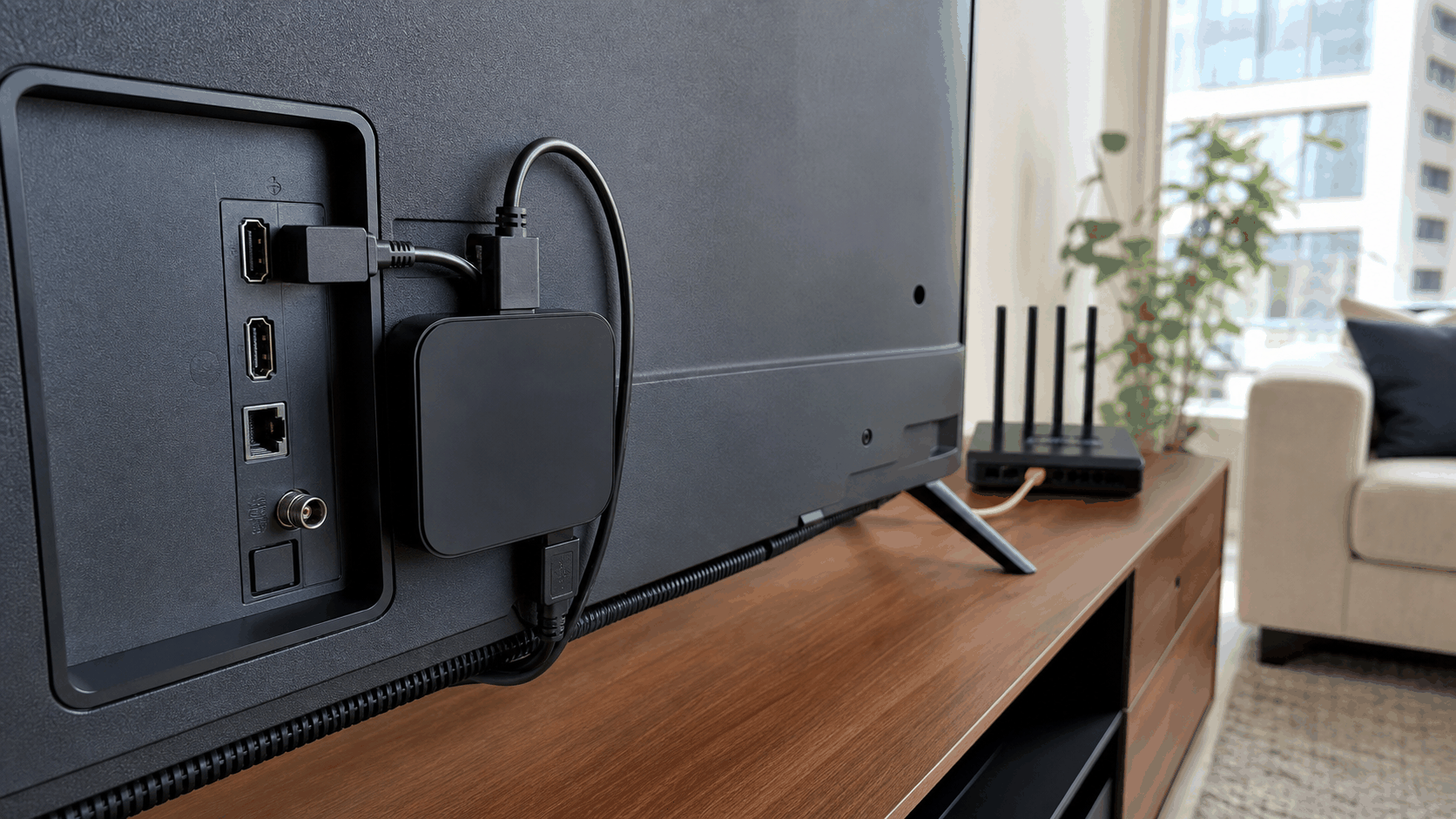
There are trade-offs. You need an open HDMI port and a nearby power outlet. The television must be set to the box’s input. Low-cost, uncertified boxes can make app support and updates less predictable, so check the exact model’s official specifications and supported app store before buying.
For IPTV, separate the player, the provider, and the device
This distinction prevents many avoidable setup mistakes. The player is the app on the TV or Android TV Box. The provider is the service that issues access details for content it is authorized to distribute. The device is only the screen or media hardware. A player does not come with channels by itself, and adding a different player does not change the rights associated with a source.
Before adding any service, confirm that its content rights, territorial availability, subscription terms, refund rules, and supported-device instructions fit your situation. For a U.S. viewer, “available online” is not the same as “authorized for me to watch.” Keep credentials private and install apps from the official store or the developer’s official source.
If you are evaluating stariptv.shop, start by checking the published setup guide, device and trial FAQ, plan details, and refund policy. Those pages are more useful than a generic compatibility promise because they let you confirm the current terms and the available setup path for your exact device.
Performance: what really affects live-stream playback
Buffering is not automatically a Smart TV problem or an Android TV Box problem. It can come from Wi-Fi coverage, network congestion, router placement, the device’s Wi-Fi hardware, the service’s stream, or too many simultaneous demands at home. A wired Ethernet connection can be worth considering when the box and router are close enough, but it is not a cure for every playback issue.
Test the setup at the time your household normally watches. Try a live stream and on-demand title from an authorized service, use the electronic program guide if supplied, switch channels a few times, and check whether the remote feels responsive. If performance is poor, restart the device and router, update the official app, verify the active stream limit in your plan, and test the same source on another permitted device before blaming the television.
For further troubleshooting context, stariptv.shop publishes articles on internet speed for HD and 4K streaming and common buffering checks. Treat any speed figure as a starting point, not a guarantee: local network conditions, stream quality, and concurrent use still matter.
A five-minute pre-purchase checklist
Write down your TV model, its operating system, and its available HDMI ports.
Search the TV’s official app store for the player or streaming apps you need; do not rely on a product listing alone.
If considering a box, choose a reputable, supported Android TV or Google TV model and confirm its official app-store access.
Check your Wi-Fi signal at the TV location and decide whether Ethernet is practical.
Confirm whether you need Bluetooth audio, a wired network port, USB storage, parental controls, or accessibility features.
Read the service’s current terms, support route, simultaneous-stream policy, and refund conditions before subscribing.
Use only services and streams you are authorized to access in your location.
Our recommendation for U.S. viewers
Keep using a current Smart TV when it already offers the official apps you need and the interface is fast enough for your household. It is the simplest, least cluttered answer.
Add a certified Android TV Box when you want to keep a good display but need a fresher streaming platform, clearer app management, or hardware features the television lacks. It is usually the more flexible choice, but only when you choose a supported device and are comfortable managing an extra HDMI connection and input.
For authorized IPTV, the device decision should come after the source decision. Confirm the provider, rights, compatibility, plan terms, and support documentation first. Google’s official Google TV app-installation guidance and Android TV Help are useful checks for the platform side; the U.S. Copyright Office’s FAQ is a useful reminder to use authorized material.
Frequently asked questions
In Smart TV vs Android TV Box, which is better for IPTV?
A Smart TV is better when its official app store already supports the authorized apps you need and you want the simplest setup. An Android TV Box is better when you want to refresh an older TV’s streaming software, add ports, or keep the display while replacing the platform. Neither device includes content by itself.
Can I use an Android TV Box with any television?
Most modern TVs with a working HDMI input can display an Android TV Box. You also need power for the box and a suitable internet connection. Check the box’s output settings and the TV’s supported resolution before buying, especially for an older display.
Does an Android TV Box make streaming faster?
It can make menus and supported apps feel more responsive if the TV’s built-in system is old or underpowered, but it cannot fix every source of buffering. Wi-Fi strength, router congestion, the service’s stream, and the device model still matter.
Do I need a special app for IPTV on a Smart TV?
Often, yes. The exact app depends on the TV platform and the authorized service you use. Search the television’s official app store and follow the provider’s current setup instructions. A player app is separate from the content service and does not provide channels on its own.
Should I buy a certified Android TV or Google TV device?
For most buyers, a supported, certified device is the safer starting point because it is designed for a TV interface and official app distribution. Confirm the manufacturer’s update policy, the device’s supported app store, ports, remote, and the apps available in your region.
Will a 4K Android TV Box make my older TV 4K?
No. The television’s panel and HDMI capabilities set the display limit. A 4K-capable box can still be useful for its software and hardware features, but content will display at a resolution supported by the TV and the source.
Can a Smart TV run IPTV without a box?
Yes, if the TV’s platform offers a compatible authorized player or service app. Compatibility is model-specific, so check the app store on your exact TV and the provider’s setup documentation before subscribing or changing hardware.
Is IPTV legal in the United States?
The technology is not the deciding factor. Legality depends on whether the service has the rights to provide the particular content, the viewer’s location, and the applicable terms. Use authorized services or streams you have permission to access, and do not treat an app or device as proof that a source is licensed.
Is Ethernet better than Wi-Fi for IPTV?
A wired Ethernet connection can be more consistent where it is practical, particularly in a busy home network. It does not guarantee a perfect stream, because the service, device, and wider internet path also affect playback. Test your own setup at normal viewing times.
Can I use the same IPTV account on a Smart TV and an Android TV Box?
That depends on the provider’s device and simultaneous-stream rules. Installing an app on more than one device does not necessarily allow more than one active stream. Review the current plan terms and ask the provider before assuming multiple concurrent connections are included.
What should I check before using stariptv.shop on a device?
Review the site’s current setup guide, FAQ, plan page, refund policy, and support information. Then confirm the app path on your own Smart TV or certified Android TV device, the number of active streams permitted, and whether the service is authorized for the content and region relevant to you.
When should I replace the TV instead of buying a box?
Replace the TV when the display itself is the problem: insufficient size, failing panel, missing HDMI ports, poor picture quality, or an unavailable feature you value. Buy a box when the display is satisfactory and the main limitation is the built-in streaming platform.