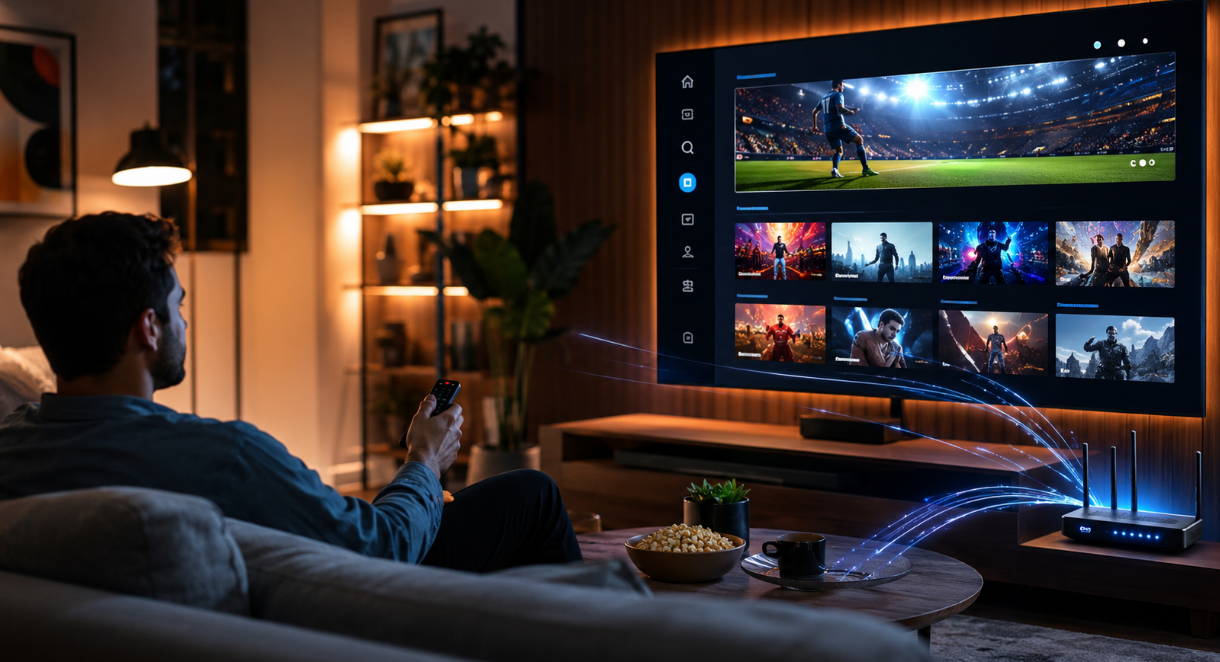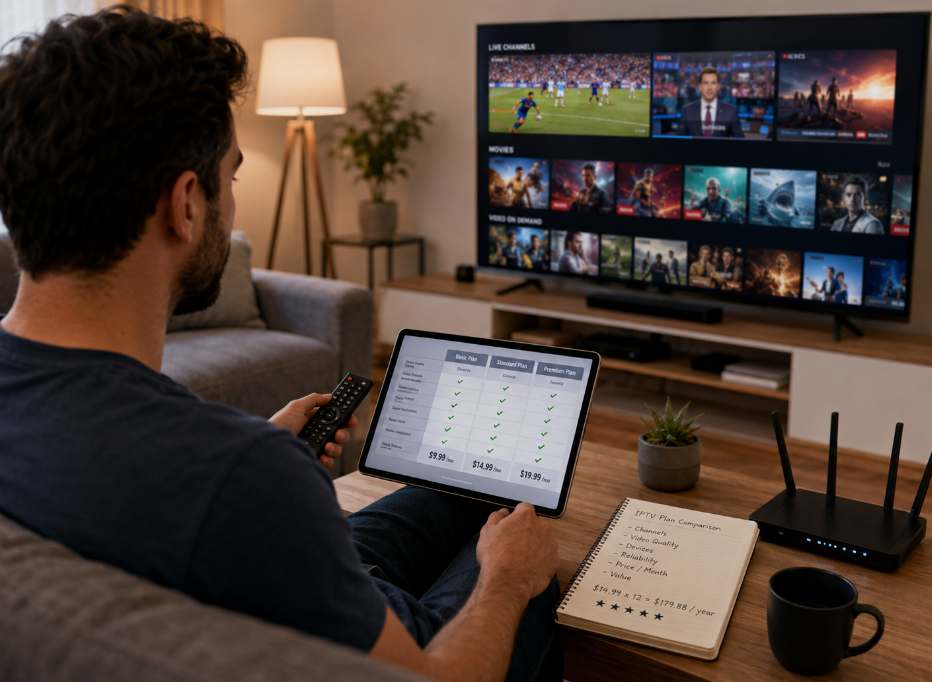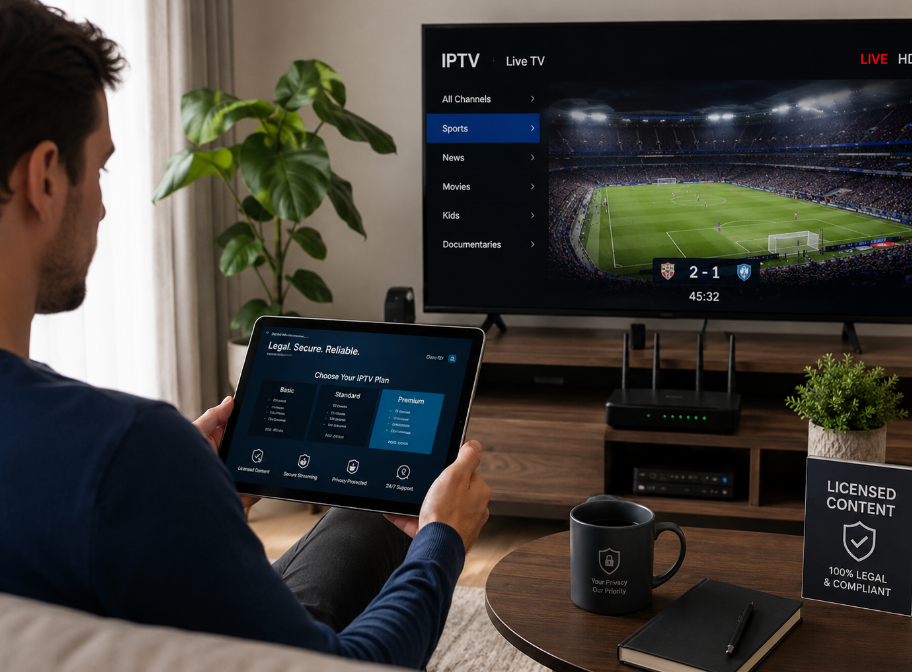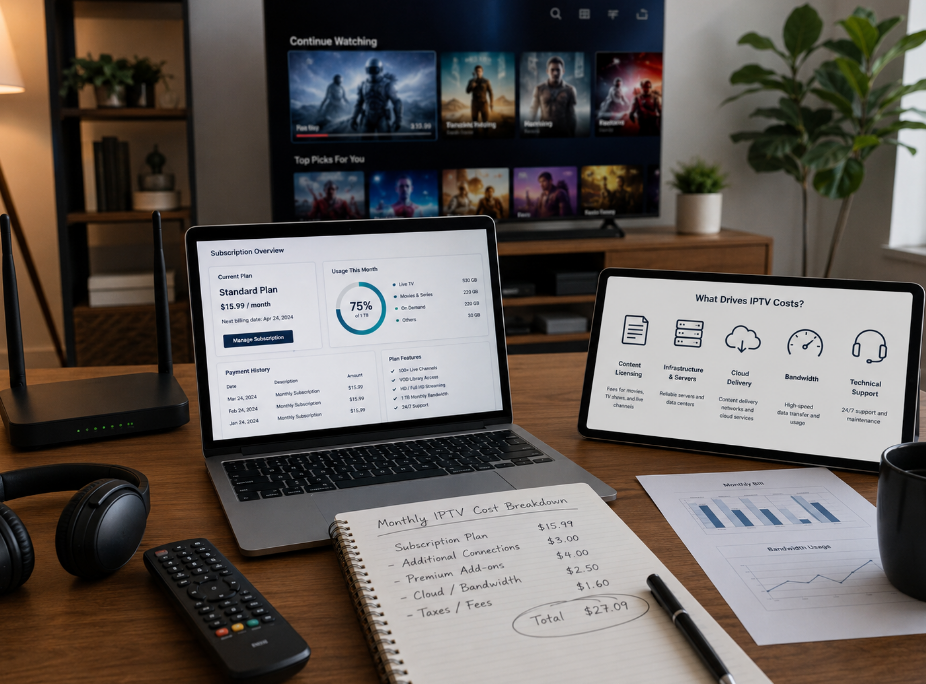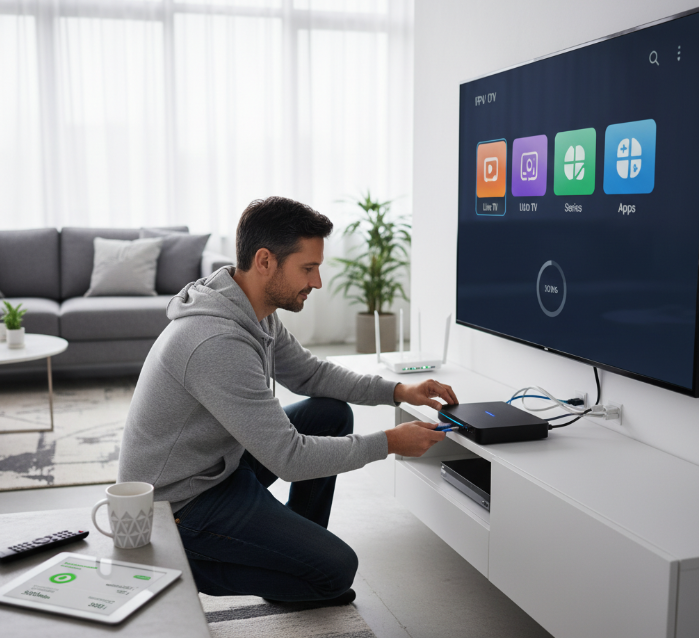
Cutting the cord used to mean giving up live TV—but not anymore. These days, figuring out how to watch live TV on IPTV is like swapping out a clunky old landline for a sleek smartphone. No more tangled wires, bulky boxes, or sky-high cable bills. Just fast, flexible streaming straight from the internet to your screen.
You’ve probably heard folks talk about IPTV, but thought, “Isn’t that techy stuff?” Truth is, it’s easier than ever. As tech analyst Jordan Minor puts it, “IPTV is just TV that fits how we live now—on-demand, mobile, and customizable.”
In this guide, you’ll learn the easiest way to get IPTV up and running, which apps and gear actually work, and how to dodge the sketchy stuff. Let’s cut through the noise and get you watching live channels without the hassle.
How do I set up IPTV on my device?
1. Setup guide for Android smart TVs
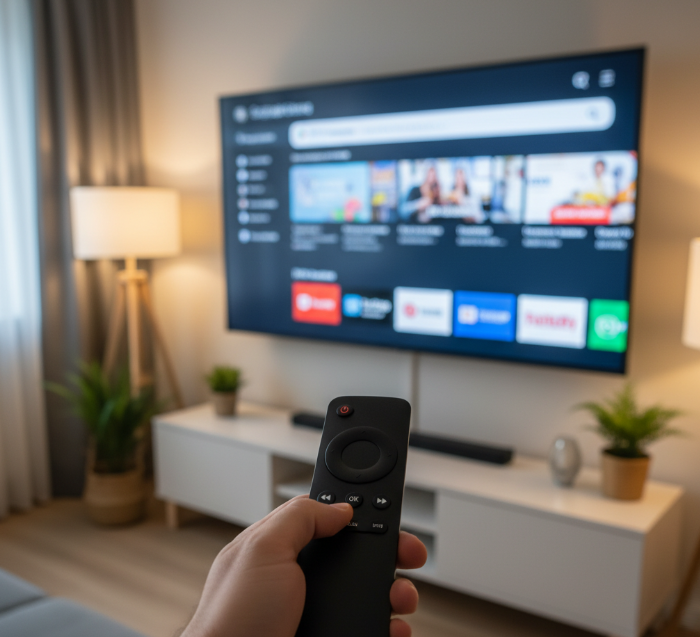
Installing IPTV on Android smart TVs is quick if you follow the right steps. Here's your simplified guide:
Step 1: Go to Google Play Store on your smart TV.
Step 2: Search and install a trusted IPTV player (e.g., IPTV Smarters, TiviMate).
Step 3: Launch the app and enter your IPTV subscription details (often a login or M3U link).
Step 4: Configure the settings (like EPG, stream format) for optimal playback.
Pro Tip: Make sure your Android TV is updated to avoid compatibility issues with newer IPTV apps.
2. How to use M3U playlist files
M3U files are the backbone of IPTV streams. Think of them as your "TV guide" — just in file form.
Open your IPTV player and look for the “Add Playlist” option.
Choose to upload the M3U file manually or paste the M3U URL from your provider.
Name the playlist for easy access.
Save, refresh, and boom — your channels should load up.
If nothing shows up, double-check your URL — one wrong character and it's a no-show!
3. Connecting IPTV to a Wi-Fi network
To watch IPTV without interruptions, your Wi-Fi setup must be tight.
Make sure your router is close to your smart TV or IPTV device.
Use 5GHz Wi-Fi for faster, more stable streaming.
Avoid shared bandwidth during peak hours.
A solid IPTV experience starts with a good internet connection. If you can, use an Ethernet cable — it’s old school, but super reliable.
4. Troubleshooting IPTV loading issues
Buffering? Black screen? We've all been there. Here’s how to handle IPTV loading issues like a champ:
🔧 Check your internet speed. You need at least 10 Mbps for HD streams.
📡 Restart your IPTV app and router. Simple, but effective.
💾 Clear app cache from your device settings.
🔌 Switch servers (if your provider offers multiple).
“Buffering is often less about the IPTV service and more about the user’s network conditions.” — Luis C., IPTV Systems Engineer
If all else fails, contact your provider. Sometimes it’s not you — it’s the stream.
What is IPTV and How Does It Work?
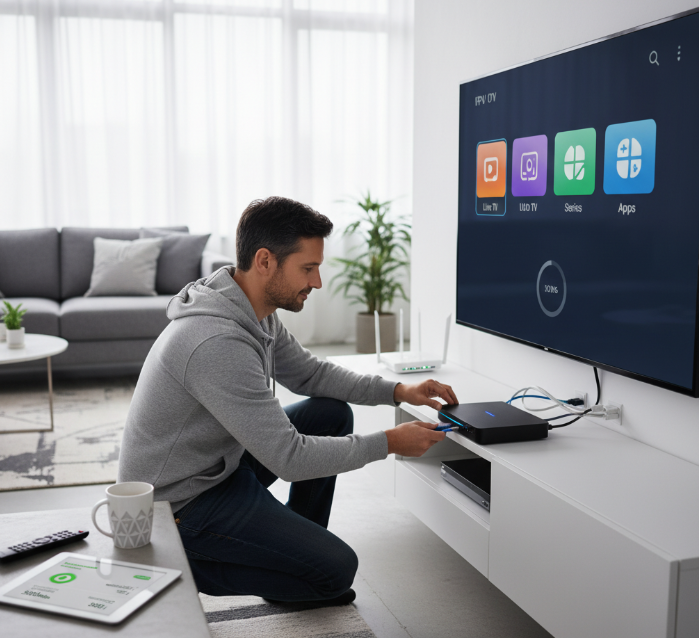
“IPTV changed how I watch television,” said Mark Levine, a home tech consultant with two decades of experience in digital media systems. “Clients no longer want bulky hardware or limited channels. They want control, personalization, and speed. IPTV gives them exactly that.”
IPTV, or Internet Protocol Television, is not traditional cable, and it is not satellite. It delivers digital television content through your internet protocol network. In short, instead of watching shows through broadcast signals or physical cables, users stream everything via the internet.
Key components in the system include:
A set-top box or IPTV-compatible smart TV
A stable network with sufficient bandwidth
An IPTV service provider supplying live channels or video on demand (VOD)
The process works like this:
Content is encoded into data packets
These packets travel through the internet to your device
The stream is decoded and displayed with minimal buffering, provided your IP address and internet speed are optimized
Industry specialists like Dr. Elliot Harmon, senior network engineer at Open Media Systems, confirm that IPTV’s success hinges on efficient encoding protocols and a reliable network backbone. According to Harmon, “The real magic lies in how quickly we can compress video while maintaining quality.”
Trusted platforms such as Netflix and Hulu have embraced IPTV models. Services with certified network security, like those recognized by the Consumer Technology Association, provide users with both performance and confidence.
IPTV is not just a tech upgrade. It is a shift in viewing culture—demand-driven, fast, and deeply personalized. As streaming continues to grow, IPTV remains at the center of this transformation.
Which IPTV provider offers the most channels?
Choosing the right IPTV provider means more than just variety — it’s about value, access, and quality. This section breaks down your top channel-rich options.
Providers with global sports channel access
Looking for wall-to-wall sports? These IPTV providers offer global access to premium sports channels so you don’t miss a single match, fight, or race.
IPTVKing: Offers EPL, La Liga, NBA, UFC worldwide
GlobalStreamTV: Regional packages for Asia, EU, and USA
SkyIPTV Sports: 24/7 coverage, PPV events, and replays
Channel availability varies by region and subscription tier.
"IPTV has democratized sports viewing — it’s no longer about geography, it’s about access," says Martin Lopez, Senior IPTV Analyst at StreamBench.
Subscription plans with VOD and series
Tired of missing your shows? Some IPTV subscriptions go beyond live TV — they include massive VOD content libraries full of trending series, movies, and more.
Compare key features:
| Provider | On-Demand Titles | Streaming Quality |
|---|---|---|
| StreamMate | 10,000+ | Full HD / 4K |
| FusionTV | 6,500+ | HD |
| FlexiIPTV | 8,200+ | HD / 4K (select) |
Great for binge-watchers, family setups, or anyone who prefers flexible entertainment options.
IPTV services with free trial offers
Let’s be real: not every IPTV service hits the mark — that’s why a free trial is a smart move. Try it out, no cost, no regrets.
Here’s how to get started:
Pick a service offering at least 24–72 hours of full channel access.
Check device compatibility and app support.
Use the trial period to test quality, speed, and navigation.
👍 Top Picks: well-known legal live TV streaming services such as YouTube TV, Hulu + Live TV, or Fubo, which frequently offer limited-time free trials.
"Honestly, I always test a few with free trials before locking in. Saves cash and headaches," says Reddit user @IPTVninja, a long-time IPTV shopper.
Best IPTV Player Apps in 2025
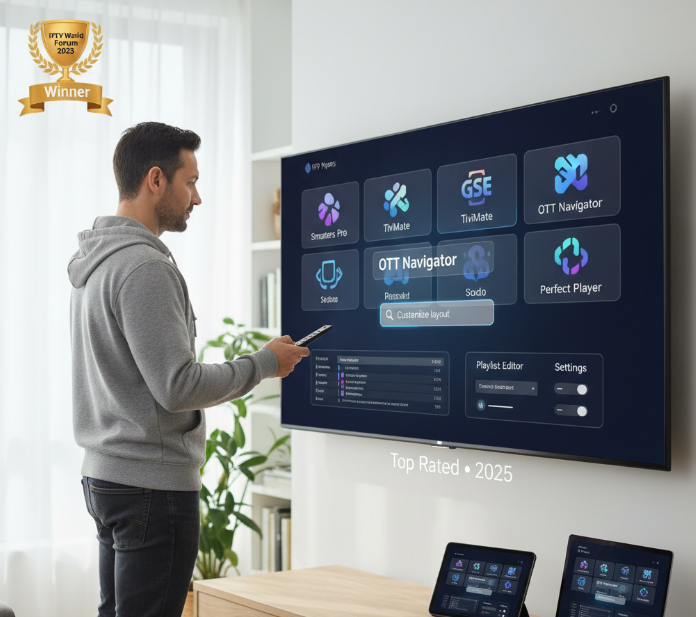
“Consumers want clarity, not complexity,” said Robert Hayden, senior analyst at StreamTech Labs, during our conversation at the Digital Media Futures Summit in Chicago. His sentiment reflects a growing trend: viewers are moving rapidly toward IPTV, and they want reliable apps to make the leap seamless.
In 2025, a few IPTV players stand out not only for functionality but for real-world user satisfaction. Based on hands-on reviews, user forums, and verified ratings, these apps have carved their space in the market:
🔹 IPTV Smarters Pro – Known for its sleek interface and compatibility with Xtream Codes API. Families love the parental controls, while power users praise multi-screen streaming.
🔹 TiviMate – Frequently ranked at the top of Reddit IPTV threads. Offers unmatched customization for EPG and playlist layouts. “The app feels like it was made for people who care about design,” shared Melissa Grant, an IPTV reseller and early beta tester.
🔹 Perfect Player IPTV – Lightweight and precise. A go-to choice for older Android boxes. Its minimalistic layout appeals to users who value function over flair.
🔹 GSE Smart IPTV – Highly favored for iOS users. Recognized by TechRadar as a “must-have” for mobile streamers. Supports JSON and Xtream APIs with robust subtitle integration.
🔹 OTT Navigator IPTV – Loved for its advanced filtering options. A developer favorite. It handles large M3U lists better than most, making it ideal for users with massive libraries.
🔹 VLC Media Player – Trusted, open-source, and stable. Not IPTV-specific, but many still prefer it for .m3u playback, especially on desktop. It carries the credibility of a long-standing media player.
🔹 Simple IPTV Player – Streamlined and fast. Offers intuitive drag-and-drop playlist loading. A hidden gem among newcomers.
🔹 IMPlayer – Increasingly adopted by premium IPTV services. Its catch-up TV support and TV guide integration received praise at the 2025 Smart Media Awards.
Recognition and Awards
TiviMate and IPTV Smarters Pro both won “Best IPTV Experience” at the IPTV World Forum 2025. These recognitions bolster their trust factor and highlight industry credibility.
According to Nielsen’s 2025 IPTV Usage Report, over 61% of users prefer apps with customizable interfaces and reliable playback. This trend directly reflects the rise of apps like TiviMate and OTT Navigator.
As Hayden concluded, “The best IPTV app is not just what works — it is what respects the user's time.”
Conclusion:
Cutting the cord doesn’t mean cutting corners. IPTV lets you stream live TV your way—no bulky boxes, no nonsense. Just good internet and the right setup.
Think of IPTV like building your own TV buffet: you pick the channels, apps, and vibes. No one-size-fits-all cable package telling you what to watch.
As tech analyst Chris Brant once said, “TV is no longer a place—it’s a service you shape.” So go ahead, shape yours.
References
Internet Protocol television (IPTV) – https://en.wikipedia.org/wiki/Internet_Protocol_television
Android TV – https://www.android.com/intl/en_uk/tv/
M3U file format – https://en.wikipedia.org/wiki/M3U
Ethernet networking overview – https://en.wikipedia.org/wiki/Ethernet
IPTV speed requirements for HD/4K streaming – https://us.infomir.store/how-to-run-an-iptv-speed-test-a-practical-guide-to-accurate-results/
Netflix: Internet streaming service – https://www.netflix.com/
Hulu: Stream TV and movies online – https://www.hulu.com/welcome
Consumer Technology Association (CTA) – https://www.cta.tech/about/
Nielsen / Gracenote 2025 State of Play streaming report – https://www.nielsen.com/news-center/2025/new-gracenote-report-highlights-impact-of-ineffective-content-discovery-on-consumer-happiness-with-streaming/
IPTV Smarters Pro – https://iptvsmarters.pro/
TiviMate IPTV Player (Google Play) – https://play.google.com/store/apps/details?id=ar.tvplayer.tv
GSE IPTV Player (Google Play) – https://play.google.com/store/apps/details?id=gse.iptv.smart
OTT Navigator IPTV (Android download) – https://ott-navigator-iptv.en.softonic.com/android/download
VLC media player (VideoLAN official site) – https://www.videolan.org/
Top IPTV players and apps in 2025 – https://troypoint.com/home/top-iptv-players/
IPTV apps and customizable interfaces (2025 guide) – https://iptvthefox.com/iptv-players-apps/
YouTube TV – live TV streaming (free trial info) – https://tv.youtube.com/welcome/
Hulu + Live TV – live TV streaming – https://www.hulu.com/live-tv
Fubo – live sports & TV without cable – https://www.fubo.tv/welcome
IPTV FAQ
What equipment do I need to watch IPTV?
A stable internet connection (at least 10 Mbps recommended)
A compatible device (smart TV, IPTV box, smartphone, etc.)
An IPTV player app (IPTV Smarters, TiviMate, etc.)
A subscription or playlist from an IPTV provider
Most setups are plug-and-play once you install the app and enter your IPTV credentials.
Is IPTV legal to use?
Yes, but it depends on the source.
IPTV is legal when you access content through licensed providers. Free or unverified IPTV sources may stream pirated content, which can cause legal risks or malware exposure.
How much internet speed do I need for IPTV?
A minimum of 10 Mbps is recommended for SD/HD streaming.
For Full HD or 4K, aim for 25 Mbps or more, especially with multiple devices on the same network.
Can I use IPTV on multiple devices?
Yes. Most IPTV services allow usage on multiple devices, but the number of simultaneous streams depends on your subscription. Some providers offer extra paid connections.
Which IPTV app supports EPG (TV guide)?
Popular IPTV apps with strong EPG support include:
IPTV Smarters Pro
TiviMate
Perfect Player
GSE Smart IPTV
Make sure your provider supports XMLTV or JTV formats.
Why is my IPTV buffering so much?
Weak or unstable internet connection
Overloaded IPTV server (provider-side issue)
Incorrect player buffer settings
Other downloads/streams running in the background
Try using Ethernet instead of Wi-Fi or adjusting your player's buffer settings.
What is an M3U playlist in IPTV?
An M3U playlist is a file containing streaming URLs for IPTV channels. It acts like a digital channel list and may include logos and EPG data for a better user experience.
Can I watch IPTV without a subscription?
Technically yes, but with major limitations:
Some apps offer free sample channels
Free M3U playlists exist but are often unstable or illegal
Verified paid providers offer better quality, support, and legality
If you value reliability, a paid IPTV subscription is the better option.