Firestick’s heating up in 2026, and folks in the IPTV game aren’t just watching — they’re scouting smart. If you're in the business and need to test IPTV free before locking in a provider, this guide’s built for you. No fluff, just straight-up steps to help you figure out what works — and what’s gonna waste your time.
Running an IPTV service isn’t just about getting streams online. It’s about uptime, reliability, and making sure clients don’t blow up your phone at 2 a.m. That’s why you’ve gotta kick the tires before you buy the car.
“There’s no margin for mystery,” says Kevin Tran, Senior Systems Engineer at StarIPTV. “You can’t resell what you can’t trust.”
We'll walk through how to test different IPTV setups on Firestick, spot red flags early, and pick apps that don’t fall apart when the pressure’s on.
Let’s get your setup tight, your options clear, and your business ready to scale — all without burning a hole in your wallet.
Test IPTV Free: 5 Simple Ways to Try Before You Commit
Thinking about committing to a provider but scared of a dud service? Here’s how to test IPTV like a boss — no strings attached.
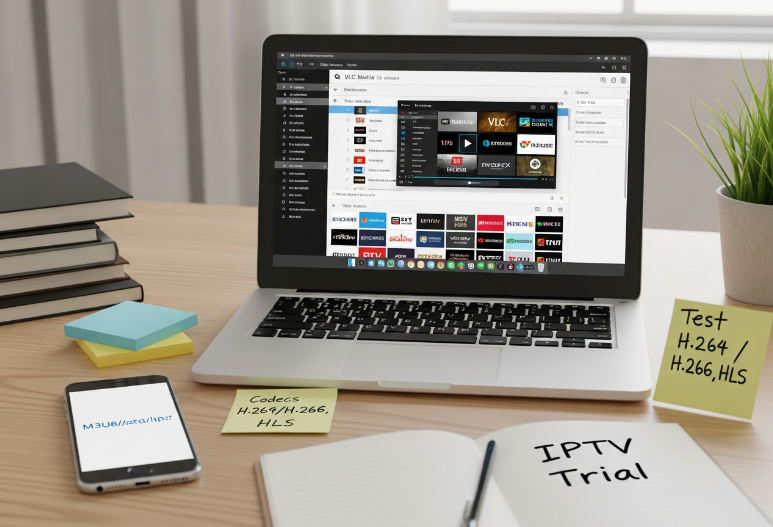
Understanding Trial-Grade IPTV Streams with M3U and M3U8 Playlists
Quick checklist for testing like a pro:
✅ Always use a playlist URL with an M3U or M3U8 extension.
✅ Load your channel list into IPTV Smarters or VLC Media Player.
✅ Make sure the HLS protocol is supported — it's smoother for live content.
✅ Check if video playback uses modern video codecs like H.264 or H.265.
M3U = static list; M3U8 = dynamic. For testing, M3U8 is your go-to for live channel behavior and EPG integration. Don't skip the codec check — buffering nightmares often start there.
How to Use VPNs and Proxy Servers for Regional Testing
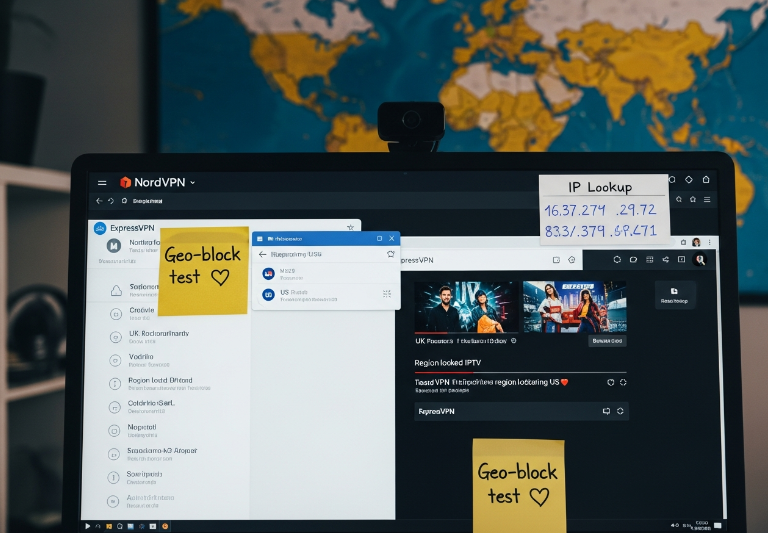
Choose a VPN with strong tunneling protocol support. NordVPN and ExpressVPN are top-tier.
Connect to a server location where the IPTV content is officially supported.
Test the streaming link and see if geo-blocking kicks in.
Check your IP address to confirm correct location spoofing.
Look for signs of ISP throttling—slow speeds or pixelated streams? That’s a red flag.
Want to offer global content? Then geo-testing is a must. VPNs unlock regional content but also show you what your clients abroad will really see.
Bandwidth and Latency Considerations When Evaluating IPTV Providers
How fast is fast enough? You’ll need more than "just decent" internet to test like a reseller. Forget generic advice — here’s what the numbers say:
| Connection Type | Ping Rate (ms) | Minimum Mbps for HD | Max Bitrate (Mbps) | Buffering Risk |
|---|---|---|---|---|
| Fiber Optic | 5–15 | 10 | 15–20 | Very Low |
| Cable | 15–30 | 12 | 15 | Moderate |
| DSL | 30–50+ | 8 | 10 | High |
Run an internet speed test before any IPTV trial. Poor ping rate, high packet loss, or low Mbps = buffering hell. You need clean pipes to stream clean IPTV — especially for 4K streaming.
Deploying Middleware and API Integration for Trial Environments
Short and sweet:
Xtream Codes API lets you connect trial accounts to backend servers and run user tests fast.
Platforms using Stalker Portal can simulate login behavior and stream navigation.
Most trial-ready platforms offer SDKs for device testing — especially useful if you plan to scale.
You’ll want JSON-based data response to ensure smooth OTT platform integration.
Don’t forget user authentication—without it, free trials can turn into free-for-alls.
Testing without middleware is like driving blind. With middleware in place, you’re not just testing — you’re simulating your future IPTV service setup.
Tracking Viewer Data with EPG and XMLTV to Assess Content Breadth
“Trialing without metadata is like buying a TV without knowing the channels.”
— Liang Chen, Technical Director at Stariptv
Track these five essentials when evaluating IPTV trial quality:
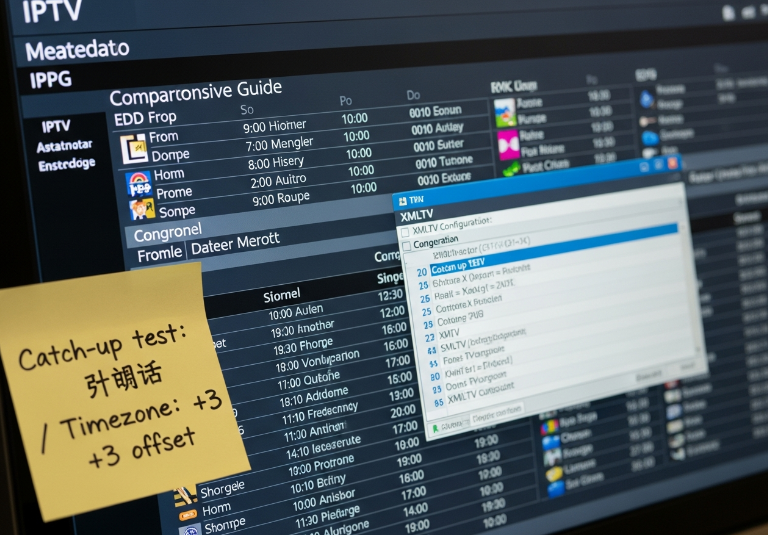
Electronic Program Guide (EPG): Is it real-time? Are shows matching the schedule?
XMLTV support: Watch for time zone sync issues.
TV guide and channel metadata: Ensure all program info loads properly.
Program schedule preview: Is it 24/7 or only partial coverage?
Catch-up TV testing: If supported, does it work for multiple time zones?
The more complete the data, the more valuable the service. Clean metadata = clean user experience = fewer complaints after deployment.
Paid vs. Free IPTV: Which One Is Right for You?
Content Categories in Paid and Free IPTV: What’s Included?
Paid IPTV usually gives you access to Premium Channels, Live Sports, and tons of VOD options.
Free IPTV might only cover limited Live TV and basic Catch-up TV — often missing EPG data.
PPV content is mostly behind paywalls, so don’t expect it in free services.
Paid services often bundle a full EPG for channel browsing, which is rare in free streams.
For businesses, offering full content libraries through paid models builds long-term user trust.
Free gives you a taste. Paid gives you the buffet — with a menu (EPG) included.
Encryption, DRM, and Piracy Risks in Free Services
Free IPTV streams often lack DRM protection like Widevine or PlayReady.
AES-128 encryption is usually skipped, making the stream vulnerable.
There’s a real risk of Copyright Infringement or breaking the DMCA.
Many free APKs come loaded with Malware or backdoors.
B2B buyers, if your clients use a VPN to bypass region locks — that’s a red flag risk.
💬 "We’ve seen too many IPTV startups crumble due to unmanaged piracy risks," says Leo Mendez, Security Engineer at Stariptv.
Hardware Compatibility: Streaming Sticks vs. Set-Top Boxes
| Device | RAM (GB) | Processor (GHz) | HDMI Support | B2B Use Case |
|---|---|---|---|---|
| Fire TV Stick | 1–2 | Up to 1.7 | Yes | Entry-level bundles |
| Nvidia Shield | 3–8 | 1.9–2.2 | Yes | Premium delivery |
| MAG Box | 1–4 | 1.0–1.5 | Yes | Mid-range deployments |
| Android TV Box | 2–4 | 1.5–2.0 | Yes | Custom B2B setups |
Free IPTV apps often choke on lower RAM devices.
Paid apps with better transcoding support need powerful decoders.
Don’t forget HDMI compatibility — especially for Set-top Box deployments in hotels or hospitals.
CDN and Load Balancer Infrastructure in Enterprise-Grade IPTV
When it comes to scaling IPTV to thousands of users, the backend needs serious muscle:
CDNs bring content closer using Edge Servers to reduce Latency spikes during peak time.
Smart Load Balancer setups help manage Traffic spikes — avoiding downtime.
Paid IPTV services often support HLS and DASH, which improve stream stability.
Bandwidth usage is optimized via adaptive bitrate streaming — missing in most free IPTV apps.
A solid setup means Redundancy is built-in. If one node fails, traffic reroutes instantly.
How to Test IPTV Free Without Breaking Any Rules
Trialing IPTV doesn’t mean bending the rules. Here's how to test the waters the right way—legally, safely, and smartly.
Understanding Copyright, Piracy, and End-User License Limits
The DMCA isn't just some dusty rulebook — it's real, and it bites.
Make sure the content isn’t violating Intellectual Property rights.
Avoid streams that skip out on a clear Licensing Agreement.
Don’t assume Public Domain means “free-for-all”; it usually doesn’t.
Want to reuse or sample content? Brush up on Fair Use laws.
If the IPTV provider doesn’t mention an EULA, run.
Testing content legally starts with understanding the rules of ownership. Don’t risk copyright infringement — your business reputation is on the line.
Geoblocking, VPN Use, and Regional Testing Compliance
Use a Virtual Private Network (VPN) to simulate testing in different countries — but stay within Geo-restriction laws.
Always check the Server Location before streaming to ensure the feed aligns with licensing zones.
Avoid proxy hopping with random IPs. Reputable Proxy services = fewer red flags.
Be mindful of Encryption levels. If it’s too open, it's probably not legal.
Document your tests by IP Address — proves you’re not skirting Regional Lock rules.
Don’t play dumb — the tech you use for regional testing leaves footprints. Be smart about how and where you test.
Watermarking, Authentication, and Cybersecurity in Trial Access
“Trial periods shouldn't mean compromising your system. Treat every test like it’s live.”
— Lin Han, Cybersecurity Manager, Stariptv
Short hits, big impact:
Digital Watermark tech helps trace leaked content. Avoid trials that skip it.
Use Two-Factor Authentication to prevent random access during trials.
Always test in a SSL-secured environment to dodge malware and phishing.
If you’re not verifying User Credentials, you’re opening doors to chaos.
Keep an eye out for Forensic Watermarking — it's a hallmark of pro-grade trials.
IPTV trials should be secure enough for enterprise preview. Weak authentication = big risk.
Validating IPTV Streams with RTMP, RTSP, and UDP Protocols
| Protocol | Latency | Bitrate Control | Best Use Case | Packet Loss Tolerance |
|---|---|---|---|---|
| RTMP | Low | Manual | Live feeds | Low |
| RTSP | Medium | Adaptive | On-demand | Medium |
| UDP | Very Low | Fixed | Internal testing | High |
Don’t just "press play." Use stream tools to inspect bitrate, latency, and packet loss during your test phase. An unstable Streaming Server or bad User Datagram Protocol (UDP) connection could tank your service at scale.
Section focus includes RTMP for low-latency live feeds and RTSP for on-demand control, both widely used in professional streaming.
Avoiding Illegitimate EPG and M3U Sources: What to Check
Electronic Program Guide (EPG) data should match actual content timelines. If it doesn’t — sketchy.
Verify that the M3U Playlist source URL isn't bouncing through shady domains.
Use a Playlist Parser to scan and clean your test lists.
If the Metadata doesn’t line up with program titles or channel IDs, it’s probably fake.
Validate XMLTV feeds for consistency and authenticity before testing.
Shortcut testing with unverified sources only shortcuts your credibility. Source Verification is your best friend.
Using Parental Control and Time-Shifting to Demonstrate Capabilities
Test Parental Control features — does the PIN Code actually block mature content?
Try Time-Shift Buffer with Catch-up TV. Is the stream replay smooth or glitchy?
Evaluate DVR features and content storage limits.
Create multiple User Profiles to see how Content Filtering behaves across accounts.
Run it all on multi-screen setups — fire up a tablet and a Smart TV at the same time.
These features aren’t fluff. They show if a provider’s service can scale and personalize — big selling points in B2B sales.
5 Troubleshooting Tips If Your IPTV Isn’t Working
If your IPTV stream goes dark or keeps freezing, you're not alone.
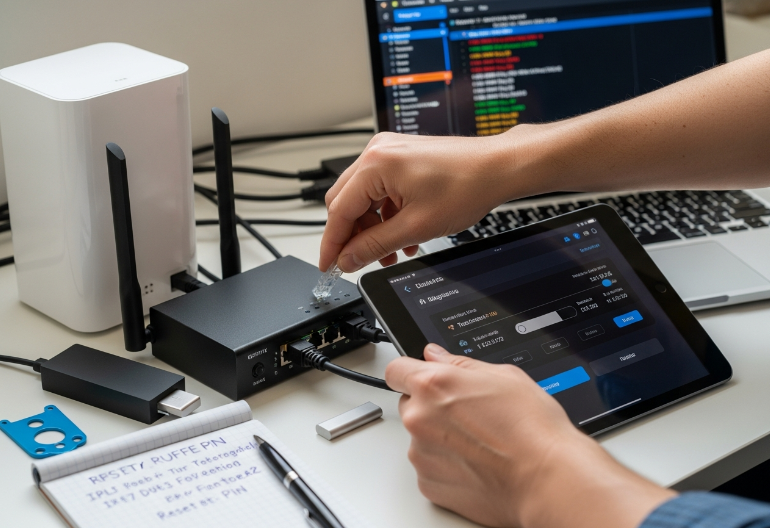
Diagnosing Network Issues: Packet Loss, Jitter, and DNS Errors
High ping times or spikes? Your stream will feel it.
Latency above 100ms? Expect choppy video.
Wi-Fi interference from other devices (like microwaves) can tank your connection.
Use Traceroute to spot where data is slowing down.
Swap to Ethernet over Wi-Fi if you want stable viewing.
Try switching to Public DNS like 1.1.1.1 or 8.8.8.8.
📌 Pro Tip: If your ISP is throttling, VPNs might give you smoother playback.
How to Fix Buffering by Optimizing Bandwidth and Media Players
Run an ISP speed test – if it’s under 10 Mbps, that’s a red flag.
Lower the bitrate in your player (e.g., TiviMate or VLC).
Enable hardware acceleration if your device supports it.
Clear the player’s cache – it builds up fast.
Switch to HLS streaming for better adaptive playback.
🎬 Smooth playback usually starts with matching the video codec to the device’s decoder.
Middleware and Decoder Conflicts with Smart TVs and Streaming Sticks
Here’s the thing — not all devices play nice with IPTV middleware.
Some Android TVs need firmware updates just to stop crashing.
Older MAG boxes might freeze due to outdated Stalker Portal settings.
Hardware decoding can clash with Fire OS, so switching to software decoding helps.
Using custom APIs? If the portal’s not syncing, that’s probably the issue.
🛠️ A StarIPTV senior engineer, Mark R., said:
"Most decoder issues stem from outdated firmware trying to run modern EPG scripts — it’s like running Windows 95 on a smart fridge."
Troubleshooting Playlist Errors in M3U8 and XMLTV Feeds
| Playlist Type | Common Issue | Entity Involved | Quick Fix |
|---|---|---|---|
| M3U8 | Broken URL links | M3U link | Check and refresh links |
| XMLTV | Missing schedules | EPG, Metadata | Replace or reparse files |
| M3U | Channels not found | Channel list, Parsing error | Validate Xtream Codes & syntax |
👀 Watch out for typos in your URL syntax — even a missing slash can tank your playlist.
Firewall, Gateway, and VPN Configuration Best Practices
🔐 Security and streaming don’t always mix well, but here’s how to avoid hiccups:
Enable port forwarding on your router for smoother stream flow.
Make sure your VPN has a kill switch — dropouts without it = stream freeze.
If you're using NAT, check if the internal IP clashes with gateway protocols.
Some devices hate geo-blocking. Test with and without VPN tunneling to isolate issues.
Quick fix: Restart the VPN, then your IPTV app — order matters more than you think.
Top IPTV Apps for Firestick in 2026
TiviMate – Clean Interface, Heavy Customization
If you’re rolling out IPTV to multiple clients and want an app that’s clean, stable, and tweakable, TiviMate is a go-to. It supports EPG, M3U playlists, and lets users tweak the layout to match personal or brand preferences.
Why it rocks for business:
Allows branding via custom logos and channel icons
Smooth performance with high-bandwidth Streaming services
Works great with OTT Navigator backend setups
IPTV Smarters Pro – Feature-Packed and Business-Friendly
It’s not just popular — it’s reliable. IPTV Smarters Pro is ideal if you're selling IPTV services with M3U, EPG, or VOD integration. Plus, the user experience is sharp, especially for Fire TV Stick users.
Perks worth bragging about:
Multiple screen support
DRM-ready streams
Embedded parental controls (yep, even on Firestick)
📣 “We often recommend IPTV Smarters to first-time IPTV buyers because it gives them a polished experience right away,” says Elijah Brooks, support lead at Stariptv.
GSE Smart IPTV – The Import King
If your customers are importing M3U or JSON files or managing XML-based EPG formats, GSE Smart IPTV is a killer choice. It also plays nice with RTMP and HTTP Progressive streams, which gives it serious versatility.
Built-in weapons:
Cross-device syncing with smartphones and tablets
Supports Sideloading through the Downloader app
Auto-parsing for external EPG links
OTT Navigator – The Engineer’s Favorite
This app isn’t for flashy types — it's for control freaks (the good kind). OTT Navigator offers wild levels of backend filtering, category mapping, and control over Multicast vs. Unicast behavior.
Nerdy highlights:
Full control of Decoder settings
Auto switch between HLS and UDP depending on network
Runs buttery smooth even on older Amazon Fire TV Stick models
🛠 “OTT Navigator is the kind of app our engineers love testing on — it’s like a tuner’s playground,” shares Tina Hall, IPTV integration manager at Stariptv.
Kodi + IPTV Add-ons – Still Cool, Still Custom
Yes, Kodi is still hanging on in 2026. Pair it with the right IPTV add-ons and you can create a totally personalized content hub, complete with DRM, local libraries, and integrated Streaming service accounts.
Good fits:
Commercial resellers offering hybrid OTT + IPTV
Users with Time-shifting needs or large media libraries
Clients on desktops, game consoles, or modded Firesticks
VLC Media Player – Not Fancy, But Bulletproof
If someone wants a basic, no-nonsense IPTV player — this is it. VLC Media Player on Firestick isn’t pretty, but it handles TS, MP4, and even unstable M3U8 feeds without breaking a sweat.
Useful when:
You need something to quickly test a new IPTV link
Clients need lightweight fallback options
Bulk testing multiple stream protocols like RTSP or MPEG-DASH
| App Name | Custom EPG Support | Advanced Protocols | Great for Sideloading | Business Use Case |
|---|---|---|---|---|
| TiviMate | ✅ Yes | ⚠️ Partial (HLS) | ✅ Easy | Resellers needing polish |
| IPTV Smarters Pro | ✅ Full | ✅ RTMP/UDP | ✅ Simple | B2B bundles |
| GSE Smart IPTV | ✅ Yes | ✅ RTMP, HTTP | ✅ Strong | Test environments |
| OTT Navigator | ✅ Full | ✅ All | ⚠️ Intermediate | Tech-heavy deployments |
| Kodi (with add-ons) | ⚠️ Add-on based | ✅ With configs | ✅ Widely used | Hybrid OTT/IPTV |
| VLC Media Player | ❌ Limited | ✅ All major types | ✅ Very easy | Protocol testing |
If you’re working in the IPTV services industry and planning wholesale rollouts for clients, picking the right Firestick-compatible apps makes a huge difference in your customer experience and retention. Whether you want plug-and-play simplicity or hardcore custom control, these 2026 apps have you covered.
Let your clients binge smarter — not harder.
Conclusion
Now that you’ve seen how to break down IPTV like a pro — from stream testing to troubleshooting to sorting out the legal side — you’re in a solid spot to make smart choices. No more flying blind or piecing together sketchy info from random forums. You’ve got the tools to start strong, avoid legal headaches, and choose providers that won’t leave you hanging when it counts.
If you're still sitting on the fence, just test IPTV free with the tips we walked through — short trials can reveal a lot. Don’t overthink it.
As the late tech journalist Walt Mossberg once said, “The real test of a product is how it works for you, not the hype.” So kick the tires, try the setup, and see what fits before you dive deeper.
References
M3U8 Files for HLS Streaming – 2026 Guide – https://www.dacast.com/blog/m3u8-file/
HTTP Live Streaming (HLS) Overview – https://developer.apple.com/streaming/
Electronic Program Guide (EPG) – https://en.wikipedia.org/wiki/Electronic_program_guide
XMLTV Format Specification – https://wiki.xmltv.org/index.php/XMLTVFormat
Digital Millennium Copyright Act (DMCA) – https://www.copyright.gov/dmca/
Fair Use FAQ – U.S. Copyright Office – https://www.copyright.gov/help/faq/faq-fairuse.html
What is RTMP? – Wowza Blog – https://www.wowza.com/blog/rtmp
Real-Time Streaming Protocol (RTSP) – https://en.wikipedia.org/wiki/Real-Time_Streaming_Protocol
User Datagram Protocol (UDP) – Cloudflare Learning Center – https://www.cloudflare.com/learning/ddos/glossary/user-datagram-protocol-udp/
Traceroute – What It Does & How It Works – https://www.fortinet.com/resources/cyberglossary/traceroutes
Google Public DNS – https://developers.google.com/speed/public-dns
Internet Speed Test Tool – https://www.highspeedinternet.com/tools/speed-test
NordVPN – VPN Service Overview – https://nordvpn.com/
ExpressVPN – VPN Service Overview – https://www.expressvpn.com/
TiviMate IPTV Player – Official Site – https://tivimate.com/
IPTV Smarters Pro – Official App Info – https://officialiptvsmarter.com/
GSE Smart IPTV – Google Play Listing – https://play.google.com/store/apps/details?id=com.gsetech.smartiptv2
OTT Navigator IPTV – FAQ – https://ottnav.github.io/faq.html
Kodi – About & Features – https://kodi.tv/about/
VLC Media Player – Official Site – https://www.videolan.org/vlc/
FAQ
How can I test IPTV free services without affecting my network performance?
Use a VPN or proxy to keep testing separate from daily traffic.
Check bandwidth and jitter with simple tools.
Try testing during off-hours for smoother results.
Stick to wired connections when you can — less drama than flaky Wi-Fi.
Keep tabs on packet loss and latency using something like PingPlotter.
What’s the difference between using a streaming stick and a set-top box for IPTV?
Streaming sticks are lightweight and portable, but can choke on heavy tasks like decoding TS files or handling XMLTV guides. Set-top boxes usually offer better stability and are easier to manage in bulk setups.
What are the best ways to test IPTV free content from multiple regions?
Use a VPN to hop locations and see local content.
Go with IPTV apps that support M3U8 switching by region.
Make sure your provider supports geoblocking so you can test properly.
Check how fast the stream loads — that’ll tell you a lot about their CDN.
How does middleware improve IPTV delivery for large-scale deployments?
Middleware acts like the behind-the-scenes traffic cop. It handles logins, parental controls, VOD, and time-shifting — all the good stuff that keeps your IPTV setup running smooth, especially when you're dealing with big user numbers.
Why is my IPTV stream buffering or freezing constantly?
Your connection might be weak — wired beats Wi-Fi here.
Too many devices on your network can clog things up.
Your media player might not love the protocol being used (RTMP, HLS, etc.).
Check for packet loss or high latency.
Update your decoder or app — bugs can slow you down.
Is it legal to test IPTV free from different providers?
It’s legal if the provider clearly offers a trial. But pulling playlists from shady sources or bypassing DRM could land you in hot water — especially if you're working at scale or with clients.
What protocols should I focus on when testing IPTV free reliability?
HLS – It’s popular and mobile-friendly.
RTMP – Great for real-time, but a bit heavier.
MPEG-DASH – Good quality and adaptive.
UDP/Multicast – Works best in closed networks.
RTSP – Nice pick for testing VOD.
What file formats are best for managing IPTV channel lists and guides?
Stick with M3U or M3U8 for playlists — they’re flexible and widely supported. For channel guides, XMLTV is your best bet. These make testing and management easier when juggling a bunch of content.
What security measures should I look for when I test IPTV free trials?
Check for DRM and stream encryption.
Look for login-based authentication, even in trials.
Watermarks show the provider is legit.
Make sure your data’s safe — basic cybersecurity matters.
Don’t skip the license agreements — small print can cost big.
Can IPTV services support high-volume traffic for B2B environments?
Yes, as long as the provider uses solid tech like CDNs, load balancers, and real middleware. These pieces help handle lots of users and keep everything from falling apart during peak times.