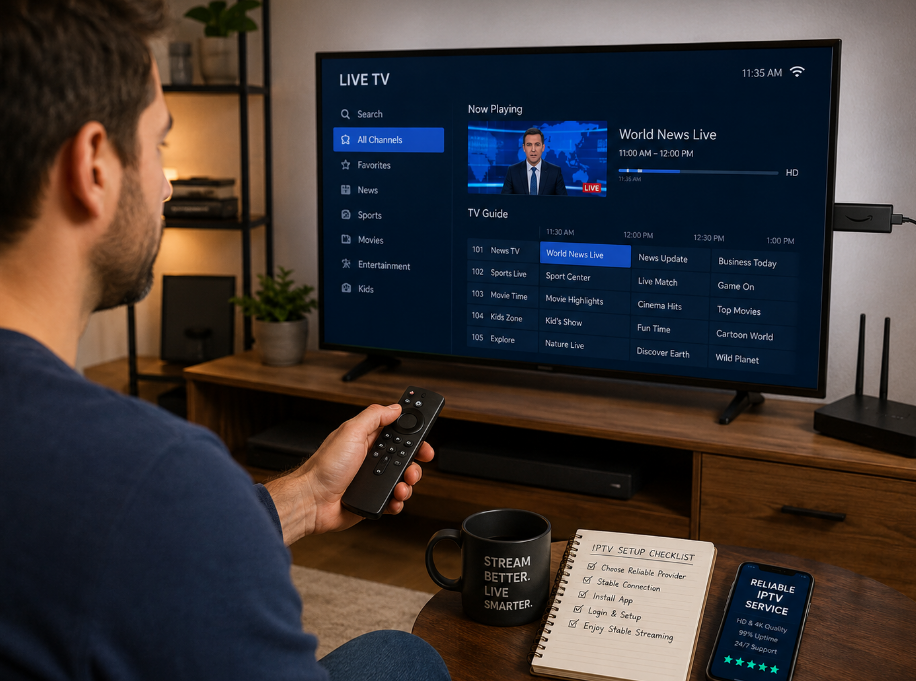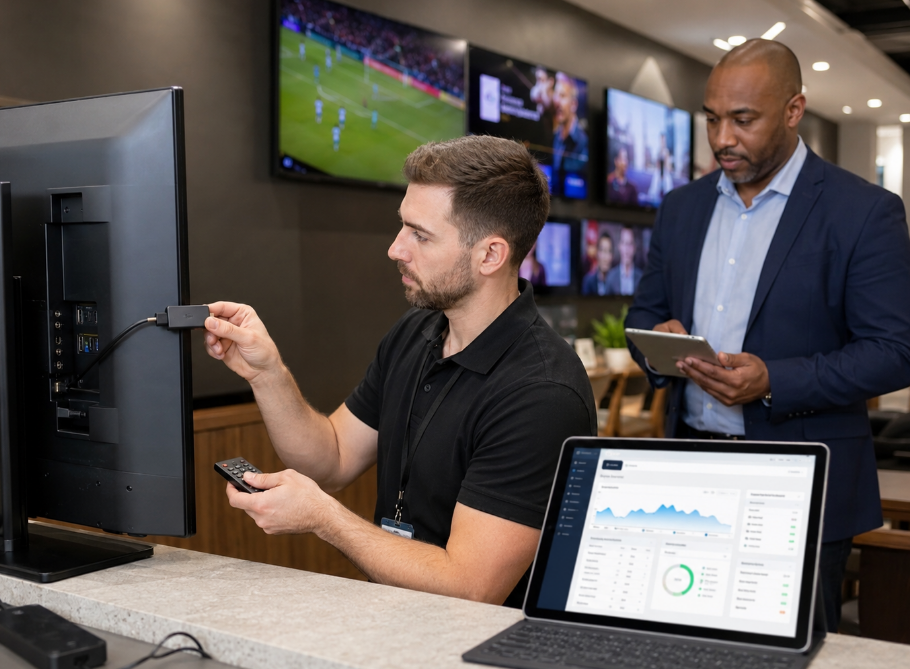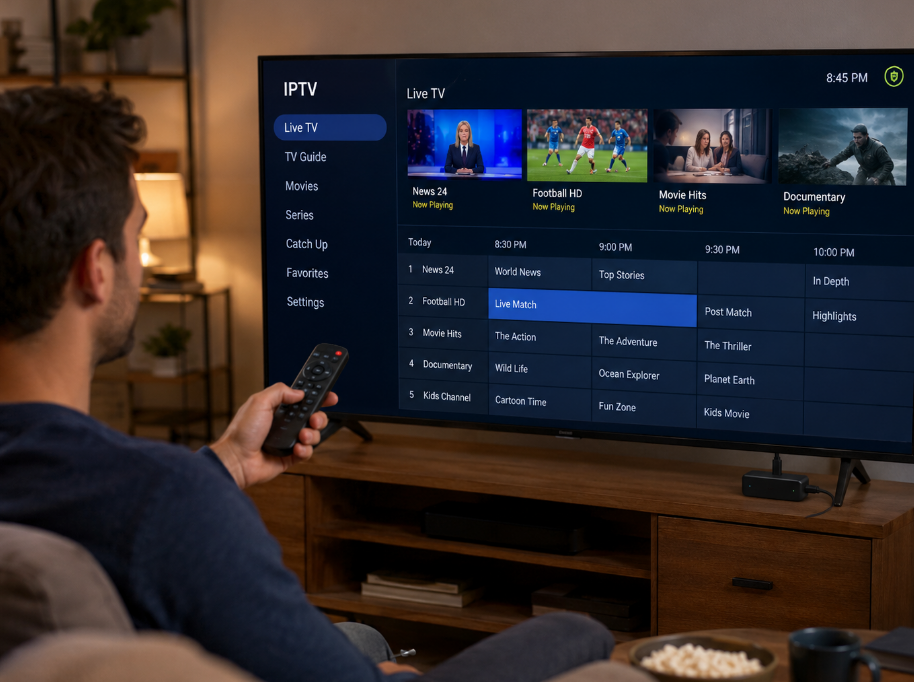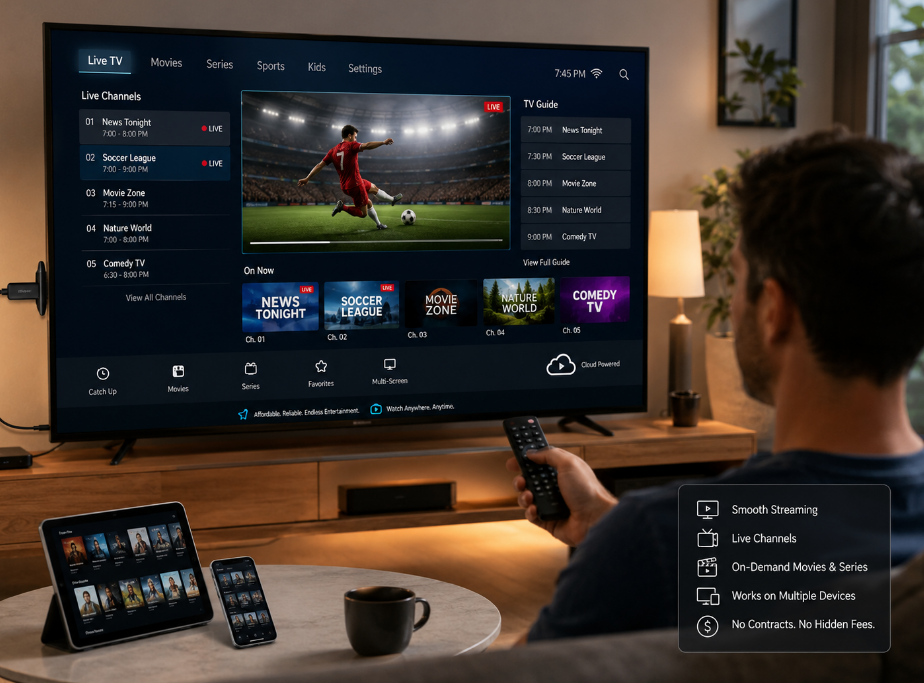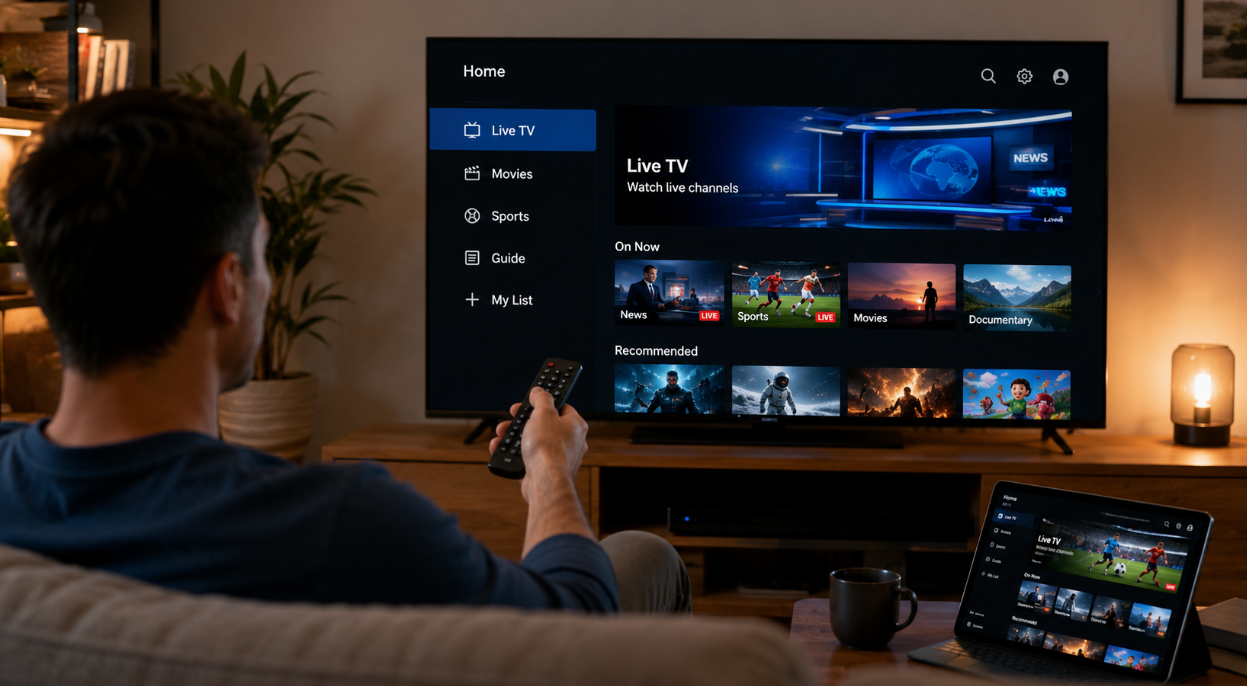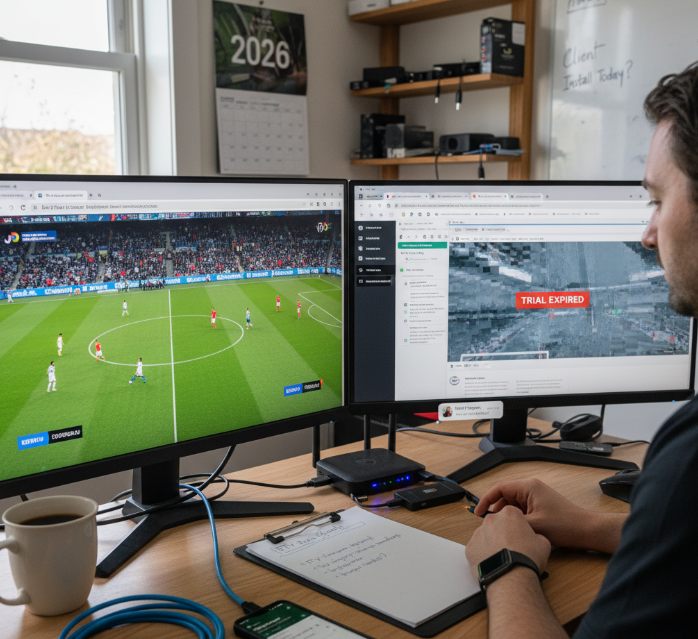
Trying to test IPTV free in 2026 without wasting time or cash? You're not alone. A lot of folks in the IPTV wholesale game are juggling shady trial offers, glitchy streams, and support that vanishes once you click “start trial.” It’s a real headache — especially when your business depends on stable, high-quality service.
Picture this: You’re prepping a new client rollout, but the service you picked lags worse than a dial-up connection. That’s not just annoying — it’s lost trust and lost revenue. Testing the right way isn’t just smart; it’s how you stay in business.
“We design trials not just for testing — but for proving long-term value,” says a senior engineer at StarIPTV. That’s the kind of mindset you need backing your next provider.
In this guide, you'll get straight answers: where to find legit free trials, how to spot quality before you commit, and why setup shouldn’t take more than your lunch break.
Let’s cut through the noise and help you make the right call — before your customers start asking questions you can’t answer.
How to Test IPTV for Free in 2026
Want to try IPTV without the risk? Here's how to set up, test, and evaluate free trials like a pro.
Free Trial Setup with M3U Playlists and EPG Integration
Double-check that the Playlist URL is working — a dead M3U link wastes your time.
Use an IPTV Player that supports XMLTV for full Electronic Program Guide display.
Xtream Codes logins? Always secure them with MAC Address binding for better stability.
Channel Mapping is your best friend if the EPG seems off — match channels to the correct metadata manually.
If your Playlist URL loads channels but not data, try replacing the XMLTV source with one known to be compatible.
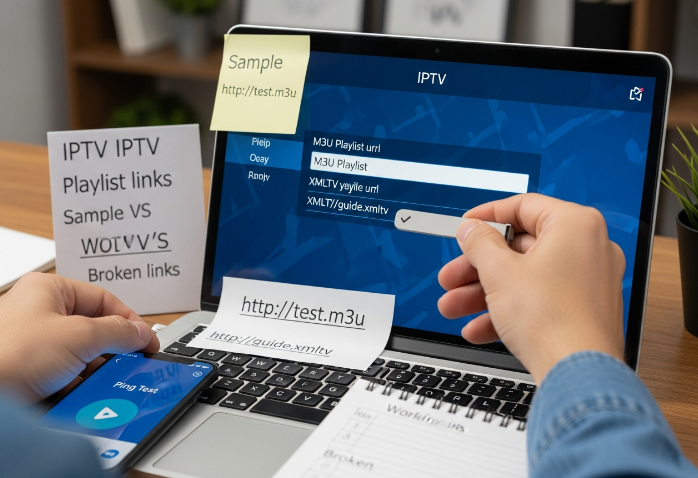
Testing free IPTV is all about lining up the right tools — M3U URL, proper player, solid XMLTV feed, and organized channel mapping. Simple tweaks make a huge difference.
Evaluating IPTV Trials Using Smart TV and Streaming Stick Devices
Start with LG webOS or Samsung Tizen — they have native IPTV apps for quick testing.
Next, test sideloading IPTV apps on Amazon Fire Stick and Android TV.
Use Nvidia Shield for stress testing — it's powerful enough to expose weak streams.
Don’t forget Roku — even though it’s picky, it gives insight into basic compatibility.
Score each device’s performance from install ease to buffering frequency.
For wholesalers, device testing shows which setups are easiest for your end users. Roku might frustrate some users, but Fire Stick gives you flexibility with sideloading.
Monitoring Resolution, Bitrate, and Frame Rate During Test Periods
| Stream Type | Resolution | Avg Bitrate (Mbps) | Frame Rate |
|---|---|---|---|
| Sports (Live) | 1080p Full HD | 6.5 | 60fps |
| Movies (On-Demand) | 4K UHD | 13.2 | 30fps |
| News (Live) | 720p | 3.1 | 30fps |
The smoother the motion, the better the compression tech. HEVC usually handles 4K well, while H.264 is fine for 1080p. Watch out for buffering during fast movement — it’s a dead giveaway of bad compression or unstable bandwidth.
Understanding Latency and Jitter on Broadband vs. Fiber Optic Networks
Ping Test: If ping is spiking over 80ms on Wi-Fi 6, you’re looking at potential viewing issues.
FTTH: Fiber to the Home (FTTH) gives the most consistent connection, killing off jitter during high traffic times.
Packet Loss: Even 1–2% packet loss can ruin 4K UHD streaming.
ISP Throttling: Some providers throttle IPTV traffic — test at different times of day.
Ethernet vs. Wi-Fi: Always compare; Ethernet gives you clean throughput, but many viewers use Wi-Fi 6 routers now.
Don’t just test streams — test your network too. Bad numbers here make even the best IPTV trial look worse than it is.
Validating Trial Access via Authentication and Subscription Management Middleware
A real-world trial should include the backend tools your clients will actually use. Here's how to spot a keeper:
Use MAC Address login via Stalker Portal to simulate reseller usage.
Try logging in with User Credentials and test how the system handles account activation delays.
Check if DRM protection triggers errors on different players — common with strict middleware.
If there’s an API Key, see if you can manage billing and activation from an external system.
Evaluate the Billing System — does it auto-expire the free trial or send reminders?
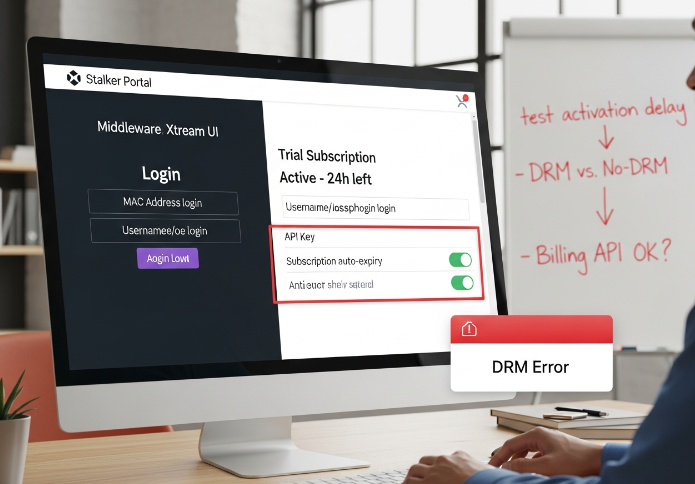
“We test with the same tools our resellers use. If the portal glitches, it’s a red flag,” says Luis Cardenas, technical operations lead at StarIPTV.
A trial with weak backend support might run great but fail at scale. You’re not just buying streams — you’re investing in a system your business can rely on.
Top 4 IPTV Trials You Can Start Instantly
Instant trials aren’t just for casual streamers—IPTV businesses use them to vet quality before signing any deals. Let’s break down four you can jump into right away.
Trial #1: Features, M3U8 Format, and Timeshift Capabilities
Catch-up TV lets viewers jump back in time like magic.
M3U8 playlists load smooth AF, no hiccups.
Timeshift means your customers can pause live chaos.
Supports full EPG for clean, guide-based navigation.
Great VOD library for binge-and-chill sessions.
Strong trial pick if you want feature-rich, not fluff.
💬 “When testing IPTV trials, what matters isn’t just content—it’s control. M3U8 and Timeshift give the viewer the wheel.” — Diego M., Lead Systems Engineer at StarIPTV
Trial #2: Buffering Reduction with CDN and Proxy Server Support
CDN placement reduces latency—no one likes lag.
Proxy servers fill in gaps when routing sucks.
HLS streaming stays stable even during peak hours.
Bandwidth spikes? Anti-freeze tech keeps playback buttery.
Server location variety improves global performance.
You won’t have to explain “why it’s buffering” to every client again.
Trial #3: Decoder Compatibility and Multicast Streaming Protocols
This IPTV trial gets straight to business for those deploying in multi-user environments. It’s solid if you’re integrating set-top boxes, smart TVs, or hardware decoders.
Here's a quick peek at how well it plays with key tech:
| Device Type | Protocol Support | Decoder Format | HEVC Enabled |
|---|---|---|---|
| Set-top Box | Multicast, IGMP | Built-in | Yes |
| Smart TV | UDP, RTP | External | Yes |
| Commercial Box | Multicast, RTP | Custom | Optional |
Zero fluff. Just plug it in and see results.
Trial #4: Fast Access with JSON API and Playlist URL Integration
Instant login via Xtream Codes = no mess onboarding
JSON API simplifies content delivery for devs
Remote access is clean on any media player
Authentication works like a charm—lock it down, scale it up
URL integration lets you test thousands of channels fast
Testing this one feels like skipping the traffic and hitting the fast lane. Great for high-speed deployment ops or app-based IPTV resellers.
Buffering? Poor Quality? Test IPTV Free Before You Commit
Poor streams kill deals. Test smart — no one's got time for buffering in 2026.
Diagnosing Buffering Issues with Packet Loss and Jitter Metrics
Latency spikes kill real-time viewing. Track your Ping levels consistently.
ISP throttling is sneaky. Try switching VPN locations to test clean bandwidth.
Packet loss above 1%? You’ll get freezing frames, especially on live channels.
QoS settings on your router can reduce congestion during peak usage.
Bandwidth stress tests matter most in households with shared networks.
| Metric | Ideal Range | Problem Sign | Test Tool |
|---|---|---|---|
| Latency (Ping) | < 50 ms | >100 ms spikes | PingPlotter |
| Packet Loss | < 1% | Frame freezing | Speedtest Pro |
| Jitter | < 30 ms | Audio/video desync | Wireshark |
Don't just guess — run a proper test and show your upstream provider who’s causing the bottleneck.
Comparing Signal Strength Across Smart TV and Handheld Devices
Smart TVs on Ethernet still win for stable connections in office demos.
Handheld devices? Go for 5GHz Band or Wi-Fi 7 — skip the 2.4GHz mess.
Mobile Data testing exposes true resilience across flaky networks.
RSSI and dBm readings give real-world feedback — look for -50 to -60 dBm.
Signal Interference can sneak in from microwaves and cheap Bluetooth speakers.
"We found that Smart TVs running wired Ethernet outperform handhelds by 30% in jitter stability."
— Lucas Ren, Network Systems Engineer @ StarIPTV
Using Transcoding and Codec Optimization to Improve Playback
H.265 HEVC vs. AV1: H.265 is widely supported, but AV1 delivers better compression at lower bitrates.
Resolution & Frame Rate: Downscale 4K streams to 1080p during testing to gauge bitrate efficiency.
Enable GPU Acceleration: Check your media player’s settings — it'll reduce CPU usage and prevent overheating.
Codec switching: Transcoding from MPEG-2 to H.264 helps older devices play smoother.
Testing codecs early prevents post-deployment drama — no customer likes lag on high-end TVs.
Testing Unicast vs. Multicast for Business-Grade IPTV Delivery
Multicast scales well, but only if your network plays nice. Business-grade IPTV often starts with Unicast for direct stream delivery, then moves to Multicast when viewer numbers climb. Features like IGMP Snooping and UDP optimization help manage stream replication without melting your server load. Testing both methods gives you clarity — unicast is cleaner but not scalable; multicast saves bandwidth but can break if routers choke.
A Content Delivery Network (CDN) layered over multicast adds insurance for wider delivery.
Role of Network Switch and Router in Throughput Stability
Gigabit Ethernet matters. Old 100 Mbps switches will throttle your IPTV test, no doubt.
Layer 2 Switches with QoS boost multi-stream tests in shared networks.
MU-MIMO Routers shine when multiple devices test streams simultaneously.
Port Forwarding fine-tunes stream traffic — needed if you’re seeing blockages.
Firmware updates aren’t sexy, but they can fix bandwidth bugs overnight.
Your test results are only as stable as your weakest switch.
Catch-up TV and VOD Stability Under High Traffic Conditions
Time-shifting tests check how well the service handles delayed playback.
Playback latency should be under 2 seconds for smooth VOD starts.
Concurrent Users: Test with at least 10 streams running if possible.
Server Buffering shows up when back-end systems aren’t scaled well.
Content Storage drives VOD performance. Don’t ignore backend specs — if it can't serve, it can't scale.
Pricing of IPTV Trials: What’s Free and What’s Not?
Not every “free” IPTV trial is actually free.
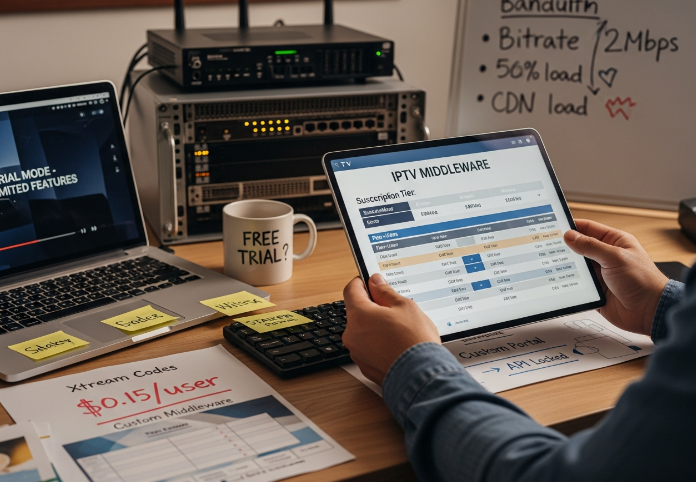
Pricing Models: Free Trial Limitations and Subscription Tier Structures
Not all trials are created equal.
Some cap features; others shorten trial duration.
Freemium models may tease you with basics but gatekeep premium features.
Look out for credit card requirements during “free” sign-ups.
Subscription tiers vary wildly—make sure you understand what’s truly included.
Tip: If it feels like you're being upsold too early, you probably are. Read the fine print, especially for short trials with high-tier upselling hooks.
Understanding Middleware Licensing and Per-User Cost Factors
1. Middleware like Stalker Portal or Xtream Codes often come with hidden licensing fees.
2. Backend infrastructure costs can spike when scaling users—think per-user costs over time.
3. API integration may be offered during trials but later locked behind premium plans.
4. Always ask vendors about seat-based pricing and concurrent user limits.
| Middleware | Licensing Type | Avg. Per-User Cost | API Access in Trial |
|---|---|---|---|
| Xtream Codes | Monthly License | $0.15/user/month | Limited |
| Stalker Portal | Tiered License | $0.20/user/month | Full |
| Custom Middleware | Flat Fee | $0.10/user/month | Depends on vendor |
A Stariptv systems engineer once put it simply: “Middleware isn’t sexy—but it’s where your real costs live. Test it before you regret it.”
Analyzing Bandwidth Consumption vs. Cost Efficiency in Trial Periods
Most people ignore bandwidth usage during trials—bad idea.
Streaming quality depends on bitrate and CDN behavior, but data usage hits you in the wallet. High traffic can spike server load and increase cost-per-stream.
● Low bitrate = cheaper, worse quality
● CDN with traffic management = smoother delivery, higher base cost
● Trial content often comes with throttled performance
If you're scaling, measure streaming quality versus data usage early on. It's cheaper to discover bottlenecks in a free trial than post-deployment.
3 Ways to Test IPTV Free on Any Device
Want to see if IPTV trials work well on all your screens? Here's how to check performance across real-world devices before rolling out anything big.
Testing on Smart TV Using EPG and M3U Playlist URLs
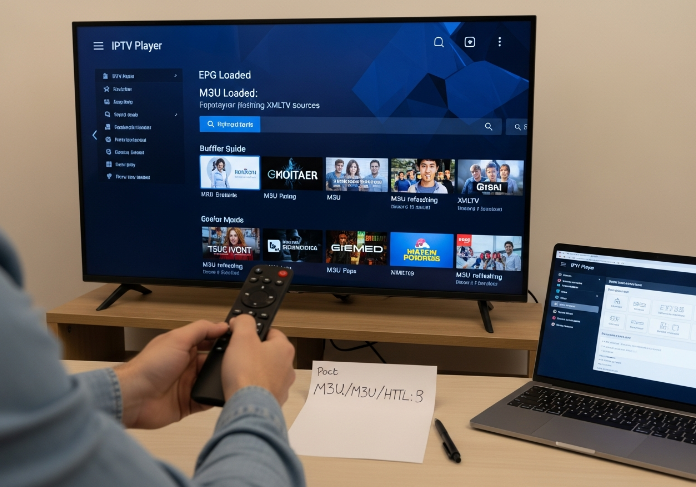
Load the IPTV Player app directly on the Smart TV
Add your M3U Playlist URL (usually from a free trial)
Attach XMLTV or EPG file to get the guide working
Refresh to pull in your full Channel List
Click into live channels and check playback speed
Smart TVs are the go-to for home and hotel IPTV testing. If the guide's laggy or the channels aren’t pulling from the Playlist, it’s a red flag for your potential clients.
Streaming Stick and Mobile: Resolution and Bitrate Considerations
Plug in the Firestick or open a trial app on Android/iOS
Play a 4K channel, then a lower-res one
Check how long it takes to buffer — is it clean?
Use your router settings to track Bandwidth usage
If Bitrate spikes cause stutter, your users will definitely notice
Mobile and stick devices are picky with Buffering and Resolution. That’s why you’ve got to test them with multiple scenarios. Clients expect flawless streaming, not constant hiccups.
Set-top Box Setup: RTMP, RTSP, and HTTP Progressive Protocols
Set-top boxes like MAG Box are old-school solid. Load your Portal URL into the STB Emulator or built-in Middleware. Then switch between RTMP, RTSP, and HTTP Progressive to see what your decoder handles best. If HTTP lags, RTMP might pull through smoother. This gives you an idea of what protocol suits each deployment — especially where networks aren’t that stable. One StarIPTV engineer said it best:
“The right protocol isn’t about speed, it’s about survival in real-world conditions.” – Jayden Li, Middleware Lead, StarIPTV
Evaluating Decoder Output via Frame Rate and Compression Analysis
| Video Codec | FPS Output | Latency (ms) | Artifact Level |
|---|---|---|---|
| H.264 | 30 | 110 | Medium |
| HEVC | 60 | 85 | Low |
| H.264 | 60 | 130 | High |
Watch how your decoder deals with FPS and Compression. If you see artifacts or high Latency, that’s going to wreck user satisfaction — especially in sports or action content. Always test with both HEVC and H.264 streams to see how much heat your decoder can take.
Network Testing: IGMP Support and Multicast Reliability Over Fiber
Smooth IPTV streaming needs strong networking bones. Here’s how to test that with your setup:
Run IPTV over Fiber Optic first, then compare to standard Broadband
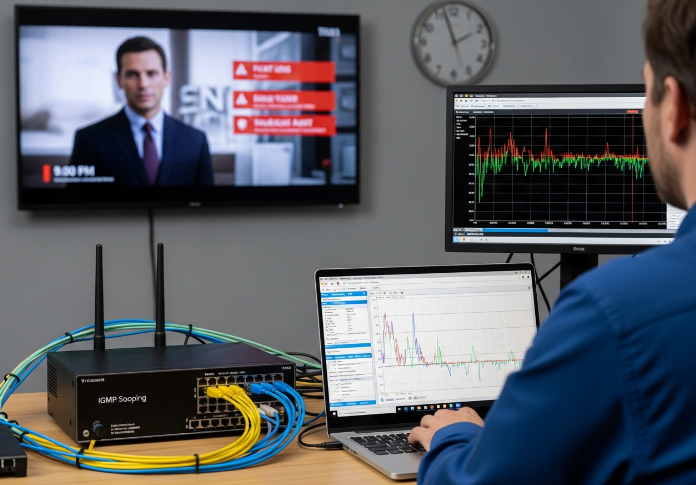
Use IGMP Snooping tools to track how well Multicast is handled
Simulate Packet Loss to measure Jitter and QoS levels
Plug into the Router and watch UDP traffic stability during peak usage
If your network can’t keep Multicast clean, you’ll have buffering chaos. Fiber’s the gold standard, but you still need to make sure IGMP rules are doing their job in high-traffic situations.
Standard vs. Premium IPTV: Which Trial Is Right for You?
Picking between a standard and premium IPTV trial?
Standard vs. Premium IPTV Comparison
Let’s cut through the marketing fluff and see how these two trial types stack up where it matters.
| Feature | Standard Plan Trial | Premium Subscription Trial | Best For | Red Flag to Watch For |
|---|---|---|---|---|
| Streaming Quality | SD or HD, sometimes capped bitrate | HD to 4K Resolution, higher bitrate | Clients demanding ultra-clear video | Buffering on older routers |
| Device Support | 1–2 devices, basic compatibility | Multi-device, including Smart TVs | Multi-room setups, family bundles | App not working on stick |
| Live TV & EPG | Limited channels, basic guide | Full Live TV + Electronic Program Guide | Real-time sports, news watchers | Missing time zone sync |
| VOD Library | Small, mostly outdated content | Full Video on Demand library | Binge-watchers, resellers testing full access | No search feature |
| Free Trial Length | 12–24 hours | 1–3 days, sometimes up to 7 | Testing client experience | Short trial limits testing |
Things to Ask Yourself (Before You Hit Subscribe)
What are your customers expecting?
If you're trying IPTV for resale or enterprise integration, the standard trial might feel like a sneak peek... but the premium trial gives you the full experience. You're testing what your customers will actually get.How stable is the server during peak time?
Ask the provider if server stability drops during sports events or weekends. If you're getting buffering on a standard plan, chances are it's worse under load.How important is 4K resolution to your end users?
Got a hotel chain or coworking space with giant Smart TVs? Standard won't cut it. If it's mostly handheld viewing — standard may be fine.Is Multi-device support a must?
For resellers and family plan testers, the premium trial will show you how it handles multiple streams. No one wants calls at 9 PM saying, “It kicked me out again!”
Real Talk from Stariptv Pros
“If a customer wants to trial IPTV and they say, ‘I just wanna see if it works,’ we start with the standard plan. But if they want to test for quality or resell — we push them toward premium. It’s the only way to see the whole picture.”
— Mike S., Senior Trial Manager, Stariptv
“Most complaints during testing come from buffering on standard trials. People think it’s the IPTV service — but it’s really the lower-priority server tier.”
— Rachel L., Network Ops Engineer, Stariptv
When to Try Both (and Why It’s Worth It)
Standard Plan: Good for tech compatibility tests — device support, app usability, IPTV loading times, etc.
Premium Subscription Trial: Best for full-feature testing — checking the VOD catalog, streaming 4K resolution, EPG sync, Live TV sports flow, and watching how buffering holds up.
Trying both is like test driving a basic sedan and a high-end SUV. If you're planning to buy in bulk, why not test the premium features that your customers will be paying for?
The choice isn’t just about price — it’s about what you’re testing. A free trial should match the real-world IPTV setup you’re planning to offer or use. Don’t cheap out if you’re serious about the service.
If you’re testing to resell? Go premium.
If you’re testing to troubleshoot? Standard’s your guy.
Conclusion
I’ve been on both sides of the fence—kicking the tires on IPTV services late at night, coffee going cold, streams freezing at the worst moments. That’s why knowing how to test IPTV free matters. Trials cut through the sales talk and show real-world quality, pricing traps, and device fit before money changes hands.
Check stream stability during peak hours, not just quiet mornings
Watch for buffering spikes tied to bandwidth limits or weak networks
Confirm playlists, EPG data, and channel counts match the pitch
Test on the same TVs, boxes, and sticks your customers use
Read trial pricing terms closely to avoid surprise upgrades or caps
At the end of the day, IPTV buying isn’t fancy—it’s practical. A solid trial tells you who’s ready for scale and who’s just good at demos. Trust the results you see, not promises you hear, and you’ll dodge headaches while setting up a service your customers won’t ditch after week one.
References
H.264 vs HEVC: A Modern Codec Comparison - https://liveapi.com/blog/h-264-vs-hevc/
Unicast vs Multicast vs Broadcast: What's the Difference? - https://www.haivision.com/blog/all/broadcast-unicast-multicast-explained/
Unicast vs. Multicast: Choosing the Best Technology for IPTV Delivery - https://www.jazenetworks.com/tech-news/unicast-vs-multicast-choosing-the-best-technology-for-iptv-delivery/
Understanding Latency, Jitter, and Packet Loss - https://www.networkershome.com/blog/latency-jitter-packet-loss
FAQ
How do I test IPTV free without installing any software?
Use a browser-based IPTV player with M3U or M3U8 links
Paste your trial playlist into the player
Stick with HTTP Progressive protocols for quick testing
If access is blocked, a proxy server might help
What’s the difference between unicast and multicast IPTV delivery?
Unicast sends streams to each viewer one-on-one, which can slow things down. Multicast uses IGMP to send one stream to many, which works better for big setups like offices or hotels.
What features should I look for when I test IPTV free on different devices?
Make sure the stream looks good — resolution, bitrate, frame rate
Try it on smart TVs, set-top boxes, and sticks
Check if EPG and M3U8 playlists load smoothly
Test multi-screen or pause/rewind features if offered
Can buffering be reduced during IPTV trials?
Yep, most times. A solid fiber connection helps. Also make sure your router is solid and the provider uses a CDN. It’s often the network, not the stream itself.
Are there risks when I test IPTV free on business networks?
Heavy traffic during tests can slow things down
Some trials skip proper login setups
Firewalls might block test streams
Weak switches can cause packet loss or jitter
How do I find reliable IPTV trials that let me test IPTV free in 2026?
Stick with providers offering clear EPGs, playlist links, and trial rules. If they support APIs and give you some control, that’s a good sign they’re ready for business use.
What hardware works best when testing IPTV across multiple screens?
Smart TVs that support M3U and XMLTV
Set-top boxes that can handle HLS or RTMP
Media players for quick signal testing
Stable network switches for larger installs
Is it better to use HLS or MPEG-DASH during trials?
HLS works great on most devices, while MPEG-DASH is quicker but a little pickier. If you’re testing across many screens, HLS might be the safer bet.
How can I compare multiple providers when I want to test IPTV free efficiently?
Use the same device setup for each trial
Watch for video quality, EPG load, and VOD support
Run tests during busy hours to see how stable it is
Look at features like middleware and parental controls