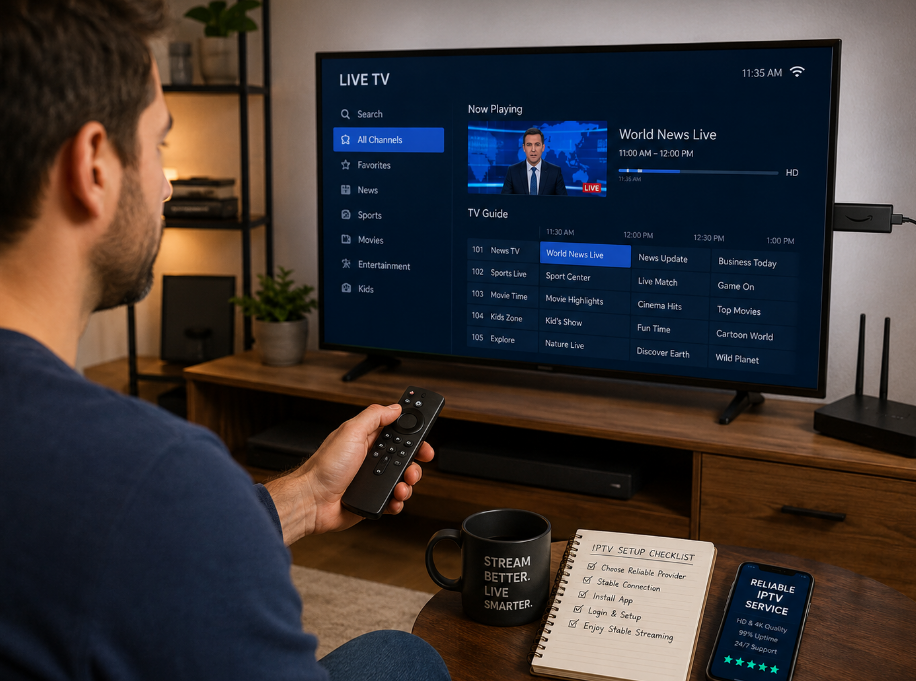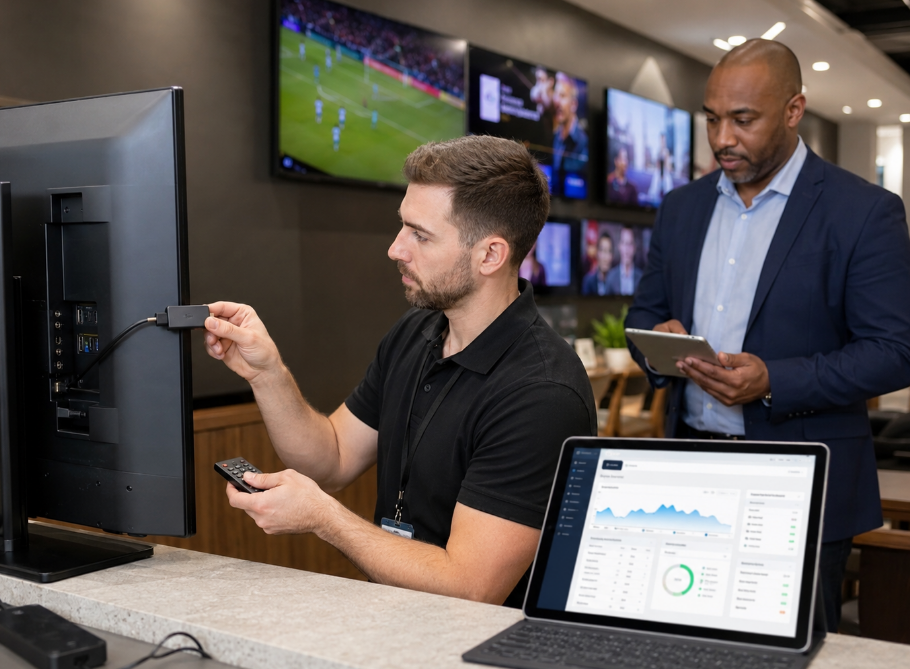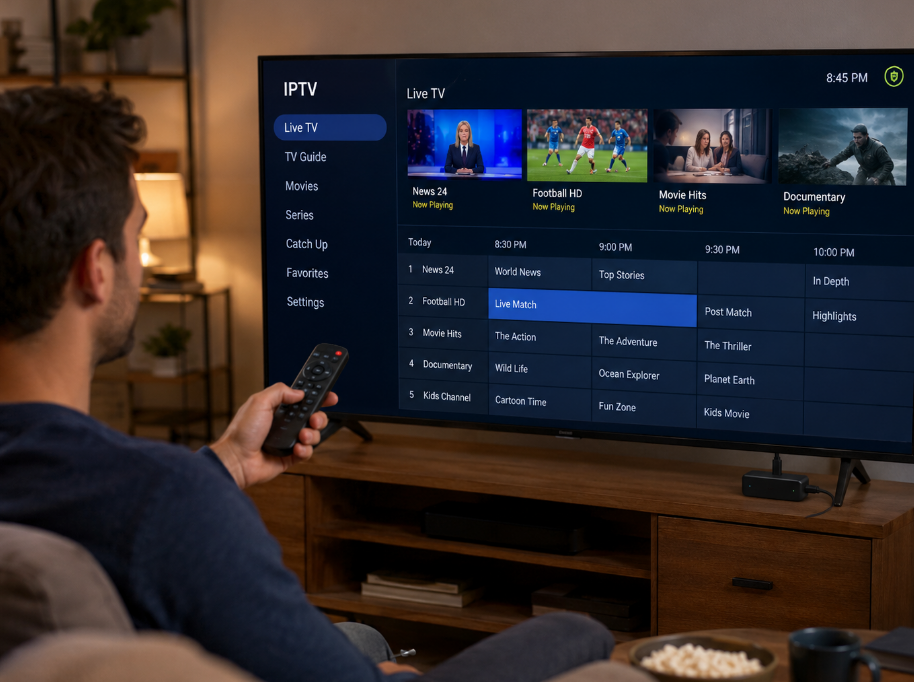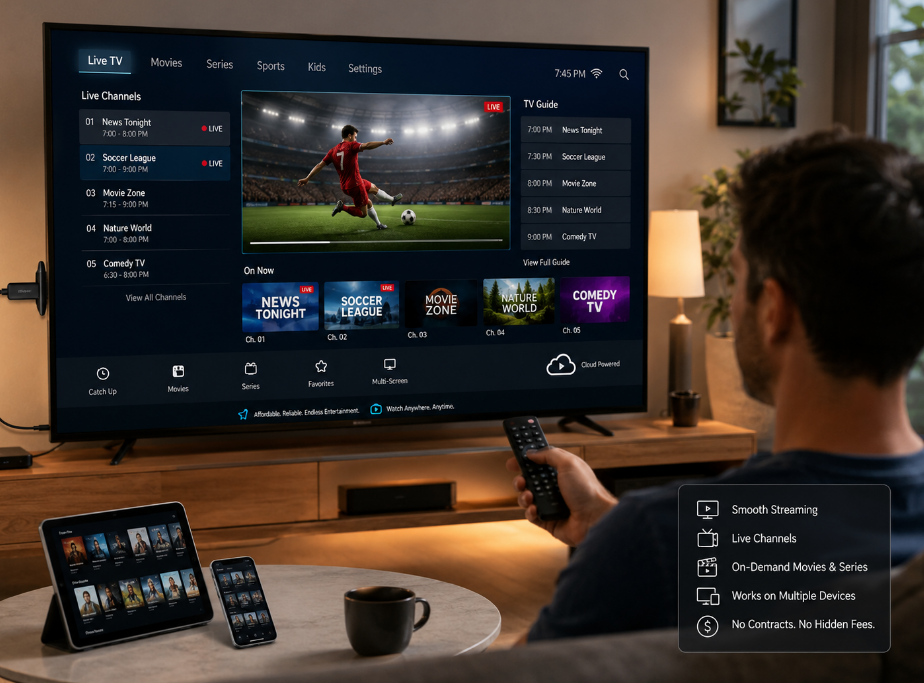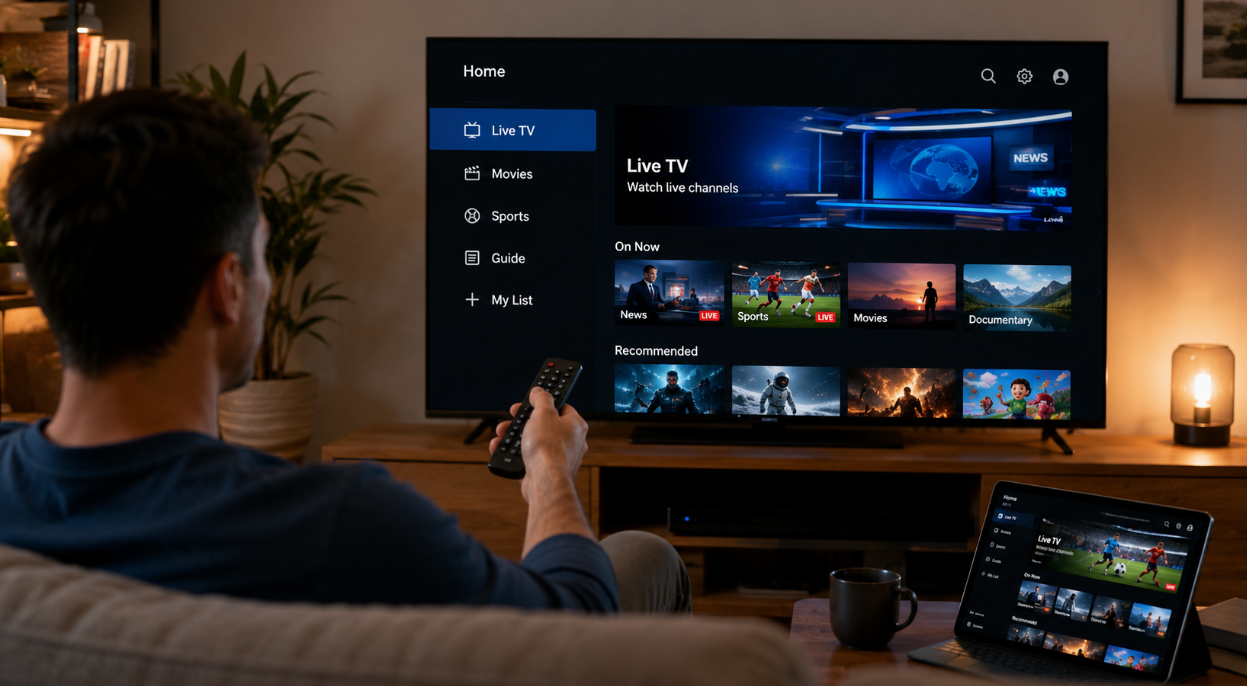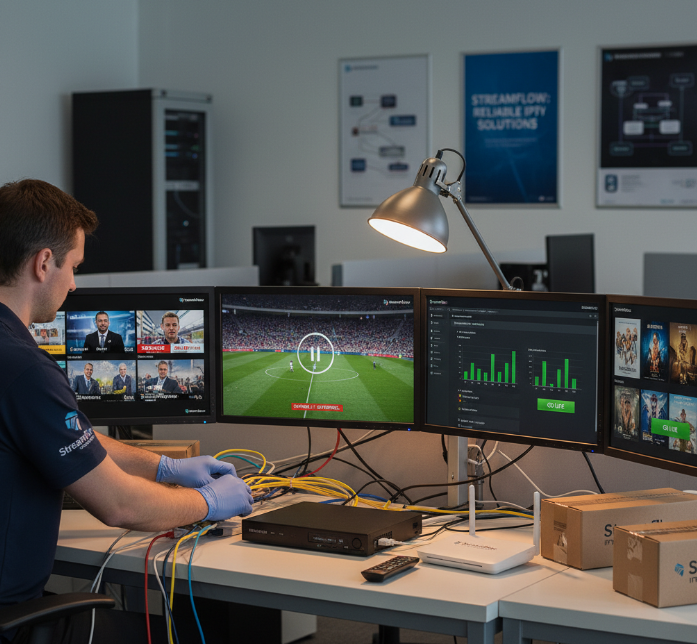
When you purchase iptv for your business, you’re not just buying channels; you’re putting your brand on the line with every stream your customers watch.
If matches freeze, VOD stutters, or apps won’t open on common boxes, support lines light up, refunds pile in, and high-value users quietly walk to a competitor.
As one Stariptv engineer puts it, “If viewers see a spinner, your logo gets the blame.”
This guide walks you through picking IPTV services that actually work at scale: stable streams, clear subscription plans, sane device options, predictable setup, honest pricing, and gear that won’t turn into a support nightmare.
By the end, you’ll know what red flags to dodge, what questions to ask upstream providers, and how to build an IPTV offer your clients stick with instead of treating it like a trial month customers can cancel tomorrow.
Streaming Problems? Purchase IPTV That Actually Works
When the screen freezes, so does your business. Here’s how to avoid that mess.
Common Headaches Wholesale IPTV Buyers Face
Buffering during peak hours — especially with sports and live events
Unstable Firestick and Smart TV performance on cheaper apps
Broken M3U playlists or EPG errors causing missing channels or wrong program guides
Inconsistent VPN routing ruining geo-targeted content
Delayed customer support, or worse — no support at all
4 Must-Haves for an IPTV Service That Actually Works
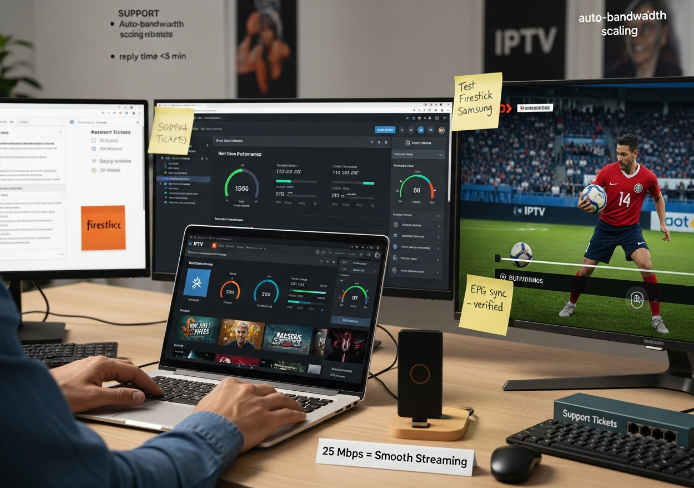
Auto-Optimized Bandwidth Management
Look for providers that dynamically adjust streaming quality based on the customer’s connection. No more constant buffering.Clean, Consistent M3U + EPG Integration
If your end-users can’t scroll channels smoothly or get the wrong guide data, they’ll bounce — fast.Firestick & Smart TV Compatibility Testing
You need apps that run without crashing on common devices like Firestick and Samsung Smart TVs. Don’t assume — test or ask.Live Customer Support That Replies in Minutes
In wholesale, time is money. You’ll want support reps that fix problems before your inbox explodes.
IPTV Streaming Reliability Checklist
| Feature | Must-Have? | Why It Matters | Ask Your Provider... |
|---|---|---|---|
| Bandwidth scaling | ✅ | Avoids buffering on busy weekends | “How do you handle bandwidth spikes?” |
| Firestick/Smart TV support | ✅ | Works on popular retail devices | “Is your app tested on major brands?” |
| 24/7 customer support | ✅ | Keeps your clients calm | “Do you offer real-time support?” |
| Accurate M3U/EPG delivery | ✅ | No missing or mislabeled content | “How often do you update EPG data?” |
Quote from a Stariptv Network Engineer:
“90% of our support tickets used to be about buffering. After we rolled out bandwidth auto-scaling and optimized for Firestick, complaints dropped by half in 30 days.”
— Luis Moreno, Infrastructure Engineer, Stariptv
What to Tell Your Downstream Clients
“Yes, our service works with your Smart TV. Just plug in and go.”
“No, you don’t need a crazy-fast internet connection. 25 Mbps is plenty with our service.”
“We’ve got real support, not just a chatbot that ghosted you at 2 AM.”
“The guide’s accurate. If Friends is on at 6, you’ll see Friends — not a cooking show.”
If your IPTV service is always buffering or crashing on Firestick, it's not just a tech problem — it’s a business risk. The right provider should keep M3U playlists clean, streaming quality sharp, and customer support on speed dial. That’s how you scale with confidence.
Subscription Plans, Device Options, and Setup Steps Explained
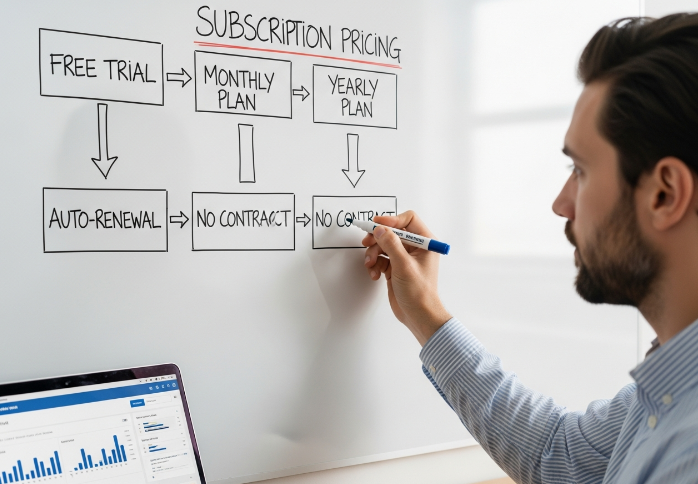
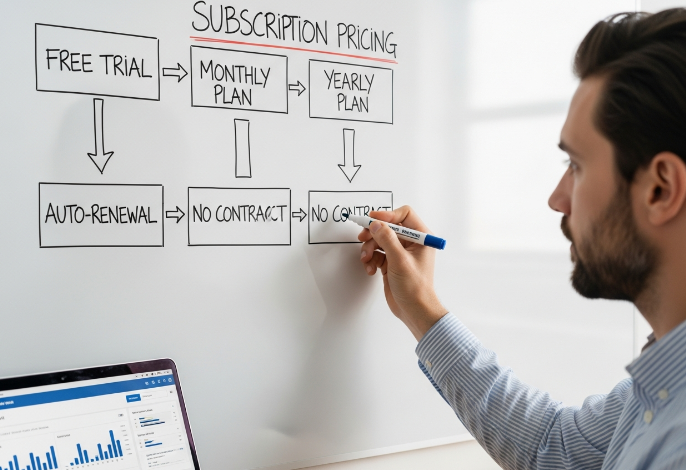
Reseller Pricing: Free Trial, Yearly Plan, Auto-Renewal, No Contract
Smart pricing keeps your IPTV panel busy and churn low.
Use a credit system tied to subscription tiers, so big buyers get better wholesale rates.
Offer a short free trial via a trusted payment gateway to prove stream stability.
Mix monthly billing cycle options with a discounted yearly plan for steadier cashflow.
Keep auto-renewal frictionless for customer retention, but pair it with clear no contract exit rules.
Designing Multi-Screen and Pay-Per-View Bundles for Clients
Big resellers win by selling a viewing lifestyle, not just “a list of channels”.
Start with base concurrent connections, then upsell simultaneous streams for families, bars, and hotels.
Wrap premium channels and sports packages into themed PPV events with clear pricing.
Add a curated VOD library in higher tiers, and lock in content licensing per territory.
As Stariptv product lead Lina Cho puts it: “Bundles built around moments, not menus, close the fastest in B2B deals.”
Scaling Set-Top Box, Smart TV, and Android Box Fleets
Lock in hardware compatibility: standardize on two or three models such as Mag boxes and Firestick.
Use a device management tool so remote configuration beats phone support marathons.
Schedule firmware updates in waves, and always keep a rollback image handy.
Stress-test hardware acceleration with 4K streams on a sample fleet before shipping any box to clients.
Matching Bandwidth, Fiber Optic, and Latency Targets to Demand
Under-sizing internet speed is how buffering nightmares start for wholesalers.
| Use case | Resolution | Bitrate (Mbps) | Max users on 100 Mbps |
|---|---|---|---|
| Casual TV pack | 1080p | 6 | 12 |
| Live sports bar | 1080p60 | 8 | 9 |
| Premium 4K pack | 4K | 20 | 4 |
Watch ping rate, packet loss, and CDN routing, or 4K streaming turns into angry calls about network congestion.
Setup Playbook: Router, Ethernet Cable, HDMI Cable, and ISP Coordination
A messy rack usually means messy support logs.
Start with a solid router and Wi-Fi 6 only where you really need wireless; push Cat6 Ethernet cable for signal stability to each set-top box or Android box.
Lock DNS settings and any port forwarding rules with the ISP before launch, and only add VPN where regulations require it.
Write a tiny connectivity troubleshooting script so your team can debug HDMI cable, router, or link issues in under two minutes.
Standardizing M3U Playlists and EPG for Whitelabel Clients
Build one master M3U playlist and mirror it across middleware stacks.
Feed XMLTV into your EPG so channel mapping stays consistent for every whitelabel brand.
Tag metadata for catch-up TV windows, 4K streams, and premium flags right from the start.
Hide long streaming protocols behind a URL shortener to keep IPTV panel fields clean.
Set clear branding rules so logos, names, and colors don’t look like a random collage.
5 Must-Know Tips Before You Purchase IPTV Services
As a buyer in the IPTV services industry, these five tips keep your margins safe and your customers chill, not angry.
Choosing Stable Protocols: HLS, MPEG-TS, Multicast, and Unicast
Prioritize HTTP Live Streaming as your core streaming protocol; Adaptive Bitrate keeps viewers steady even when Latency jumps on weak ISP lines.
Keep MPEG-TS over UDP for set-top box grids in bars or hotels where you control the Router and cabling.
Retire random RTMP feeds from suppliers; shaky links usually mean higher Packet Loss and angry resellers later.
Evaluating Middleware, Web Portal, API, and Dashboard for Resellers
You’re not just buying streams; you’re buying the control room.
Check if Stalker Portal or Xtream Codes clones handle User Management for tens of thousands of lines without freezing the Reseller Panel.
Ask for a live demo of the Web Portal, CMS, and Billing System; slow UIs kill support teams.
Confirm clean API Integration so your own dashboard can trigger upgrades, renewals, and account suspensions in seconds.
Anti-Freeze Technology, 4K Streams, and Live Sports SLAs
For wholesale sports bars and ISPs, freezing during live goals is a business killer.
| Tier | Frame Rate (fps) | Target Latency (ms) | Server Uptime (%) |
|---|---|---|---|
| Standard | 25 | < 300 | 99.0 |
| Premium | 50 | < 200 | 99.5 |
| Sports Ultra | 60 | < 120 | 99.9 |
Ask the provider how their Content Delivery Network keeps UHD Resolution and 4K streams buffer-free at peak Bitrate.
As our Stariptv network lead says, “If Server Uptime dips during derbies, you lose resellers, not just viewers.”
Managing VPN, Static IP, ISP, and Data Cap Requirements
Lock in a friendly Internet Service Provider that understands high Bandwidth IPTV traffic, not just casual Netflix levels.
Ask for Static or Public IP ranges if you run your own panels or edge nodes.
Plan for Data Usage spikes from 4K and Catch-up TV; Data Caps ruin big sports nights.
Use VPN and Encryption only where Geoblocking rules demand it, since extra tunneling can worsen Network Congestion.
Aligning Media Player, Firmware, and Customer Support Operations
Pick one main media player stack, like Set-top Box plus Android TV app plus VLC Player fallback, so your team isn’t juggling eight User Interface styles.
Standardize M3U Playlist and EPG formats; that makes Technical Support and reseller onboarding much faster.
Schedule monthly Firmware and Software Update windows, so features roll out smoothly and don’t crash Friday-night live sports.
Free IPTV vs. Paid IPTV: What's Worth It in 2026?
Not all IPTV services are created equal.
Free IPTV, Unstable Streams
Free IPTV might sound like a steal — until the buffering kicks in.
M3U playlists are often pulled from public servers that are overloaded.
Expect frequent downtime, unexpected ads, low-resolution video, and malware risks baked into sketchy apps.
Free systems don’t offer uptime SLAs, and you can’t call customer support when things go sideways.
“You get what you pay for” is painfully true here.
Stability Metrics
| Feature | Free IPTV | Paid IPTV | Difference | Risk Level |
|---|---|---|---|---|
| Avg Uptime (%) | 75% | 99.5% | -24.5% | High |
| Buffering Incidents | 18/hour | 1/hour | 17 more | Very High |
| Resolution Quality | 480p | 1080p–4K | Lower | High |
| Malware Detection | 4.2% | 0% | Present | Critical |
Paid IPTV, Anti-Freeze Reliability
Paid IPTV is all about buffer-free viewing and server uptime.
Most platforms come with built-in EPG, high bandwidth routes, and premium 4K streaming.
Subscriptions unlock stable connections, premium content, and 24/7 tech support.
With anti-freeze tech, streams stay smooth even on slightly dodgy networks.
Quote from Stariptv CTO, Mina Rojas:
"Reliability isn't just a feature — it's what separates a hobbyist operation from a real IPTV business."
Legal Offerings, International Channels
Licensing & Copyright: Paid IPTV providers operate with legal broadcasting rights.
Official Apps: Available on Hulu, YouTube TV, and manufacturer app stores.
Geo-Blocking Bypass: Legal services often support regional channels within compliance zones.
Risk Factor: Free IPTV puts you at legal risk with copyright violations and unlicensed streams.
Support Teams, Dashboards, APIs
Xtream Codes, billing panels, and reseller APIs are a paid IPTV operator’s best friend.
You get an intuitive user interface, powerful dashboard tools, and direct customer service access.
Forget emails that go nowhere — it’s all about live chat and actionable troubleshooting.
Custom M3U8 links, automated device activations, and smooth billing make paid IPTV worth every penny when scaling.
Hidden Costs That Could Ruin Your IPTV Setup
Profit dies in the small print.
Underestimated Bandwidth, Data Caps, and 4K Streams Costs
If bandwidth math is off, your IPTV margins vanish fast. High bitrates for 4K streams, ISP throttling, and data overage fees all quietly stack up, especially without fiber optic lines or HEVC codec optimization.
| User profile | Avg bitrate (Mbps) | Monthly hours | Est. data (TB) |
|---|---|---|---|
| Light viewer | 5 | 60 | 0.14 |
| Sports fan | 12 | 120 | 0.65 |
| 4K heavy user | 25 | 180 | 2.03 |
Higher streaming quality raises CDN costs for every client.
If the ISP caps usage, you eat the complaint load.
Middleware, Web Portal, and Per-Active-User Licensing Fees
On paper, middleware looks cheap. Once Stalker Portal, Xtream Codes, billing software, and CMS get priced per active user, your spreadsheet starts crying.
Check if licensing counts active connections or accounts across all white-label apps.
Audit fees on web portal modules, extra dashboards, and user authentication add-ons.
Budget engineering hours for API integration and custom branding tweaks.
Mix in a little growth and those extra cents per user punch a serious hole in your IPTV resale pricing.
Static IP, VPN, and Regional Compliance Overheads
Static IP and VPN infrastructure sounds simple, yet the legal side hits like a truck. Geo-blocking rules, encryption protocols, and tunneling setups differ across legal jurisdictions. One sloppy move triggers DMCA notices or regulator heat.
Short sanity list:
Dedicated IP ranges for proxy servers are not free.
Local lawyers and compliance consultants bill in real money.
Ignore this, and your “cheap” IPTV acquisition turns into a slow-motion cash drain plus inbox full of angry emails.
24/7 Customer Support, Chargebacks, and Refund Risk
Support promises look cute in a sales deck until ticketing systems, payment gateways, and merchant accounts start chewing through profit. Night-shift staff, fraud detection tools, transaction fees, and SLA penalties all sit in the dark waiting for you.
“If you don’t model dispute resolution and chargebacks up front, your IPTV brand bleeds out quietly,” says Elena Ruiz, Stariptv operations lead.
Add high refund rates to card processor risk scores, and your IPTV business can lose its merchant account right when demand spikes.
How to Purchase IPTV with the Best Devices in 2026
Set-Top Box Lineups for Live Sports, Documentaries, and Catch-Up TV
Want your customers to binge in 4K without hiccups? Then your set-top box game needs to be tight.
Formuler and MAG boxes are the go-to for resellers pushing sports and documentaries.
Boxes with built-in DVR and time-shifting give end-users flexibility they’ll pay extra for.
Always check middleware compatibility to keep your lineup scalable.
Stick to boxes with a minimum of 60fps frame rate and native 4K resolution for modern content expectations.
You want loyalty? Give your clients smooth playback and zero buffering — especially on match day.
Smart TV and Streaming Stick Strategies for Hospitality Chains
Stariptv's Senior Deployment Manager, Luis Moreno, once said,
“A Smart TV isn't smart until it’s in hotel mode and playing what your guests want, when they want it.”
Firestick and Roku work wonders for short-term stay properties — easy setup and wide app support.
For larger hotel chains, go native with Tizen OS (Samsung) or WebOS (LG).
Enable hotel mode for remote lock control and central content management.
Push Chromecast-style content casting so guests can stream from their phones — they'll love the freedom.
Keep it simple, cast-friendly, and locked down.
Android Box Deployments with Custom Firmware and Codec Support
Need performance and control? Android boxes are where it’s at.
Use NVIDIA Shield if you want something powerful and brand-trusty.
For mass deployment, cheaper Amlogic boxes get the job done — just make sure they support HEVC and AV1 codec playback.
Customize boxes with sideloaded APKs, and don’t be afraid to flash with custom firmware (yes, root access helps if you know what you’re doing).
Good Android boxes let you tailor the experience without needing a full development team.
Just don’t cheap out — or your customers will feel it in their streams.
Router, Ethernet Cabling, and Low-Latency Networks for IPTV Rooms
If you’re setting up IPTV in volume, your network's gotta be rock solid. Check the table below before choosing your gear:
| Component | Recommended Spec | Key Benefit | Use Case |
|---|---|---|---|
| Ethernet Cable | Cat6a | Less interference | Hotel IPTV rooms |
| Router | Wi-Fi 7 | More bandwidth, less lag | Apartment buildings |
| Switch | IGMP snooping | Efficient multicast | Sports bar environments |
| Software | QoS tools | Smooth video prioritizing | Mixed-use commercial spaces |
Also keep an eye on jitter and packet loss — bandwidth alone doesn’t guarantee smooth streams.
Testing User Interface, EPG, and Media Players at Scale
You’re not just selling streams — you’re selling how people experience them. Here’s how to test UI and player setups when you're running 100+ devices:
Batch-test media players like VLC, TiviMate, and XCIPRTV with your M3U playlists.
Use XMLTV to verify accurate EPG sync across all devices.
Test channel zapping speeds — under 2 seconds is the sweet spot for keeping users happy.
Don't overlook UX design — clunky menus kill retention.
Multiple users = multiple devices = multiple failures if you skip this step.
HDMI Cable Choices for 4K Streams and Video on Demand
Let’s keep this quick and clear:
Always go HDMI 2.1 — older versions choke on 4K@60Hz.
Look for HDCP 2.2 compliance to avoid playback errors.
HDR10+ and Dolby Vision support = richer colors for content like documentaries and high-end VOD.
Ensure eARC for futureproof audio.
Cheap cables bottleneck your refresh rate and waste bandwidth — don’t cut corners.
Don’t let a $5 cable ruin a $500 deal.
Conclusion
Let’s be real—navigating the decision to purchase IPTV in 2026 isn’t just about finding channels or cutting the cord. It’s about keeping your business running smooth and customers happy. From locking down solid tech like anti-freeze streaming to understanding what you're really paying for, this guide arms you with the stuff no slick sales pitch will tell you. If you’re in this for the long game, these aren’t just features—they’re survival tools.
Here’s a quick punch list to run with:
Check the network setup: bandwidth, latency, and that all-important static IP.
Don’t sleep on device compatibility—smart TVs and Android boxes need testing.
Know the true cost: middleware fees, support charges, even those sneaky data caps.
Build in flexibility: offer pay-per-view, 4K, and multi-screen options customers love.
Test everything—M3U playlists, EPGs, dashboards—before you scale.
No need to overthink it. Build smart now, and you won’t be stuck fixing it later. Keep it simple. Keep it solid. Keep customers coming back.
References
What Is IPTV? – Elementor Blog - https://elementor.com/blog/what-is-iptv/
HLS or MPEGTS? – NecroIPTV Knowledgebase - https://necroiptv.com/shop/knowledgebase/65/HLS-or-MPEGTS.html?language=english
MPEG-TS vs. HLS – Castr Blog - https://castr.com/blog/mpeg-ts-vs-hls/
M3U – Multimedia Playlist File Format – Wikipedia - https://en.wikipedia.org/wiki/M3U
Netflix Recommended Internet Speeds for Streaming - https://help.netflix.com/en/node/306
The Hidden Dangers of Illegal IPTV Services – FACT UK - https://www.fact-uk.org.uk/the-hidden-dangers-of-illegal-iptv-services-what-you-need-to-know/
Enforcement Against Pirated IPTV and Legal & Cybersecurity Risk Awareness – Kasznarleonardos - https://www.kasznarleonardos.com/en/enforcement-against-pirated-iptv-and-legal-cybersecurity-risk-awareness/
FAQ
Why do IPTV streams still freeze for my customers?
Check latency and jitter, not only bandwidth, especially on non–fiber optic links from your ISP.
Use a solid router and Ethernet cables instead of weak Wi-Fi to set-top boxes and Smart TVs.
Ask your provider how anti-freeze technology works with HLS or MPEG-TS streams.
Keep media player apps, codecs, and firmware updated on Android boxes and streaming sticks.
How to purchase IPTV services safely from a provider?
Confirm rights for live sports, international channels, documentaries, and pay-per-view.
Use a free trial to test 4K streams and catch-up TV on Smart TVs and set-top boxes.
Ask for written uptime targets and latency goals, not vague promises.
Check yearly plan, auto-renewal, and no contract choices before you sign.
Test their web portal, API, and dashboard, and talk directly with customer support.
What hardware do I need before I purchase iptv wholesale?
For wholesale work you usually mix set-top boxes, Smart TVs, and Android boxes, all plugged into a stable router with Ethernet cables and HDMI cables, so your media player setup stays easy to support in every venue.
How can I compare free apps and paid IPTV packages?
Free apps often use random M3U playlists with broken EPG data.
Paid services usually include licensed live sports, documentaries, and video on demand.
Look for 4K streams, catch-up TV, and multi-screen options that actually hold up.
Check if customer support understands codecs, firmware issues, and ISP routing.
What hidden costs cut into IPTV resale profits?
Resale profit often sinks because of extra bandwidth for 4K streams, hidden middleware or web portal fees, VPN and static IP charges, and surprise customer support costs each time live sports or pay-per-view traffic spikes.
How do bandwidth and latency affect IPTV quality?
Low bandwidth struggles when many viewers watch live sports or video on demand.
High latency hurts HLS and MPEG-TS performance, especially during 4K streams.
Data caps from your ISP can make heavy catch-up TV viewing very expensive.
Monitoring multicast and unicast traffic on your dashboard helps you spot trouble early.
Which subscription features matter most when you purchase IPTV to resell?
For reselling, useful features include multi-screen access, anti-freeze technology, honest EPG data, flexible yearly plans or no contract options, and quick customer support that understands M3U playlist issues and broken 4K streams during busy matches.
How can I standardize playlists and guides for many clients?
Keep one clean M3U playlist format for all reseller groups.
Use consistent EPG styles so Smart TVs and set-top boxes show the same guide.
Centralize changes in middleware, using a web portal and API instead of manual edits.
Watch everything through a single dashboard so broken channels and missing EPG entries get fixed fast.
What is the best device mix for hotels and sports bars?
Hotels often prefer Smart TVs with Ethernet cables in rooms, while sports bars like set-top boxes or Android boxes near each screen so live sports, catch-up TV, and international channels stay simple for staff to control.
How should I judge middleware, APIs, and dashboards before purchase?
Good middleware should handle HLS and MPEG-TS cleanly, give you a clear dashboard, and expose a stable API so your web portal, user interface, and customer support team can manage multicast and unicast issues quickly.