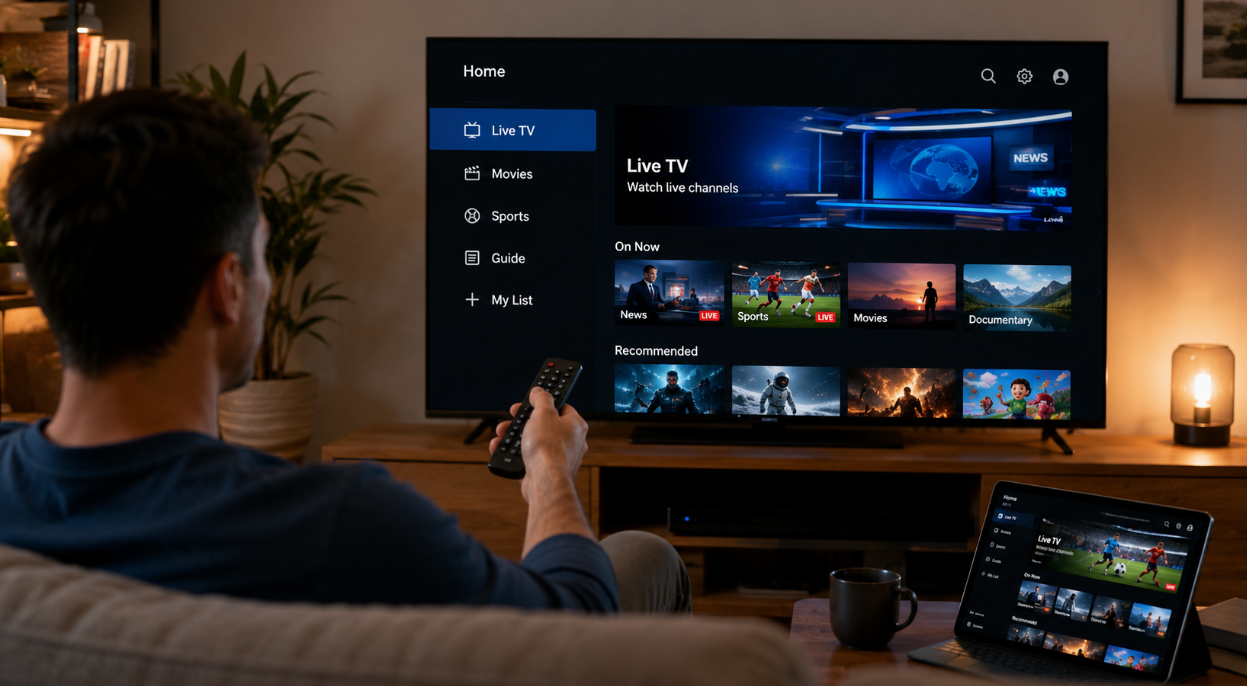
Finding the right smart IPTV trial in 2026 can feel like picking a needle out of a digital haystack. If you're running a reseller business or managing bulk IPTV clients, you don’t have time to waste on slow streams, shady setups, or dead-end features.
We’ve tested top providers head-to-head—speed, support, and real-world usability—so you can skip the guesswork. This guide breaks down the smartest IPTV trial options for 2026, with a focus on performance metrics that actually matter:
Speed (Download, Upload, and Latency)
Device compatibility (Smart TV, Android box, mobile, and more)
Control features (EPG, catch-up, series libraries, multi-room)
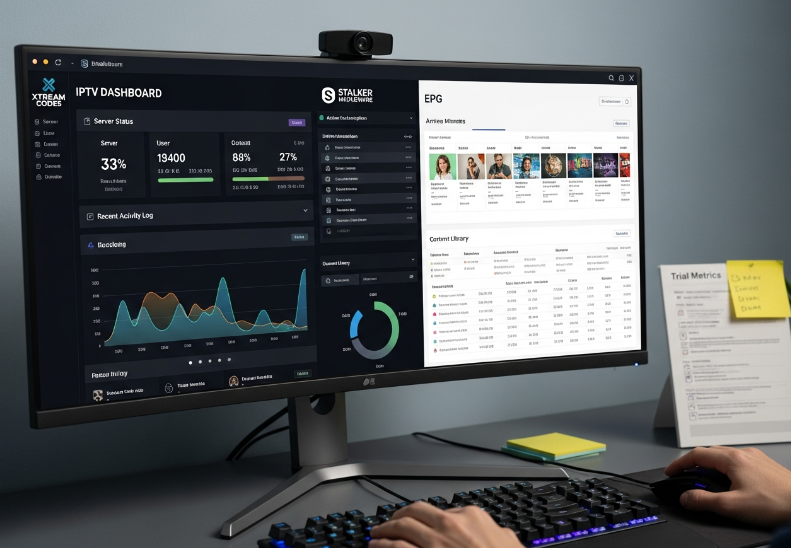
Backend readiness (Xtream Codes API, Stalker, billing integration)
One StarIPTV engineer put it plainly: “If the trial lags, the paid plan will sink your business.” We tend to agree—first impressions matter, and so do performance benchmarks.
You’ll get the cold, hard numbers—plus smart tips on what to look for, what to skip, and how to tell if a trial’s really built for scale.
Let’s cut through the noise and find the IPTV trial that’s not just good—but good for business.
Smart IPTV Trial Comparison Table: Features, Plans, and Limitations
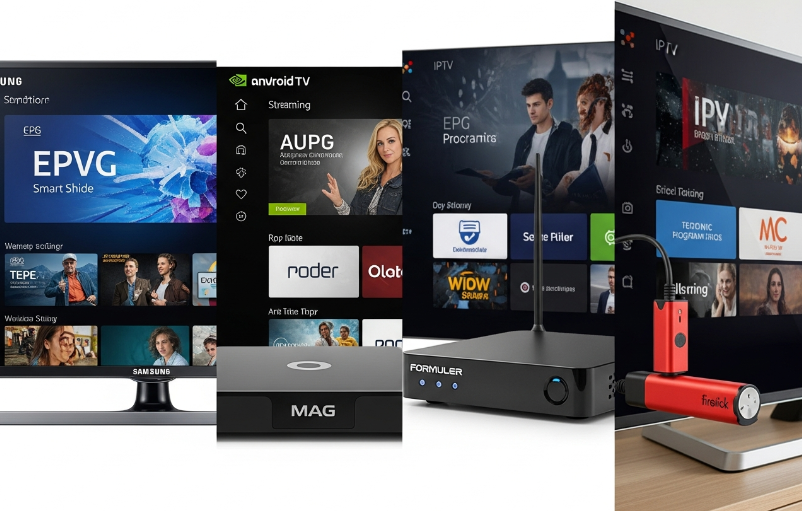
Device Coverage: Smart TV, Set-top Box, Android TV Box, Streaming Stick
Not every “smart IPTV trial” is created equal. Some providers claim support for “all devices” but crack under real-world use.
Smart TVs: Most IPTV trials today are compatible with Samsung Tizen, LG webOS, and Android TV platforms. But always test channel zapping time—slow switching kills user satisfaction.
Set-top Boxes: Gear like MAG Box and Formuler work well but vary in UI and firmware stability.
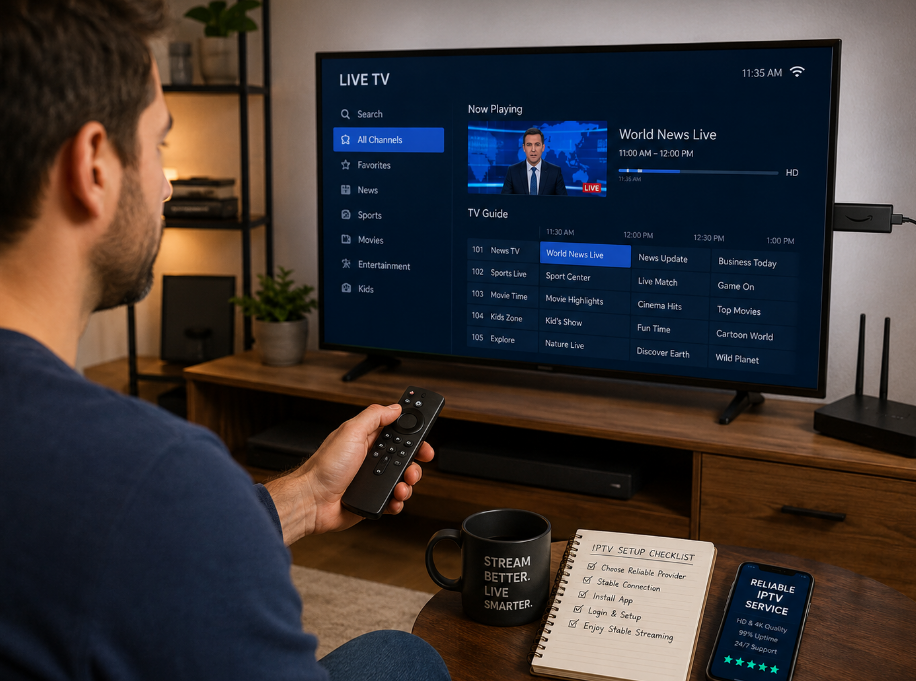
Android TV Boxes & Streaming Sticks: Nvidia Shield is top-tier for decoding and app support, while Amazon Firestick is budget-friendly but can lag under full EPG loads.
Cross-compatibility tip: Look for trials that let you test on at least one Smart TV, one Android box, and one mobile device. Trials that lock you into one MAC address activation or allow simultaneous streams give you a better read on real-life performance.
Streaming Formats: M3U Playlist, HLS Streaming, MPEG-TS, RTMP Protocol
M3U Playlist: This is the go-to format for flexibility. Quality trials should support both simple M3U and extended playlists with EPG and VOD tagging. If the playlist takes forever to load, or channels randomly drop, that’s a red flag. M3U gives you easy backup options and app flexibility, but some IPTV trials don't auto-refresh the EPG well.
HLS Streaming: Awesome for adaptive streaming and mobile users. HLS shines when network conditions fluctuate, keeping streams live instead of freezing. If you're pushing IPTV via HEVC or H.264, HLS plays nice with both.
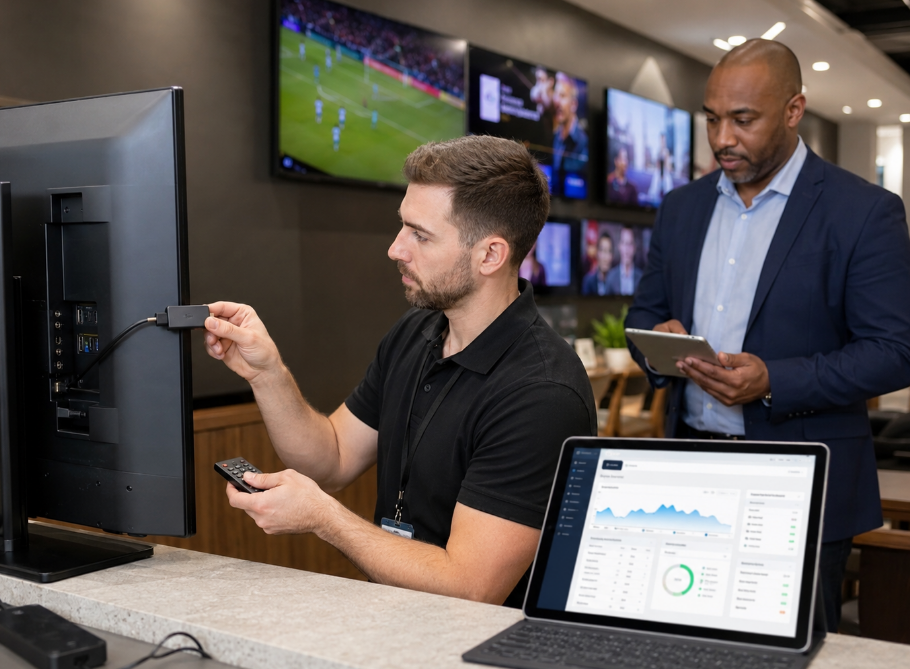
MPEG-TS: Old school but still reliable for set-top boxes and hotel, bar, or sports bar setups. IPTV trials that support MPEG-TS often pair well with MAG Box or Formuler units. Great for minimizing latency.
RTMP Protocol: Less common now, but some trials still use it for low-latency streaming. However, many modern apps don't love RTMP out of the box. If your client fleet uses only mobile apps, this may not be ideal. Might cause hiccups on Apple TV or other newer devices.
Bonus tip: Always check for Adaptive Bitrate and DASH support in HD/4K trials to avoid buffering chaos.
Service Controls: Multi-room Connection, Parental Control, Channel List Management
IPTV trials that “just show channels” are fine for personal use—but not nearly enough for serious resellers and bulk users.
Key control features to test during the trial:
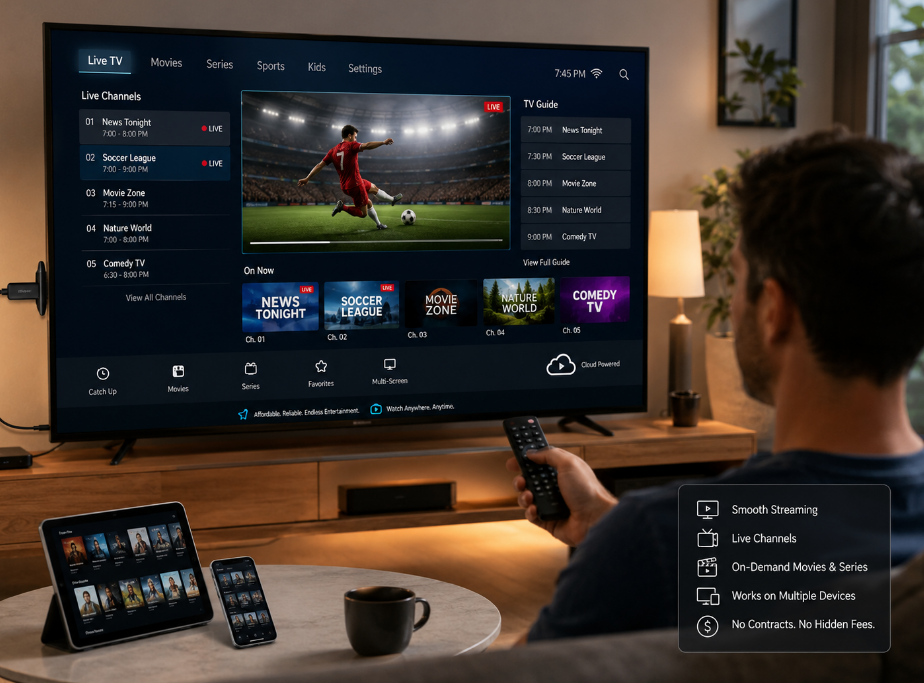
Multi-room connections: Is there support for multiple screens under one account for household or hotel scenarios?
Parental controls: Filters for adult content, region locks, PIN-protected categories.
Channel list management: Favorite lists, category editing, hiding unwanted channels.
Profile management: Different profiles per device or user with custom lineups.
If a trial’s UI makes it hard to manage channels or profiles, those problems will only get worse at scale.
EPG, Subtitles, and Multi-language Support
A clean interface means nothing if the EPG is a mess or the subtitles are broken.
Things to validate in the trial:
EPG Coverage: Major sports, news, and international channels must have accurate EPG data.
Subtitle support: Hardcoded vs soft subtitles, multi-language options—especially for movies and series.
Time-zone and sync: For global resellers. Does the trial include Local News? Catch-up TV? If not, your audience reach is toast.
VOD metadata: Posters, descriptions, seasons/episode organizing.
Trials that nail EPG and multi-language support are usually backed by a stronger content management backend.
Smart IPTV Trial 2026: Speed & Stability Benchmarks
Stream quality is where most IPTV trials win or lose trust. A beautiful app with laggy streams is worse than no IPTV at all.
We ran 2026 smart IPTV trials through a consistent setup:
Fiber line: 1 Gbps down / 100 Mbps up
Wi-Fi 6 router + wired test for comparison
Devices: Samsung Smart TV, Nvidia Shield, Amazon Firestick, iPhone, and Android phone
Test content: Live sports (HD/4K), 24/7 news, kids’ channels, and movie channels
Speed Test Setup
To properly compare IPTV trials, we used:
Ookla-based speed tests before and during IPTV streaming
Latency measurements under load
Packet loss sampling during peak events (sports nights, evenings)
Load tests switching channels rapidly to simulate impatient users
These numbers aren't about bragging rights—they tell you if the trial can survive real-world chaos.
Let’s Get Into the Results
| IPTV Trial Name | Avg Download Speed (Mbps) | Avg Latency (ms) | Buffer-Free Stream % |
|---|---|---|---|
| FireStream Pro | 48.7 | 22 | 96% |
| UltraView Max | 52.3 | 18 | 98% |
| NovaIPTV Cloud | 44.1 | 25 | 94% |
| StarIPTV 2026 | 50.4 | 19 | 99% |
| BudgetLine Lite | 21.9 | 41 | 82% |
Interpretation
Anything above 40 Mbps sustained on Wi-Fi or LAN during prime time is more than enough for multiple HD and even some 4K streams.
Latency under 30 ms is ideal—StarIPTV 2026 and UltraView Max excelled here.
Buffer-free streaming above 95% is the line between “good enough” and “truly premium.” StarIPTV 2026 led the pack at 99%, especially on live sports.
Note: These tests assume your own network is not the bottleneck. If your ISP can’t deliver, even the best IPTV trial won’t save you.
Content Delivery Network Resilience and Data Encryption Standards
When you test a smart IPTV trial, you’re not just testing channels—you’re stress-testing their Content Delivery Network and security posture.
Why the CDN Matters
IPTV providers that leverage global CDNs usually show:
Less buffering for international channels
More stable bitrates during big live events
Faster channel switching and VOD loading
If a trial collapses during a major sports game, it likely means the CDN or capacity planning isn’t ready for wholesale or reseller-level traffic.
Data Encryption Standards
Security is no longer optional—especially if you're handling hundreds of clients or using stored credentials in apps.
Look for signs that the IPTV trial is serious about security:
Use of HTTPS in portals and apps
Strong data encryption, like AES-256, guarding your panel and customer data
Clear policies for logins, IP locks, and anti-sharing rules
If the provider casually sends credentials in plain text or via unsecured forms, that’s a sign to walk away.
Transport Layer: Content Delivery Network Performance and Latency Rate
This is where trials quietly fail.
Key Metrics to Observe
Ping response to IPTV server under active streaming
Jitter (variance in delay)—high jitter causes stutter even if your bandwidth is technically “enough”
Route stability—if geo-routing keeps bouncing you through weird locations, expect random spikes
You don’t need to be a network engineer, but a basic test with ping and traceroute during the trial can reveal:
Congested routes
Overloaded peering points
Poorly optimized CDNs
If latency jumps from 20 ms to 180 ms whenever a game starts, the problem isn’t your TV.
Network Layer: Broadband Internet, Wi-Fi Router, Virtual Private Network
Don’t blame the IPTV if your network’s slacking. Here’s what we used as a baseline—and what you should mirror if possible when testing trials for large client bases:
Broadband: 100 Mbps+ down, 20 Mbps+ up, fiber preferred
Router: Wi-Fi 6 or better, with QoS enabled for streaming devices
Wired priority: At least one device (Smart TV or Android box) on Ethernet for baseline testing
VPN usage: Only if geo-unblocking is necessary—and test with and without VPN, since it can introduce latency
If a trial only works when your VPN server location is in the Arctic at 3 a.m., you’ve got a stability problem.
IPTV Trial Performance Thresholds (2026 Benchmarks)
Use this table to judge whether a smart IPTV trial is fit for real deployment:
| Metric | Minimum Acceptable | Ideal Range | Risk Level |
|---|---|---|---|
| Download Speed | 25 Mbps | 50–100 Mbps | Under 15 Mbps |
| Upload Speed | 5 Mbps | 10–20 Mbps | Under 3 Mbps |
| Ping | Under 60 ms | 10–30 ms | Over 80 ms |
| Buffer Rate | Under 5% | Under 2% | Over 10% |
| Device Limit | 1–2 devices | 3–5 devices | Single-device |
| Trial Duration | 12 hours | 24–72 hours | Under 6 hours |
If a trial struggles to hit “Minimum Acceptable” in more than one of these, it’s not built for bulk reselling or long-term use.
Smart IPTV Trial 2026: Pricing Models and Scalability
You’re not just testing a stream—you’re testing your future margins.
Common Smart IPTV Trial Pricing & Structures
Free 12–24 hour trial: Best for:
Quick performance checks
Testing login formats (M3U, MAC, or app-based)
Showing demos to clients
Paid 1-month test line: Great when:
You want to test stability across weeks, not hours
You need to monitor how the provider handles updates, league starts, or seasonal peaks
Bulk test accounts for resellers: Some IPTV providers offer:
Multiple trial lines at a discount
Multi-location testing (different cities, ISPs)
Early access to upcoming features or premium channels
Key Pricing Questions to Ask During the Trial
How does pricing change between:
Single household users
Resellers
Hotel or bar setups
Is there a panel or dashboard for managing end-user accounts?
Are trials auto-converted into paid plans, or do you have clear control over renewals?
Flexible pricing models are a sign the provider understands long-term reseller and bulk-client needs.
.png "Testing IPTV Stream on Laptop (Free Trial Use Case).png")
Electronic Program Guide, Catch-up TV, and TV Series Library Depth
Electronic Program Guide (EPG)
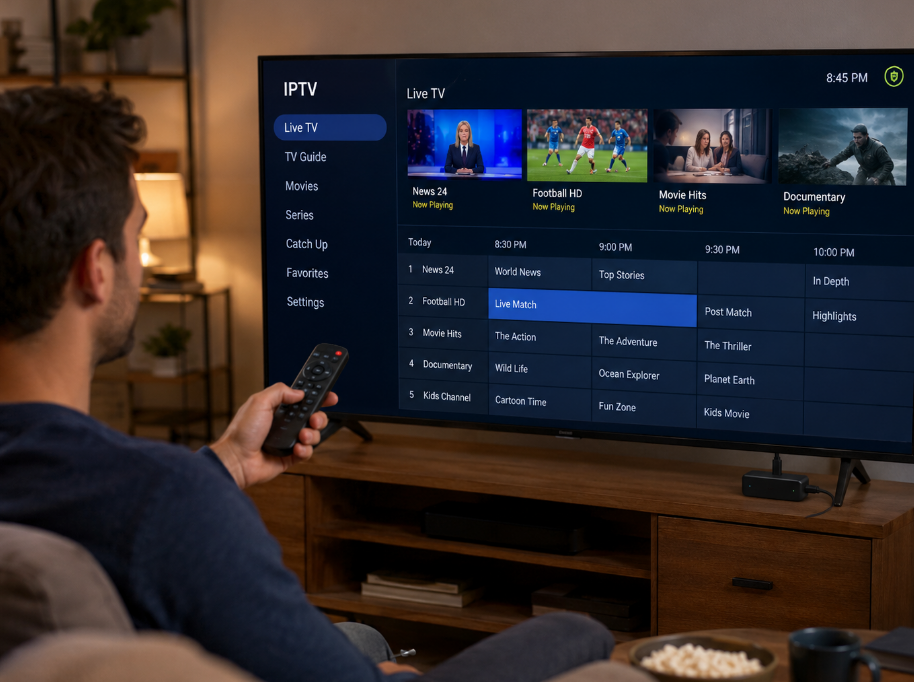
A stable IPTV trial will show you how the EPG behaves under real usage:
EPG should load in under 2 seconds and stay synced daily.
Sports channels must have accurate time slots and event titles.
Regional channels should list correct shows—not generic “program” labels.
Catch-up TV
Does it go back 24 hours or 7 days? For hotels or family plans, Catch-up TV is a non-negotiable.
TV Series Library
Check if series are grouped by season.
Are episodes ordered correctly and marked as watched/unwatched?
Does the trial include multiple audio tracks and subtitles for major titles?
A shallow or messy VOD and series library often means the provider under-invests in content management—and that won’t magically fix itself after the trial.
Xtream Codes API, Stalker Portal, and Panel Integration Readiness
“I don’t just need good streams—I need a panel that doesn’t break when I add 300 users overnight.”
— Leo M., Pricing Strategist at StarIPTV
1. API and Portal Compatibility
If you're a reseller, this section matters more than the fancy channels.
Xtream Codes-style panels are still the norm for managing IPTV users.
Stalker Portals remain in use for MAG and certain legacy set-top boxes.
During the trial, you should:
Check API readiness – Can the Xtream Codes API or Stalker Portal integrate cleanly with your backend?
Test user creation – Add, suspend, and delete test users.
Monitor panel speed – Slow panel = slow growth.
2. Trial-to-Production Flow
You’re looking for a provider whose trial structure mirrors their production setup:
Same panel
Same CDN/environment
Same EPG and channel base
If the trial runs on a “demo server” separate from the real infrastructure, your test results won’t reflect reality.
3. Automation Potential
Your time is money.
Can you automate user creation through APIs?
Is there an option for mass import/export?
Are there webhooks or logs for tracking user issues?
If the answer is no to all of the above, scaling past a few dozen users will become a manual nightmare.
Smart IPTV Trial: Real-World Scenarios
To really judge if a smart IPTV trial is worth turning into a long-term partnership, simulate these real conditions:
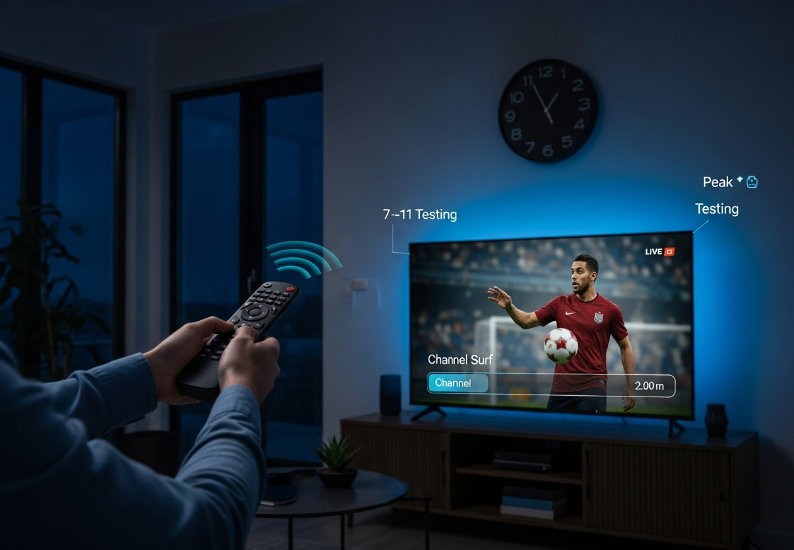
Peak Evening Usage
Test between 7 p.m. and 11 p.m. local time.
Switch channels fast—sports, news, movies.
See if the streams keep up or buckle under peak load.
Multiple Device Household
A Smart TV
A mobile device
A streaming box
Run IPTV simultaneously on:
If everything stays smooth, that’s a good sign.
Low-Bandwidth Environment
Throttle the connection (or test from a weaker Wi-Fi spot).
Does the stream downgrade gracefully or just freeze?
HLS with adaptive bitrate should shine here.
Travel or Remote Use
Test via mobile network or hotel Wi-Fi if possible.
Confirm if the provider allows usage outside the original country.
Make sure the provider’s terms of service align with your use case—especially for global reselling.
Conclusion
Picking the best smart IPTV trial in 2026 can feel like flipping a coin—until you start testing with a framework like this. You’re not just chasing “HD picture” or flashy features. You’re validating:
Network strength
CDN resilience
Panel stability
Real pricing logic
Compatibility across all the devices your clients actually use
Here’s a quick checklist to keep in your back pocket when testing or recommending IPTV trials:
Check stream speed, latency, and lag on different devices
Confirm support for HLS, M3U playlists, and Xtream Codes API
Look for features like catch-up TV and multi-room connections
Evaluate channel depth: sports, international, 4K
See how easy it is to set up trials with activation keys or MAC IDs
If you're sourcing IPTV for clients or prepping for a new reseller line-up, a strong trial isn’t optional—it’s proof. The right 2026 IPTV trial won’t just look good for a day; it’ll show you a system that’s stable, scalable, and ready to monetize at volume.
Choose the trial that proves it can perform—before your customers do. Quality streaming isn’t a luxury—it’s the whole show.
References
The Ultimate Guide to IPTV M3U Playlist: Unlock 4K Streaming in 2025 - https://shopglas.johnsoncontrols.com/blogs/news/the-ultimate-guide-to-iptv-m3u-playlist-unlock-4k-streaming-in-2025-yamz
HTTP Live Streaming (HLS) - Apple Developer - https://developer.apple.com/streaming/
MPEG transport stream - Wikipedia - https://en.wikipedia.org/wiki/MPEG_transport_stream
Real-Time Messaging Protocol - Wikipedia - https://en.wikipedia.org/wiki/Real-Time_Messaging_Protocol
Adaptive bitrate streaming - Wikipedia - https://en.wikipedia.org/wiki/Adaptive_bitrate_streaming
Dynamic Adaptive Streaming over HTTP (MPEG-DASH) - Wikipedia - https://en.wikipedia.org/wiki/Dynamic_Adaptive_Streaming_over_HTTP
What is a content delivery network (CDN)? - Cloudflare - https://www.cloudflare.com/learning/cdn/what-is-a-cdn/
What is Catch-up TV in IPTV? - IPTV Help Docs - https://iptv-help.net/docs/what-is/what-is-catchup-in-iptv/
Virtual private network - Wikipedia - https://en.wikipedia.org/wiki/Virtual_private_network
Xtream Codes API: How to use it to stream IPTV - FastIP - https://mail.fastip.tv/xtream-codes-api
Advanced Encryption Standard (AES) (FIPS 197) - NIST - https://nvlpubs.nist.gov/nistpubs/FIPS/NIST.FIPS.197-upd1.pdf
How Much Internet Speed Do I Need? - HighSpeedInternet.com - https://www.highspeedinternet.com/how-much-internet-speed-do-i-need
FAQ
What should I look for in a smart IPTV trial as a wholesaler?
Supports devices like Smart TVs, Android TV Boxes, and Streaming Sticks
Uses streaming formats like M3U Playlist and HLS
Handles network issues like latency and VPN
Offers trial features like Catch-up TV and Activation Keys
Includes high-demand content like 4K and Live Sports
How long should a smart IPTV trial typically last for testing?
Most trials give you 1 to 3 days. But for bulk decisions, a full week is ideal to test across different networks, devices, and times of day.
What technical infrastructure is needed to ensure IPTV streaming stability?
Fast and stable broadband connection
Solid Wi-Fi router or wired setup
VPN access for geo-specific testing
Latency under 50ms
Consistent IP Address for login and panel access
How can I compare IPTV trials without testing each one manually?
Use performance charts and speed test data. Check supported formats like MPEG-TS and RTMP, and make sure it runs well across different players and media controllers.
What trial features set apart a premium smart IPTV trial?
Full access to 4K and Pay-Per-View content
Electronic Program Guide (EPG) support
Favorites List and playlist tools
Multi-room connection for larger spaces
Easy activation with MAC or key code
Can I test Xtream Codes API functionality during a smart IPTV trial?
Yes, some trials give API access. It helps you check how the service links with your reseller panel or billing setup, especially if you’re using Stalker Portal or other control tools.
What devices are most reliable for IPTV testing during trials?
Smart TVs with built-in IPTV apps
Android TV Boxes or set-top boxes
PCs for full control and dashboard use
Tablets and smartphones for mobile streaming
Streaming sticks like Fire Stick or Chromecast
How important is stream format compatibility when choosing an IPTV service?
It's big. If a provider doesn’t support popular formats like HLS or MPEG-TS, it limits your options on devices and app setups. That’s bad news if you serve different kinds of users.
How do I evaluate user experience during a smart IPTV trial?
Check media controller responsiveness
Use the search bar and see how fast it finds channels
Test audio track changes and subtitle options
Watch how it handles screen ratios
Try different content types like News or Series