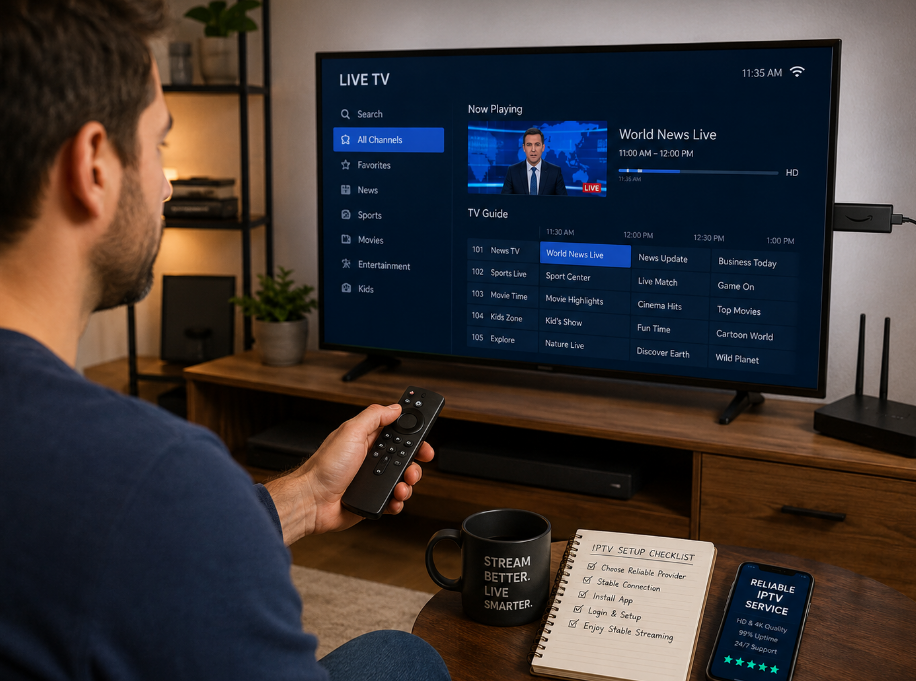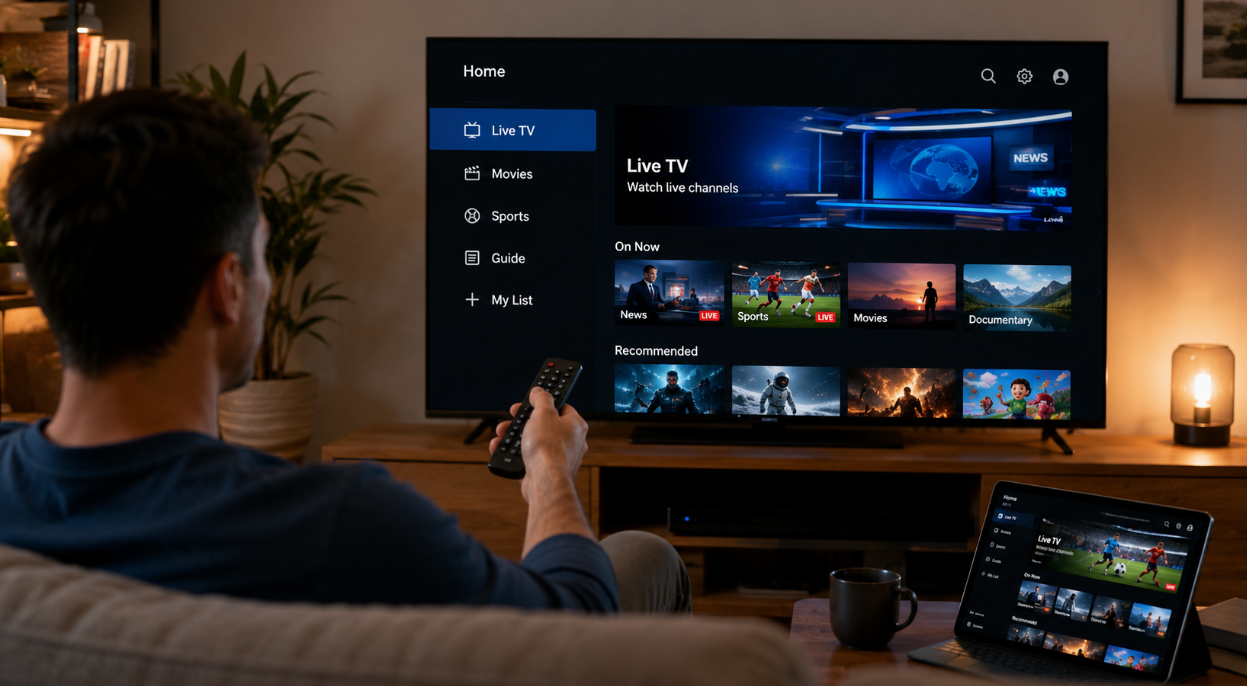
Setting up IPTV Life sounds easy—until your reseller inbox is flooded with “It’s not working” messages. We’ve seen it too many times: poor setup, bad connections, and buffering that turns a solid service into a support nightmare.
Most of these screw-ups come down to five simple mistakes. Fix those, and you cut complaints in half. That’s not hype—it’s pattern recognition from folks who’ve lived through it.
“Resellers don’t lose customers because of price—they lose them because the service feels broken,” says Marcus Lee, Senior Engineer at StarIPTV.
This guide breaks down those common errors, from shaky Wi-Fi setups to subscriptions that don’t activate right out of the gate. No fluff, just the fixes that make your rollout smoother.
If you’re selling IPTV at scale, this is the kind of stuff that keeps your reputation tight—and your weekends quiet.
The 4 Most Common Setup Mistakes
Improper Hardware Pairing: Smart TVs vs. Set-Top Boxes
Not all boxes and TVs play nice with IPTV Life. Pairing the wrong combo kills stream quality and brings headaches.
Smart TVs (like LG and Samsung) often have OS limitations and can't run full IPTV platforms well.
Android TV Boxes offer flexibility, but low-RAM models can lag hard on high-bitrate streams.
NVIDIA Shield is a beast — smooth playback, great hardware decoding, and strong support.
MAG Box and Firestick are easy to use, but their performance varies by version.
HDMI 2.1 support is key for pushing stable high-frame rate content to large displays.

📌 Pro tip: Match the hardware to the client’s use case. One size doesn’t fit all in the wholesale IPTV world.
Overlooking Middleware Integration During First-Time Setup
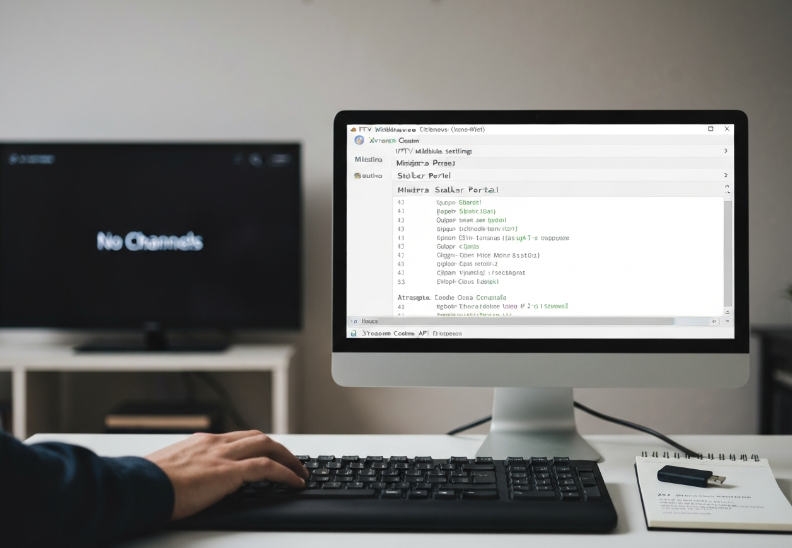
Missing middleware during setup? You’re just asking for broken logins, dead links, and chaos.
Middleware servers like Ministra and Stalker Portal manage content delivery, Authentication, and User Interface logic. Without it, the IPTV app is just an empty shell.
Xtream Codes and its API need to be properly synced with the app to unlock all channels, EPG, and features.
Failing to integrate this early = more support calls later. Nobody wants that.
🗣️ "One forgotten API link in middleware cost us 200 tickets in a week." — Stariptv Integration Engineer
Misconfigured Content Delivery Network and Bandwidth Allocation
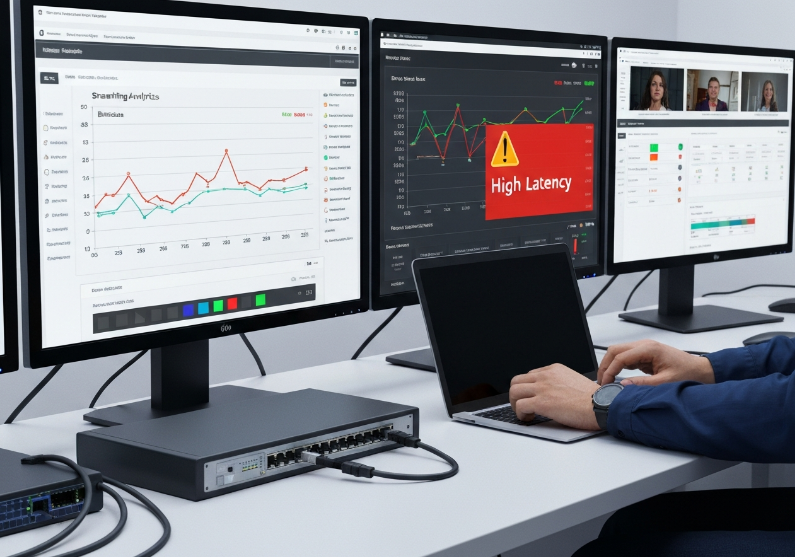
You might think your stream server’s fine—until 1,000 users log in and everything crashes.
IPTV relies heavily on CDNs to push streams fast. If your Edge Server isn’t optimized, you’ll get delays and buffering.
Bandwidth hogging from one region? That’s where QoS and Bandwidth Management settings come in.
Common screw-ups include mismatched Bitrate and Latency spikes from ISP Throttling.
Sample CDN Misconfiguration Impact Table
| Metric | Optimized CDN | Misconfigured CDN | User Count | Peak Latency (ms) |
|---|---|---|---|---|
| Bitrate (Mbps) | 8 | 3 | 500 | 40 |
| Latency (ms) | 25 | 120 | 500 | 120 |
| Packet Loss (%) | 0.2 | 3.5 | 500 | — |
| Buffering Complaints (%) | 1.2 | 15 | 500 | — |
This is where being “off by a bit” can wreck user experience at scale.
Failure to Sync Electronic Program Guide with Channel List Navigation
When the EPG and channel list aren’t synced, the whole interface feels like a guessing game.
The XMLTV source needs to match your M3U URL in channel names and order.
Timezone Offset errors can push programs hours ahead or behind.
Missing Metadata or bad Channel Mapping makes it impossible to use Catch-up TV properly.
Users will spam support when shows say "No Info" or playback opens the wrong channel.
Keep your Refresh Interval tight — stale guides = angry clients.
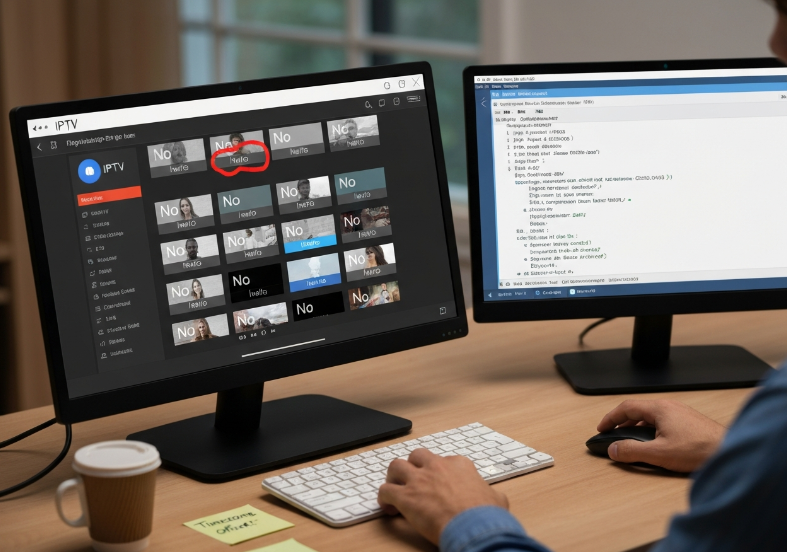
Quick tip: Test EPG sync on at least 3 devices before pushing updates to clients.
One Cable or Wi-Fi? The Best Connection for IPTV Life
Ethernet Cable Setup for Stable Multicast Delivery
For wholesale IPTV setups, go wired when you can. Here’s why Cat6 wins:
Cat6 cables reduce latency and packet loss, perfect for Multicast Delivery.
Use RJ45 connectors to plug into the LAN port—don’t skimp on cable quality.
Enable IGMP snooping on your switch to manage multicast group traffic efficiently.
More bandwidth = more stability. Ethernet handles load better than shared wireless.
Going wired might take more time during setup, but clients will thank you with fewer support tickets.
Wireless Network Challenges in High Definition Content Delivery
IPTV over Wi-Fi might look easy, but 4K streaming can crash hard under the wrong setup.
Wi-Fi 6 routers help, but you still need strong signal coverage.
Avoid cluttered bands—stick to the 5GHz band for reduced interference and jitter.
Physical walls, microwaves, and even fish tanks kill throughput.
Buffering complaints? Signal drops = lost clients.
Wi-Fi vs Ethernet in 4K IPTV Streaming
| Connection Type | Average Latency (ms) | Jitter (ms) | Buffering Incidents per Hour |
|---|---|---|---|
| Cat6 Ethernet | 6 | 1.2 | 0.5 |
| Wi-Fi 5 (2.4GHz) | 34 | 9.7 | 4.1 |
| Wi-Fi 6 (5GHz) | 19 | 3.4 | 1.7 |
A table like this says it all. If your clients demand reliability, go wired.
Optimizing Network Router Settings for Quality of Service
“QoS settings are the difference between a smooth stream and a buffering nightmare,” says Leo Zhang, Lead Network Engineer at StarIPTV.
Set up traffic prioritization for video content using your router's QoS panel.
Always update your firmware—outdated software causes weird bugs.
Assign a static IP to the IPTV device to avoid address conflicts.
Enable port forwarding and UPnP to smooth out stream handshake processes.
Manage DNS entries manually for better resolution speed, especially in rural areas.
Tweak those router settings now, or be ready for those angry “Why is my stream stuck?” messages later.
Slow Streams? Optimize IPTV Life Buffering in 3 Steps
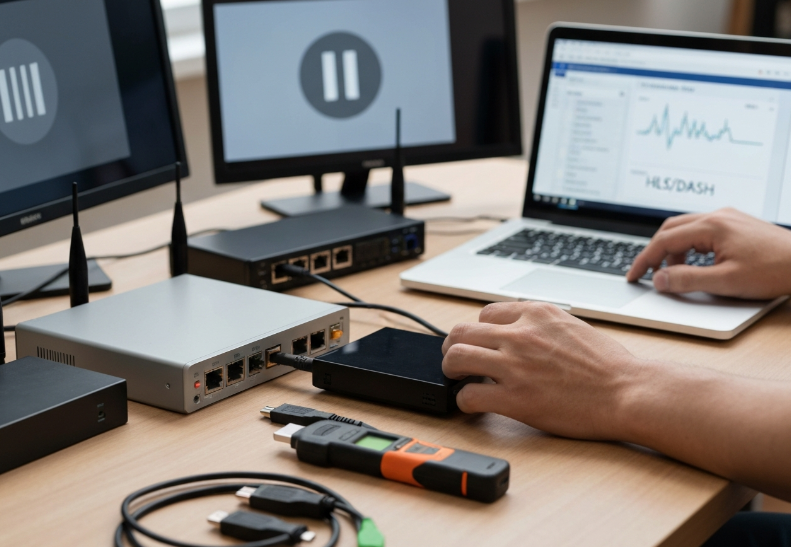
Adaptive Bitrate Streaming and Real Time Streaming Protocol Configuration
Adaptive Bitrate Streaming (ABS) changes the game by adjusting quality based on user bandwidth in real-time.
Protocols like HLS and DASH rely on Manifest Files to break video into chunks that scale on the fly.
RTSP is still used in some live setups but needs serious transcoding to keep up with modern playback systems.
Too many stream crashes? Make sure your video codec settings match your ABS pipeline.
Also, mismanaging throughput will wreck performance — even on a stable line.
💡 Pro Tip from Marco Ruiz, Streaming Architect @ StarIPTV:
"A well-structured Manifest File in HLS can be the difference between smooth sailing and total stream failure."
Latency Management Using Digital Signal Processor Optimization
Start with DSP tuning — modern processors can handle real-time audio-video sync far better with firmware updates.
Use hardware acceleration to improve frame rate rendering, especially on Smart TVs and Set-Top Boxes.
Keep an eye on buffer bloat and jitter — these invisible lag sources kill stream quality.
Test with low ping servers during VOD rollout to minimize user-side complaints.
Limit unnecessary background tasks on streaming hardware to reduce signal processing delays.
Packet Loss Prevention with Fiber Optics and Broadband Access Control
Streaming issues from lost packets can spiral fast — especially when dealing with multiple users. Here’s what matters:
FTTH (Fiber to the Home) is king when it comes to reducing network congestion and packet loss.
Keep your router firmware updated — many bugs cause hidden drops during high traffic.
Turn on Forward Error Correction and QoS (Quality of Service) to help patch real-time glitches.
Watch out for bandwidth throttling from ISPs — it’s sneakier than most think.
If you're stuck using Ethernet, make sure it's Cat6 or better to avoid transfer lag.
Packet Loss Sources & Prevention
| Issue Source | Impact on Stream | Fix Method | Frequency (Wholesale Setups) |
|---|---|---|---|
| Outdated Router FW | High | Firmware Update | Medium |
| ISP Throttling | Moderate to High | Business Plan Upgrade | High |
| Faulty Ethernet Line | Moderate | Cable Replacement | Low |
| No FEC/QoS Setup | High | Enable in Router | High |
Cloud DVR and Catch-up TV: Hidden Bottlenecks in Streaming Flow
Cloud-based features can slow down the whole ship if left unchecked. Here are the often-ignored culprits:
Storage Servers fill up fast if limits on VOD archives or concurrent streams aren’t enforced.
Poor data caching practices on your Content Delivery Network can bottleneck playback at the worst times.
Metadata misalignment during PVR playback (like timestamps or episode IDs) leads to those weird “missing content” bugs.
Enforce scheduled content purges and limit simultaneous playback to maintain flow.
Letting Cloud DVR run wild is like letting all your clients open the fridge at once — eventually, something breaks.
Subscription Not Working? Check These IPTV Life Settings
Validating User Authentication Across Middleware Platforms
Double-check if the MAC Address is correctly linked to the Middleware account (Stalker Portal or Xtream Codes).
Ensure the Server URL is clean — no spaces, no typos.
Verify Login Credentials; default ones often get overwritten or mistyped.
If using an API integration, test it directly for authentication response.
Stariptv Engineer Sarah Liu once said:
“90% of IPTV login issues are just mismatched credentials or wrong MAC mapping — basic, but brutal.”
Ensuring Proper M3U Playlist Formatting for Multi-screen Support
Confirm the M3U8 or Playlist URL works in a VLC Player — that’s your base test.
Clean up the Metadata tags: poorly formatted tags break Multi-room setups.
Separate Stream Links for each device — don’t reuse unless load-balanced.
Use HLS for better compatibility if bandwidth conditions vary.
| Device Type | Recommended Format | Max Connections | Test Tool |
|---|---|---|---|
| Smart TV | M3U8 + Metadata | 2 | VLC Player |
| Set-Top Box | HLS Stream Link | 3 | IPTV Smarters |
| Mobile | HLS Adaptive | 1 | GSE IPTV |
Activating Parental Controls and Their Impact on Channel Access
When clients say “my channels are missing,” it’s often not a tech issue — it's Parental Controls doing their thing.
PIN Code protection can auto-hide anything tagged with a strict Age Rating.
Hidden Channels might still be in the list but locked under the User Profile.
A forgotten Password resets everything to default — including full Content Filtering.
Make sure customers know where to tweak these — or you’ll be fielding the same support ticket ten times a day.
Subtitle Synchronization Conflicts with Default Playback Controls
Sometimes the words and lips just don’t match. That’s not drama — it’s a sync offset problem.
The usual culprits:
SRT Files or VobSub formats not matching the Media Player’s expectations.
Default Frame Rate settings creating micro-delays.
Audio Delay correction being left at “auto” instead of manual tuning.
Encoding mismatches — not every file plays nice with every player.
Fix? Use a Media Player that supports manual Subtitle Sync Offset — and teach your clients how to use it.
Troubleshooting Electronic Program Guide Failures on Smart TVs
Smart TVs get moody when the EPG URL isn’t fed correctly.
Here’s the quick fix routine:
Refresh the TV Guide manually — don’t wait for auto-sync.
Match the Time Zone to the XMLTV source.
Clear the Cache to flush old Program Metadata.
Confirm the Source Link still returns valid XML data.
One wrong refresh rate setting and everything’s off by an hour — and that’s enough to make clients lose it.
Avoid These Red Flags When Buying IPTV Life Plans
5 Signs You’re About to Get Burned
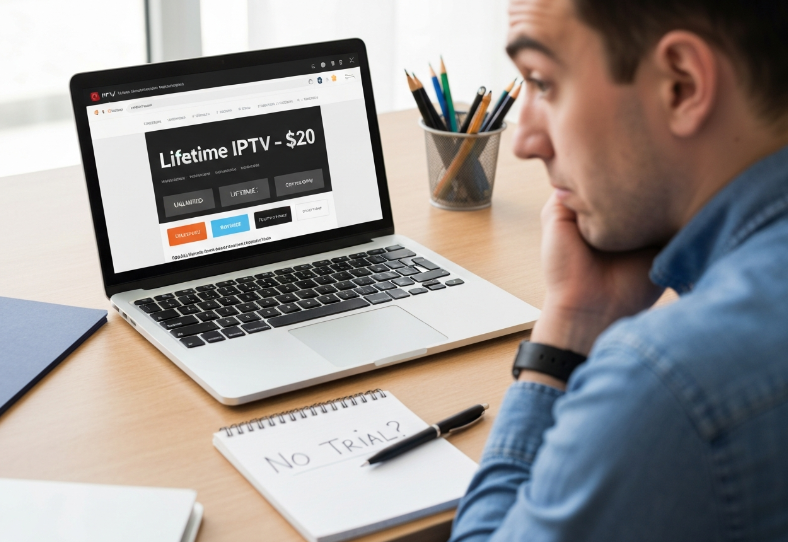
“Lifetime” Means 3 Months
A lot of sketchy IPTV sellers throw around “lifetime” like it means forever. Spoiler: it doesn’t. Unless they’re hosting on private servers with solid server stability and clear infrastructure plans, chances are the service disappears after a few months—or even days.No Trial Period, No Trust
If a streaming service won’t give you at least a 24-hour trial period, walk away. Why should you risk a full payment on something you haven’t even tested?Payment Only Through Crypto or Sketchy Apps
Solid IPTV providers usually support safer payment methods—PayPal, Stripe, or credit card. If you’re told “Bitcoin only” or some odd app like CashBee, it’s a red flag.No EPG, Just a M3U Playlist Dump
Getting only an M3U playlist with no EPG (Electronic Program Guide) makes the experience feel barebones and shady. You shouldn’t need to guess what’s playing where. A real provider gives you a fully working guide.“Just Use a VPN, You'll Be Fine”
If a seller tells you to use a VPN because their servers are getting flagged or geo-blocked constantly, that’s not okay. VPNs can help, sure—but it shouldn’t be a requirement for basic access.
What the Pros Say
Alex B. – Senior Support Lead @ Stariptv
"We’ve seen resellers pop up overnight offering unlimited IPTV for $20 ‘for life.’ That’s a business model built to fail. If your backend can’t support long-term customer support or handle renewals securely, you're setting everyone up for disappointment."
Maria Chen – Product Manager, Stariptv
"When building our own subscription tiers, we made sure EPG was synced across all regions and that even trial accounts could test features like multi-screen and cloud DVR. If a provider locks all of that behind full payment, it’s not worth it."
Safe vs. Shady IPTV Plans
| Feature | Safe Provider | Red Flag Provider | Why It Matters | Your Action |
|---|---|---|---|---|
| Trial Period | Yes (24-72 hours) | None | You need to test it first | Don’t buy blind |
| Server Stability | Uptime rated & load-balanced | Frequent downtime | Service drops kill experience | Ask about uptime or reviews |
| Payment Methods | Stripe, PayPal, Card | Crypto-only | No refunds, no protection | Demand flexible payment |
| EPG and Playlist | Full EPG + M3U support | M3U only, no schedule | No guide = user confusion | Avoid half-baked offers |
Little Things That Matter
Check their customer support hours—if there’s no real-time help, you’re screwed when things break.
Look at their app suggestions. If they only recommend one third-party player and it’s buggy, that’s a warning sign.
Too many channels? Be suspicious. It’s often a sign of a cluttered, low-quality stream dump with no curation.
Buying IPTV for yourself—or to resell—means you’ve gotta separate legit from lazy. The good ones give you support, clarity, and actual features. The bad ones? Ghost towns with a price tag. Keep your eyes open.
Conclusion
Let’s be real—most setup mistakes don’t come from bad luck. They usually come from rushing the process or trusting the wrong info. Whether it’s a shaky Wi-Fi signal, a sketchy payment method, or skipping the EPG, small missteps can snowball fast. IPTV Life might be packed with features, but it only works as well as the foundation you build it on.
Here’s a quick gut check for your team before jumping in:
Always test the streaming service with a trial—no exceptions
Use hardwired connections when possible for key clients
Double-check M3U playlist formatting across devices
Watch out for “lifetime” deals that seem too sweet
Honestly, the smartest folks in this game keep things tight from day one. Keep it clean, keep it clear—and your clients will thank you with fewer support calls.
References
IPTV Middleware – What It Is and Why It’s Used – https://vodlix.com/blog/what-is-iptv-middleware/
XMLTV – Cesbo Docs – https://help.cesbo.com/misc/articles/format/xmltv/
Best Ethernet Cable For Streaming (2025) – https://www.cablematters.com/blog/Networking/Best-Ethernet-Cable-For-Streaming-2025
IPTV Scams & Risks – Protect Yourself From Illegal Services – https://evoca.tv/iptv-scams/
IPTV Legality: Debunking Myths and Uncovering the Truth – https://us.infomir.store/iptv-legality-debunking-myths-and-uncovering-the-truth/
Xtream-UI Code Server Panel Ready to Stream IPTV & VOD – https://vsys.host/xtreme-codes-panel-saas
FAQ
What makes IPTV Life plans fail after a few months?
Cheap plans often run on weak servers without proper Content Delivery Network support
No monitoring for Packet Loss or Quality of Service
Resellers promise "lifetime" but vanish fast
No EPG or only raw M3U playlist access
Is IPTV Life compatible with Smart TVs and other devices?
Works great if the device supports M3U playlist apps
Smart TVs need access to middleware or IPTV apps
HDMI ports and media players help older TVs get connected
Stable broadband is a must for smooth playback
How do I know if an IPTV plan is a scam?
If there's no trial, no real support, and crypto-only payment, that's sketchy. Missing EPG or lack of parental controls is another red flag. Trust your gut—if it feels shady, it probably is.
Why does my IPTV Life subscription keep buffering?
Your Wi-Fi or router may not handle the bandwidth well
No Adaptive Bitrate Streaming setup on the backend
Servers overloaded, with no latency or traffic controls
Ethernet usually beats Wi-Fi for streaming quality
Can I run IPTV services on multiple screens at once?
Yep, just make sure your provider allows Multi-screen Support and your setup has enough muscle—especially the Digital Signal Processor in your streaming box or TV.
What should I check before buying an IPTV Life plan?
Test with a trial period first
Make sure they accept safe payment options
Ask about server uptime and reliability
Check for a real EPG, not just a playlist dump
See if there's actual customer support when stuff breaks
Is using a VPN with IPTV a good idea?
Sometimes, yeah. It helps bypass blocks, but it can mess with things like HTTP Live Streaming and slow you down if not configured right. Don’t use a VPN just to fix a bad provider.
Why does the EPG not show on my Smart TV?
Usually the EPG isn’t syncing properly with your M3U playlist, or your TV app doesn’t fully support it. Some setups need middleware to make everything talk to each other right.
How can I improve IPTV Life performance for clients?
Use Ethernet instead of Wi-Fi
Set routers to prioritize IPTV traffic (QoS)
Pick services with Catch-up TV and Cloud DVR
Stick with gear that has a solid Digital Signal Processor
Confirm VPN support if clients are global